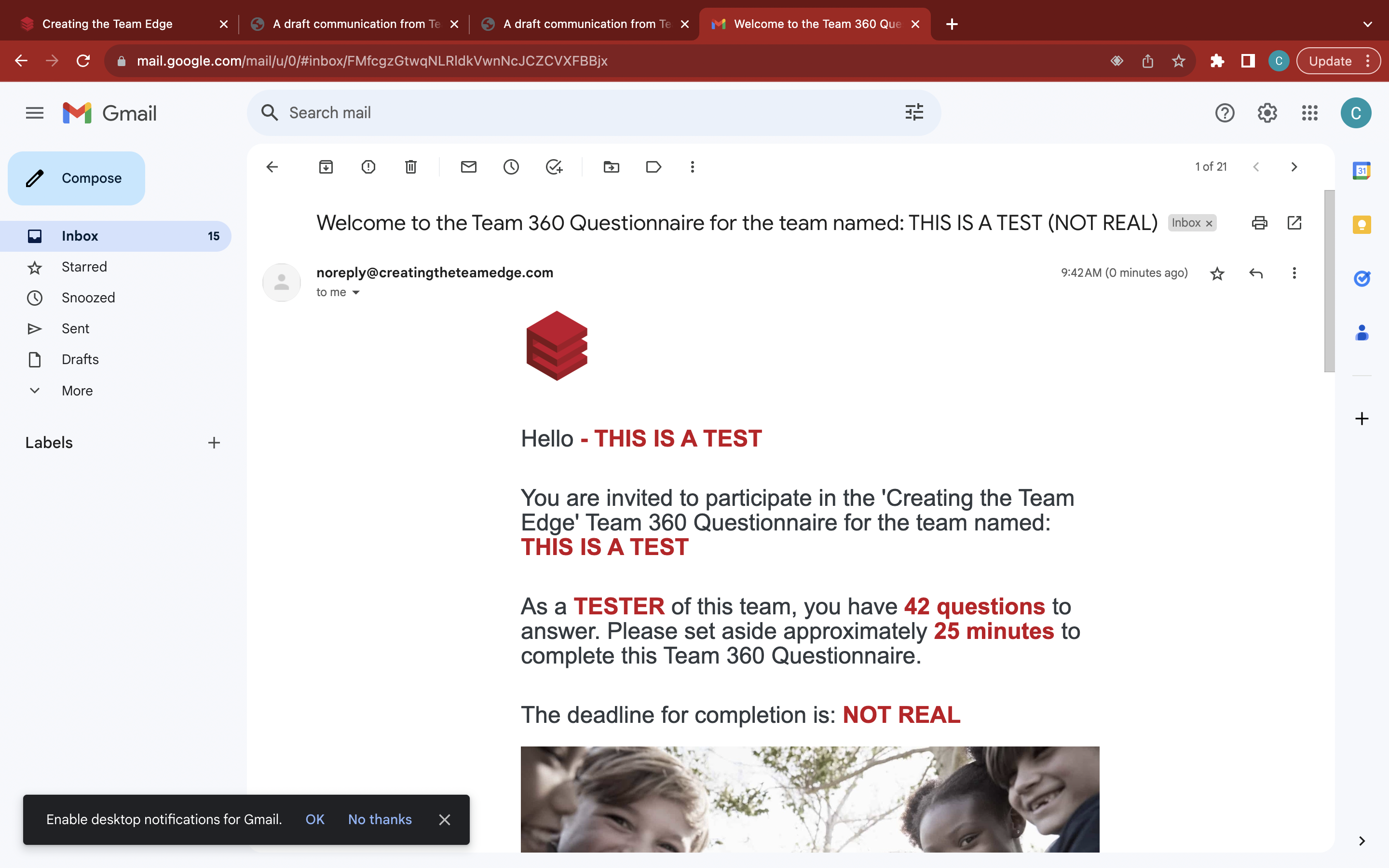
Test business email receptivity
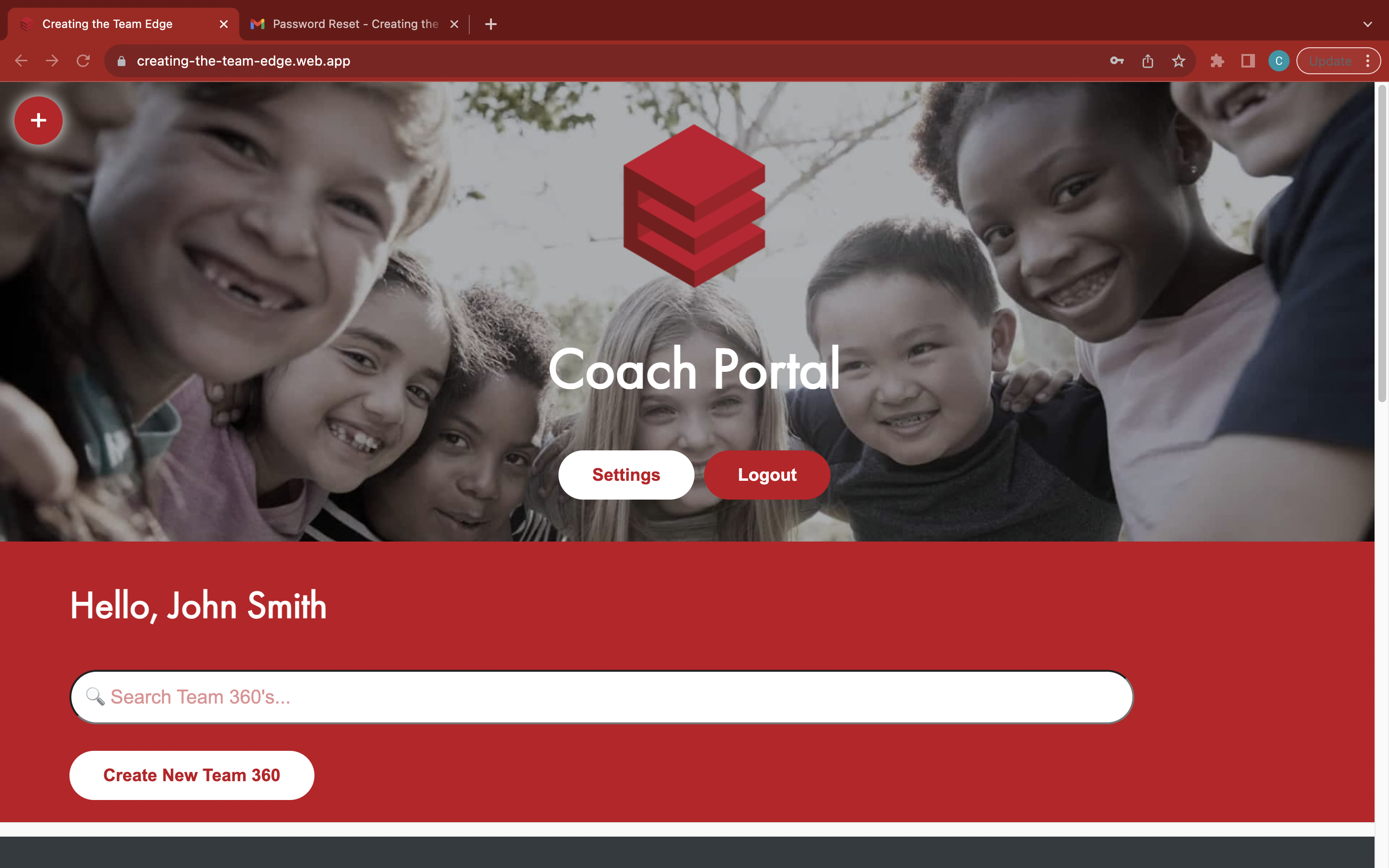
Go to the 'Coach Portal' page
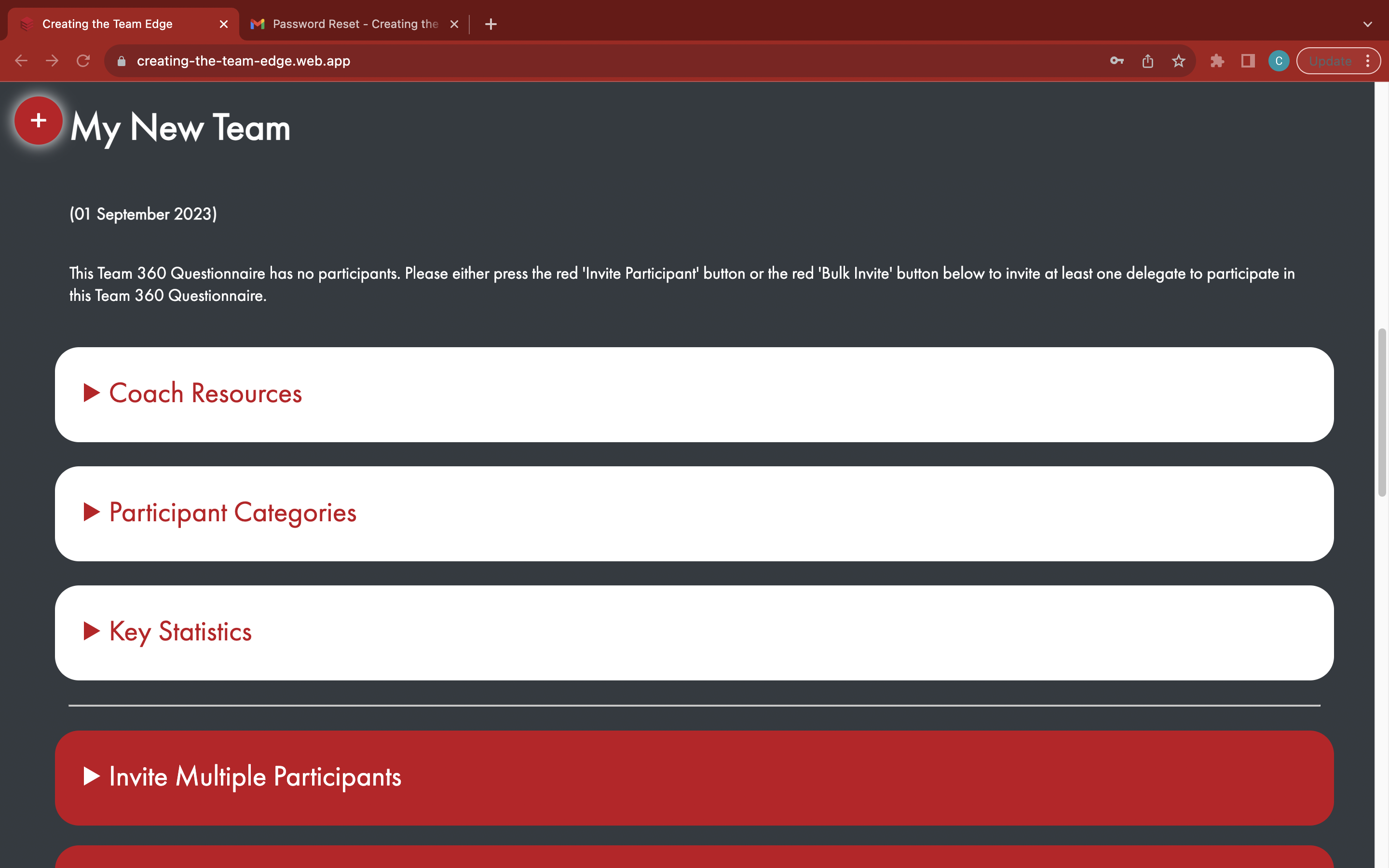
Find your Team 360
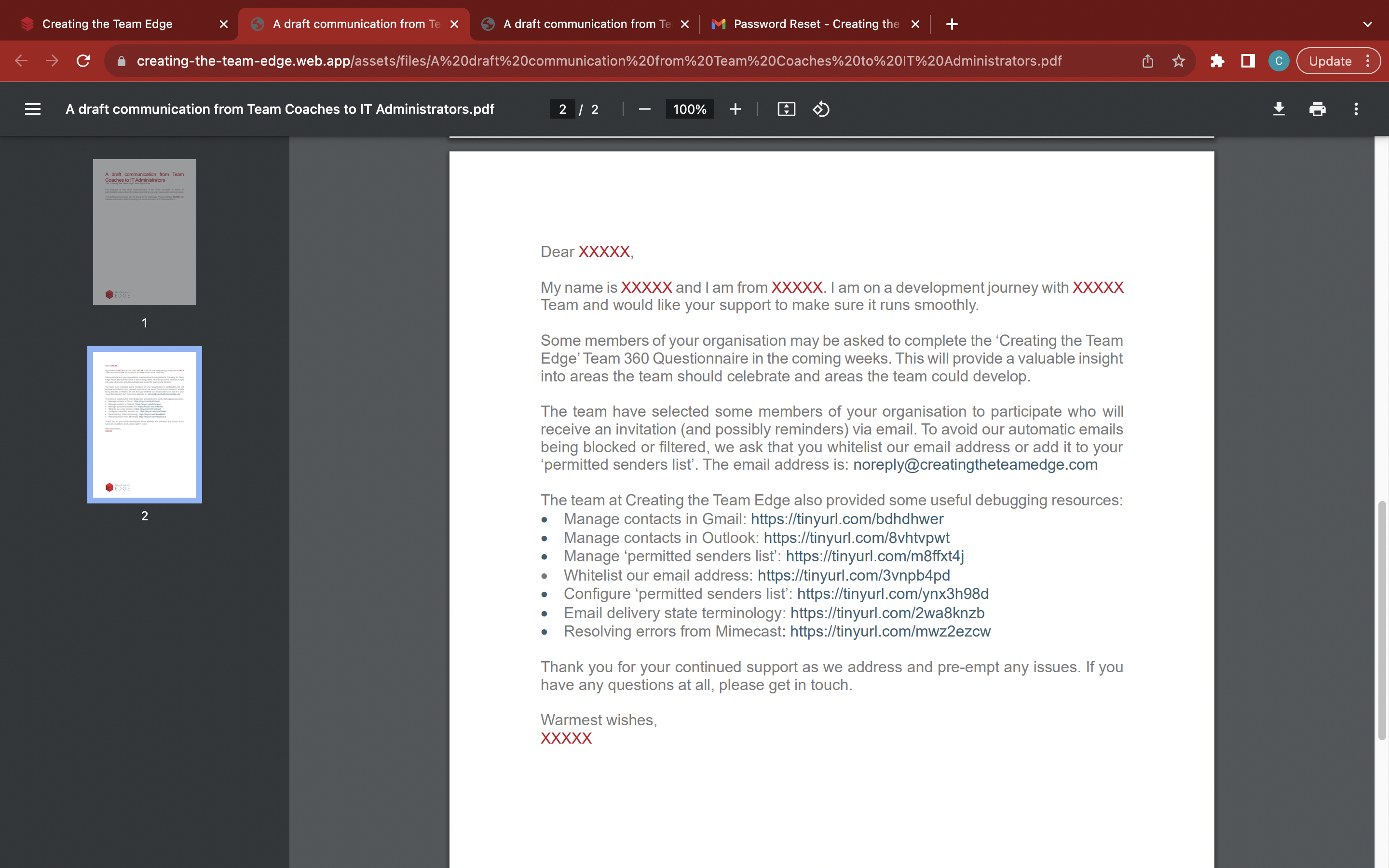
Fill out and send the 'A draft communication from Team Coaches to IT Administrators' email to the IT Administrator of the business from https://tinyurl.com/tc2it
Open the red 'Test Email' tab
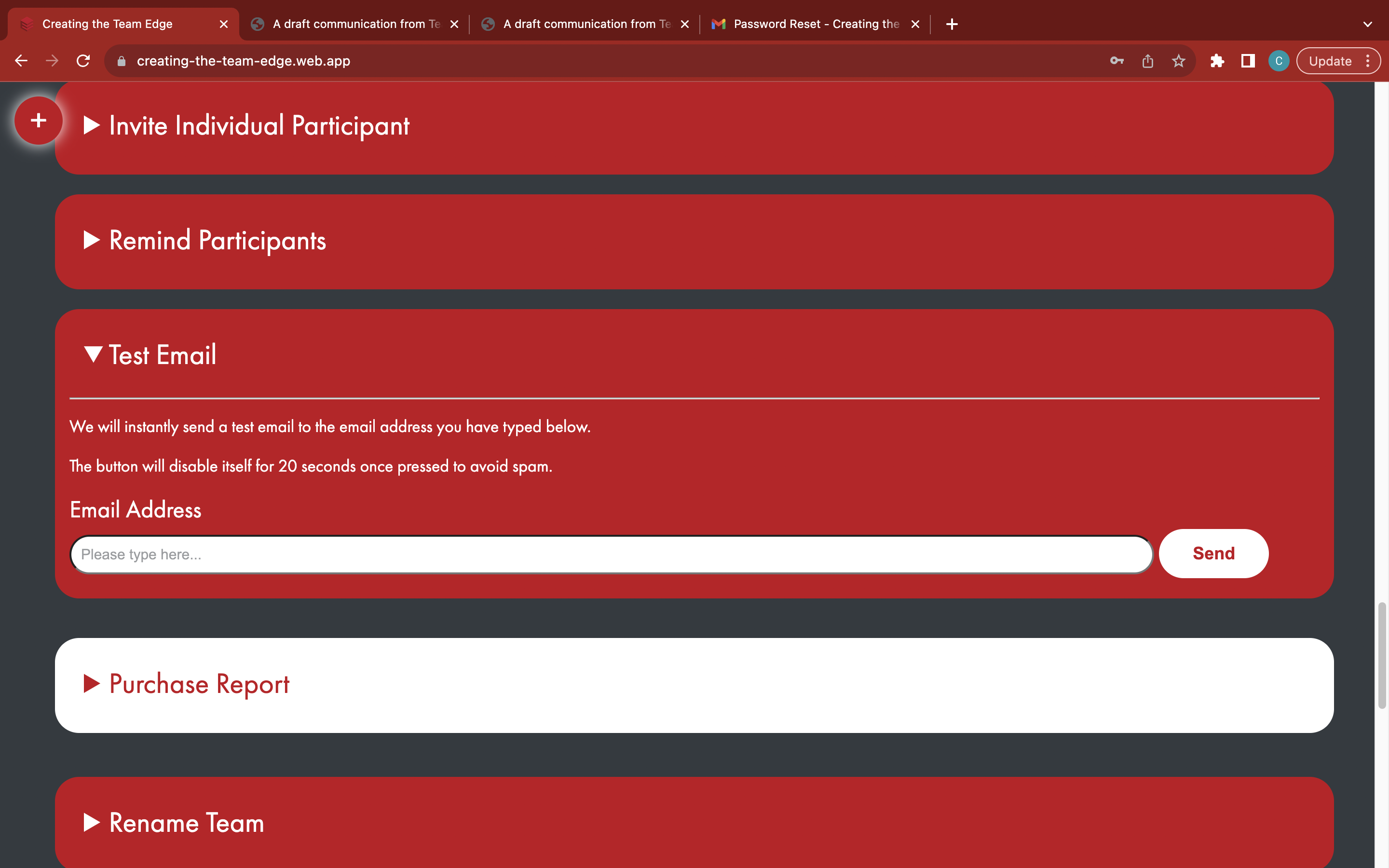
Enter the email address of someone at the business - please obtain prior consent
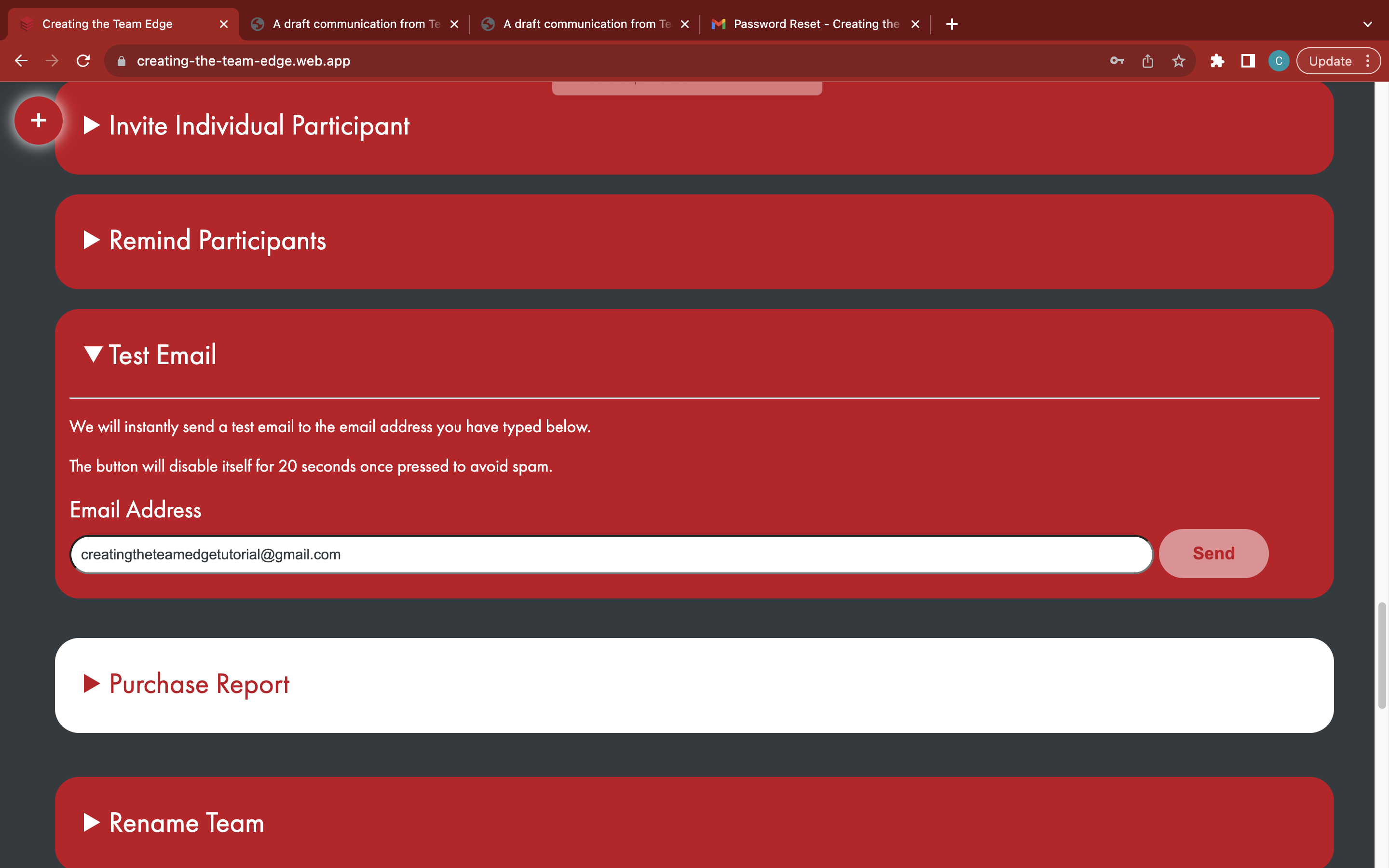
Click the white 'Send' button to send a test email - inform the recipient at the business to check their email inbox and spam folders