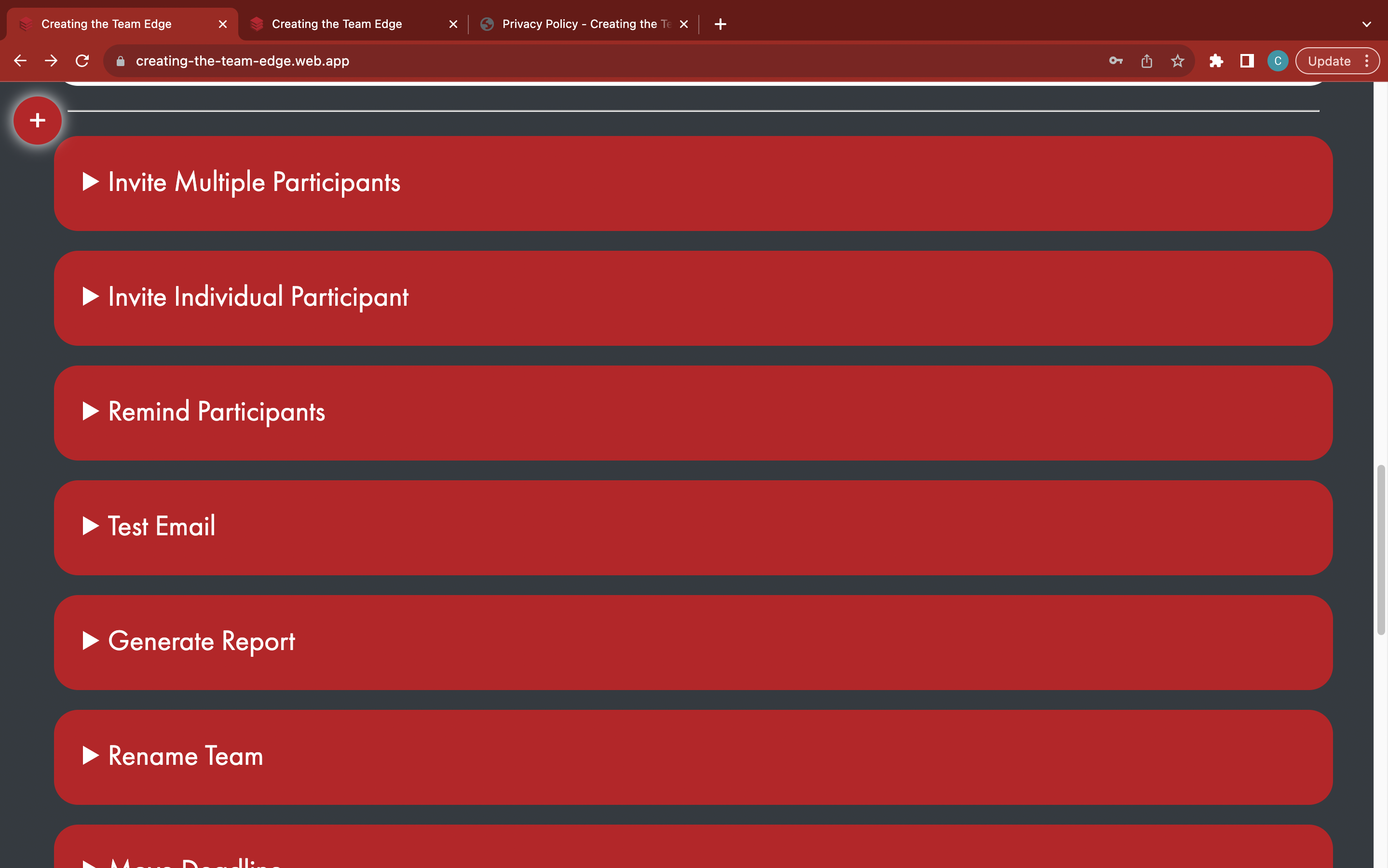
Purchase a report
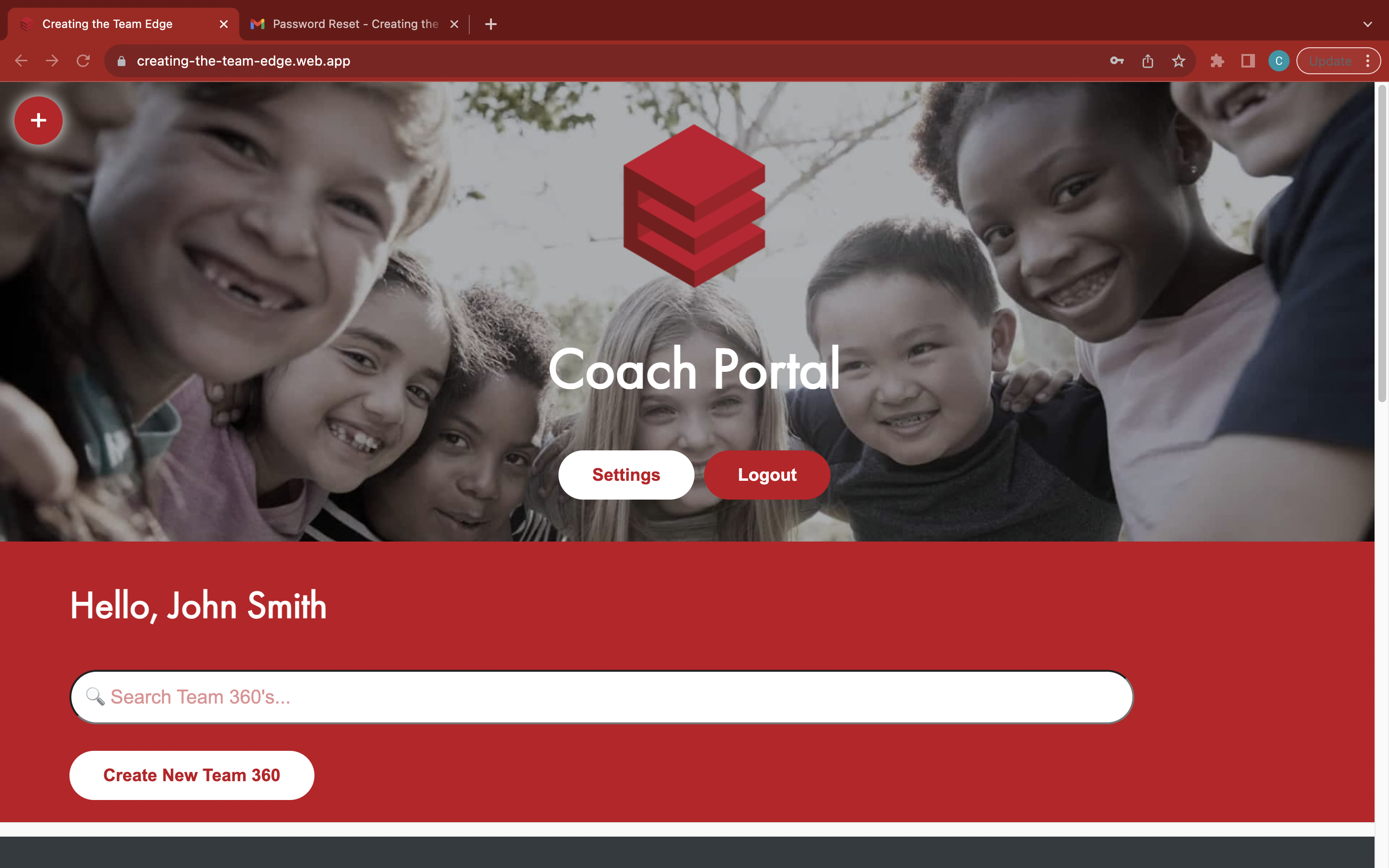
Go to the 'Coach Portal' page
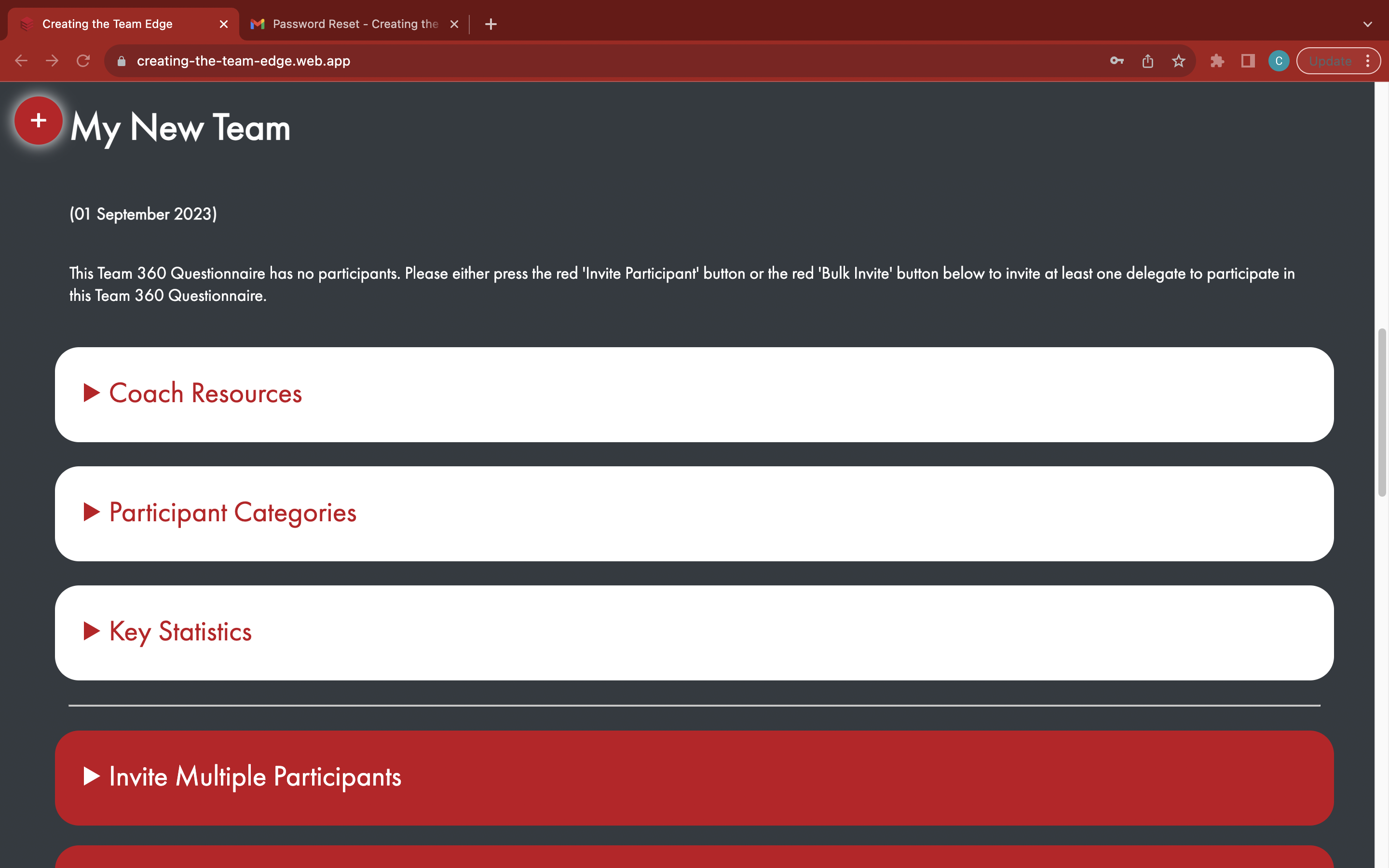
Find your Team 360
Open the white 'Purchase Report' tab
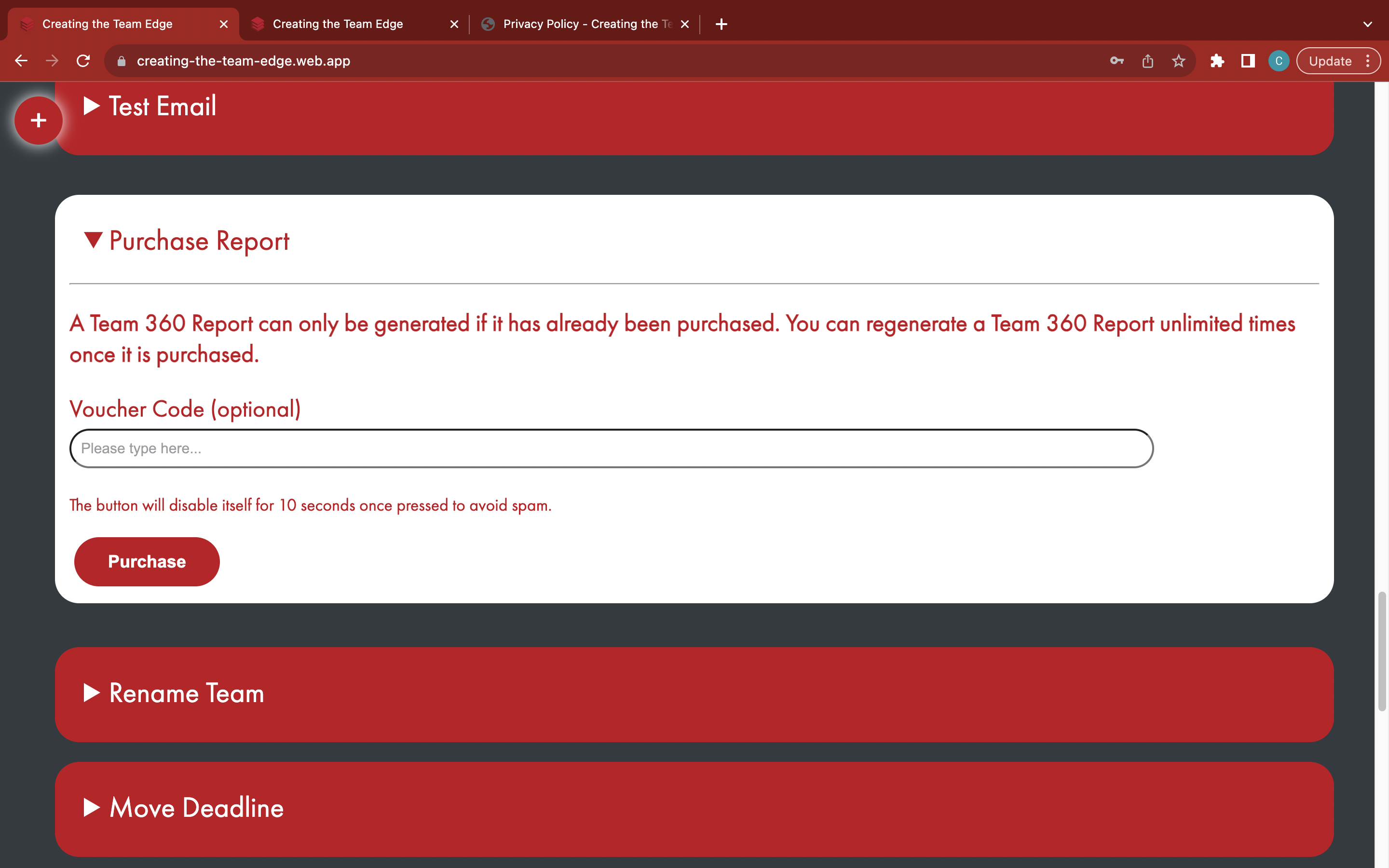
Press the red 'Purchase' button to checkout
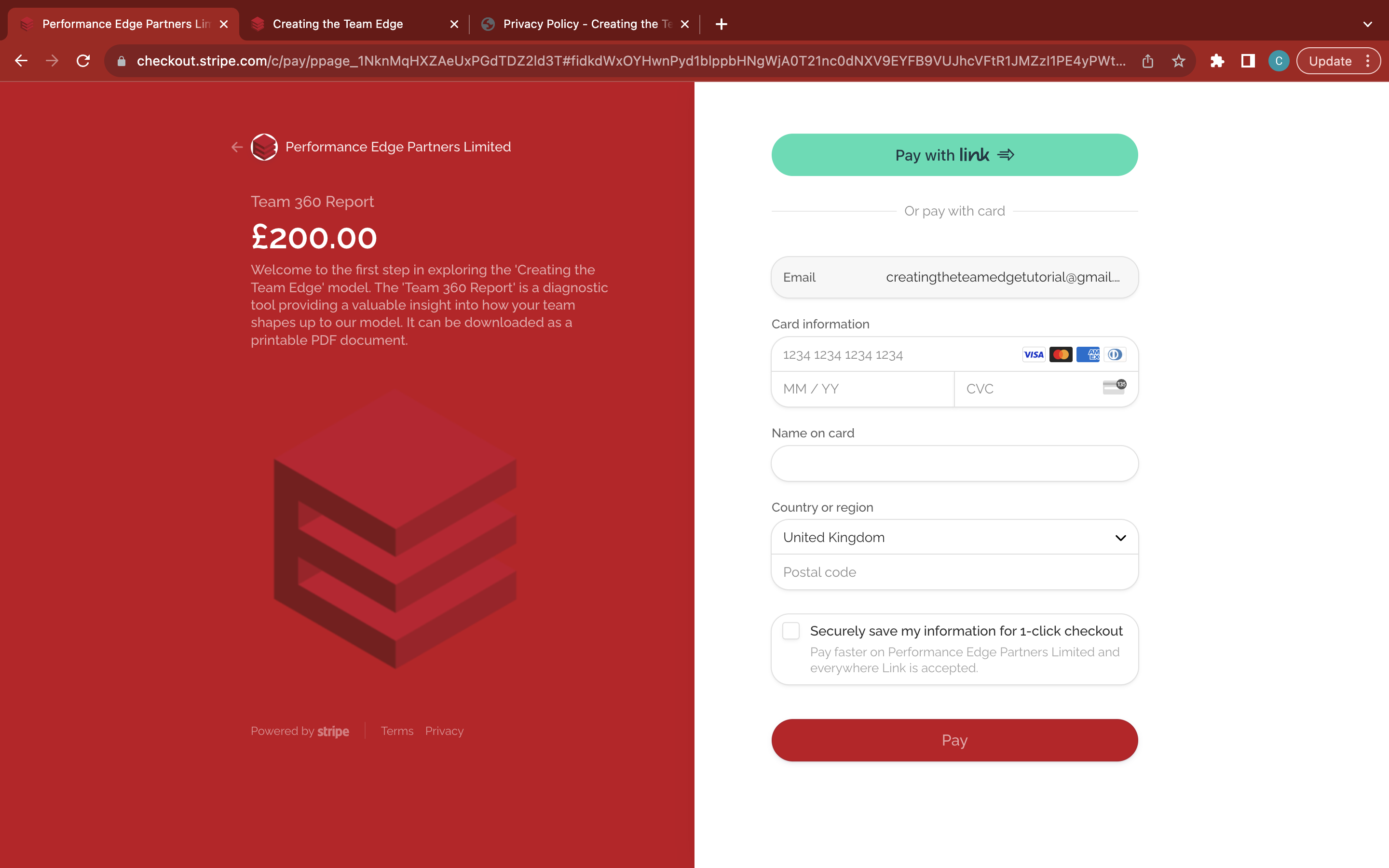
Enter your bank details
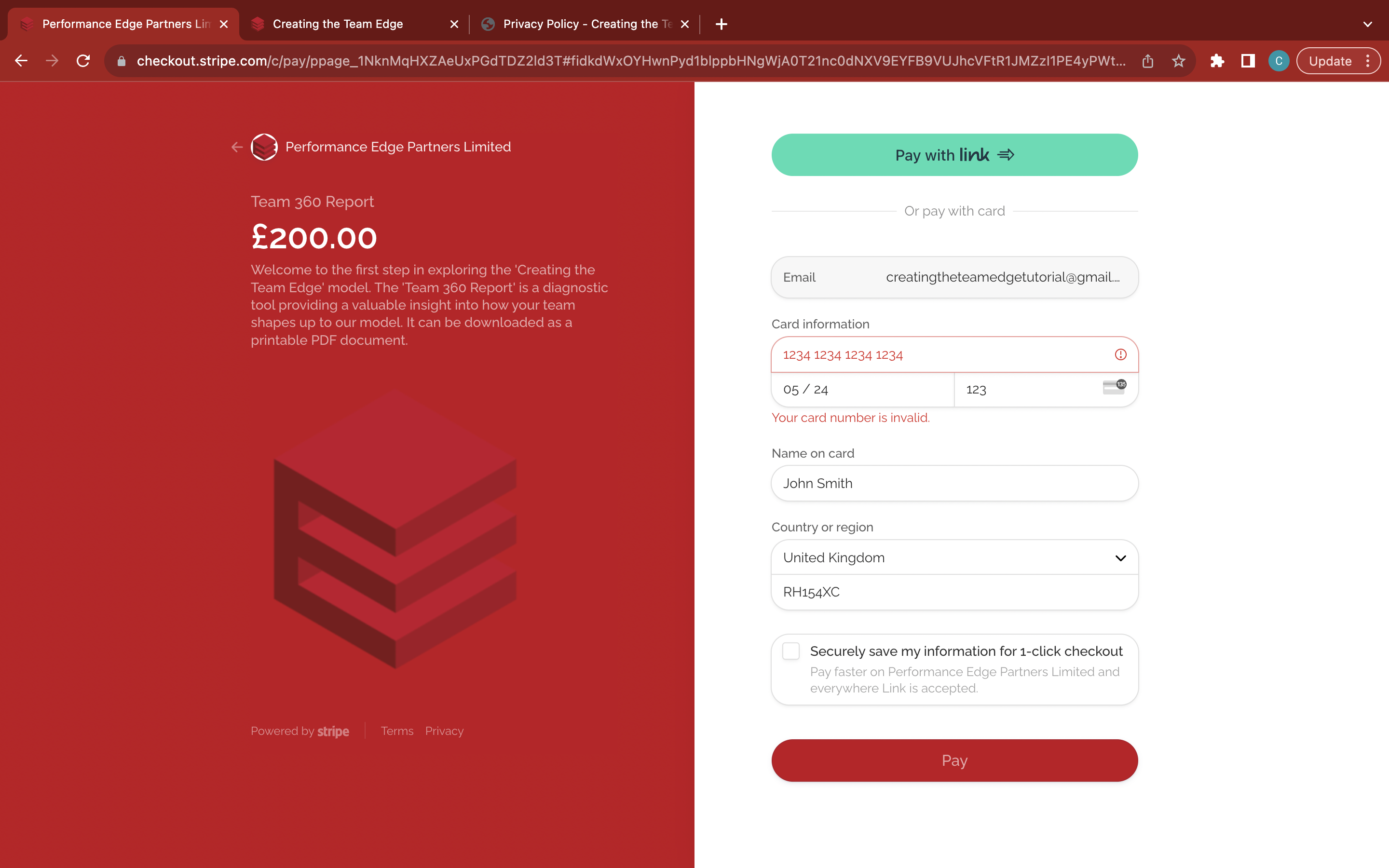
Click the red 'Pay' button to complete - wait for it to process before exiting