Invite multiple participants
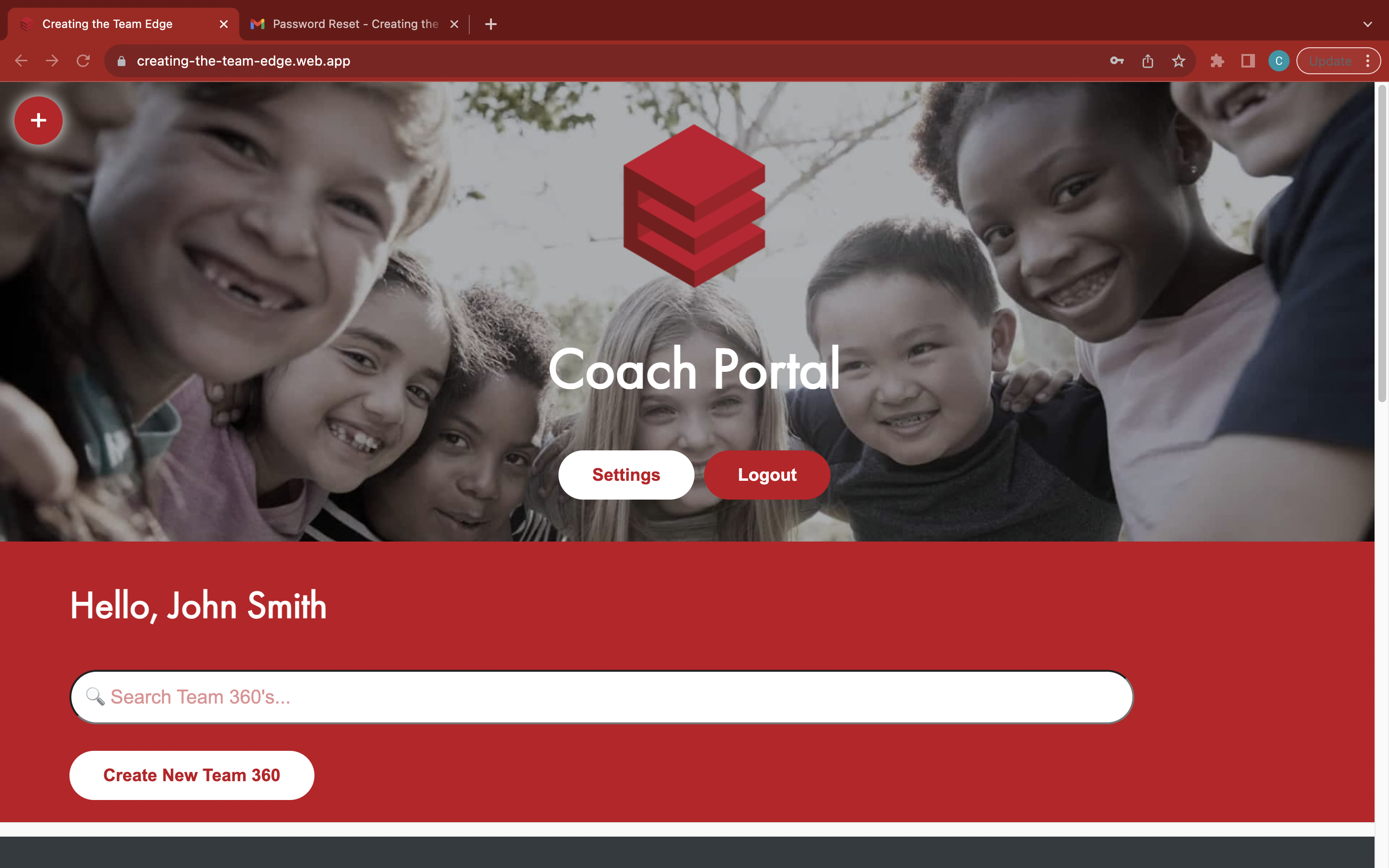
Go to the 'Coach Portal' page
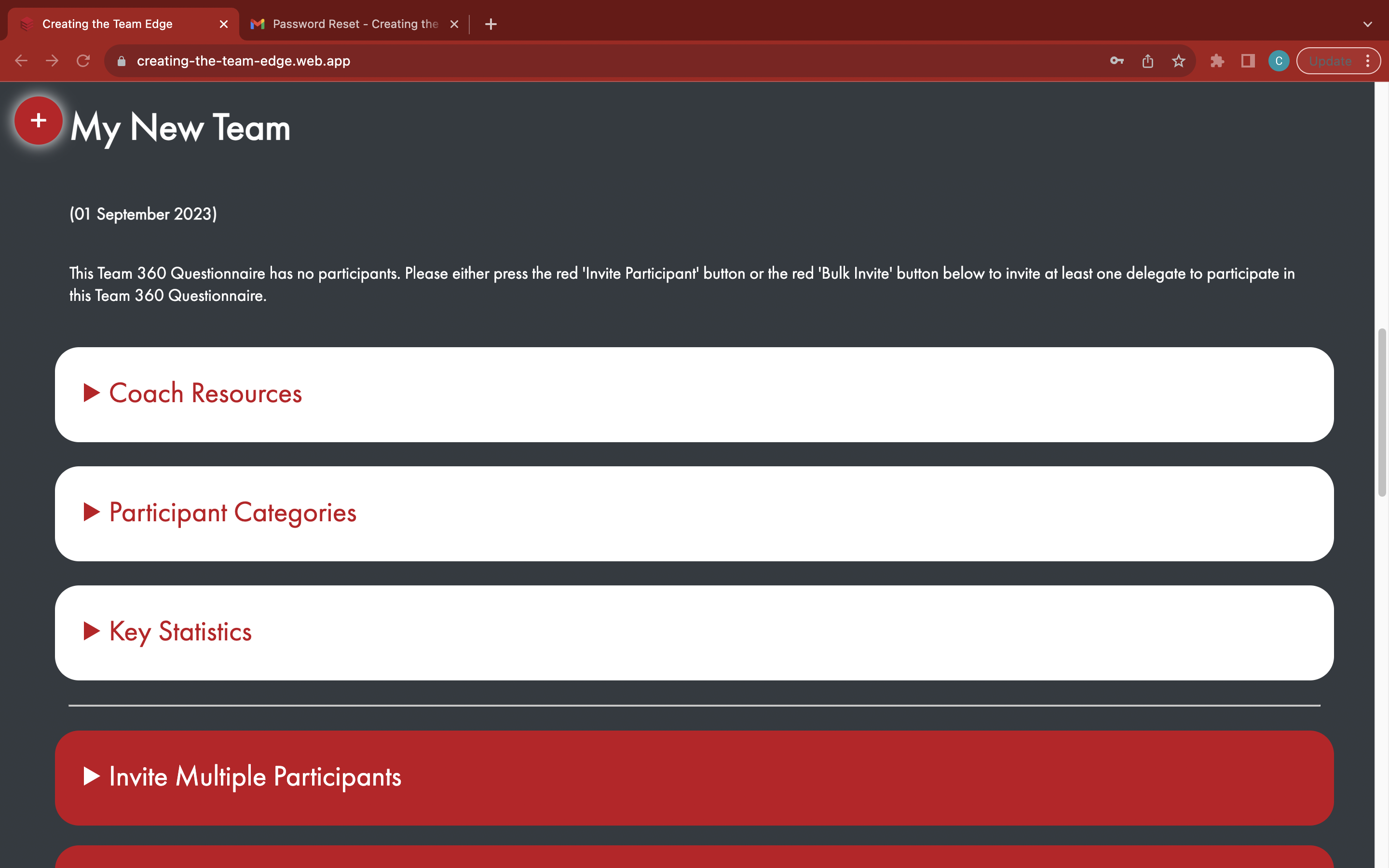
Find your Team 360
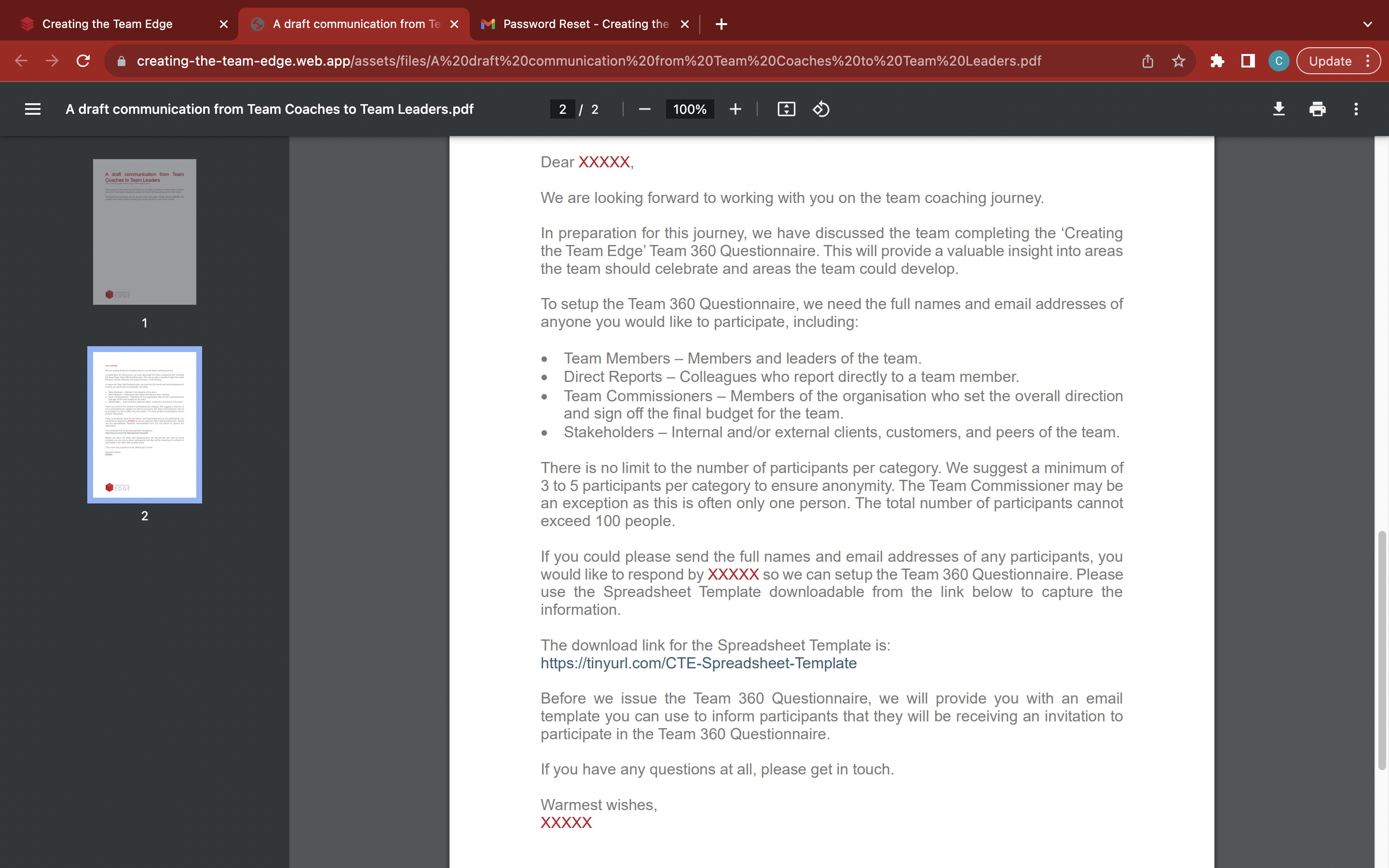
Fill out and send the 'A draft communication from Team Coaches to Team Leaders' email to the Team Leader from https://tinyurl.com/tc2tl
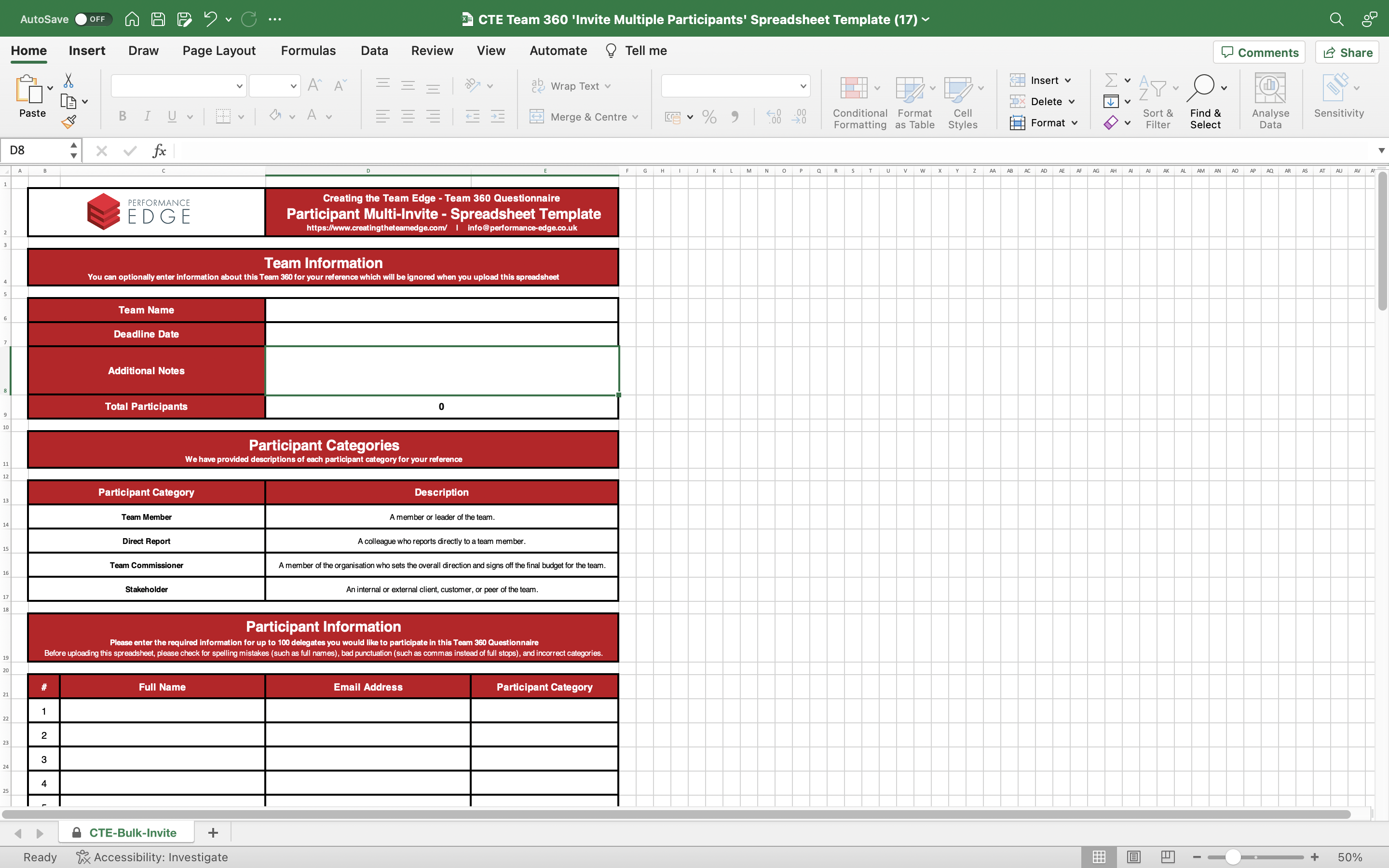
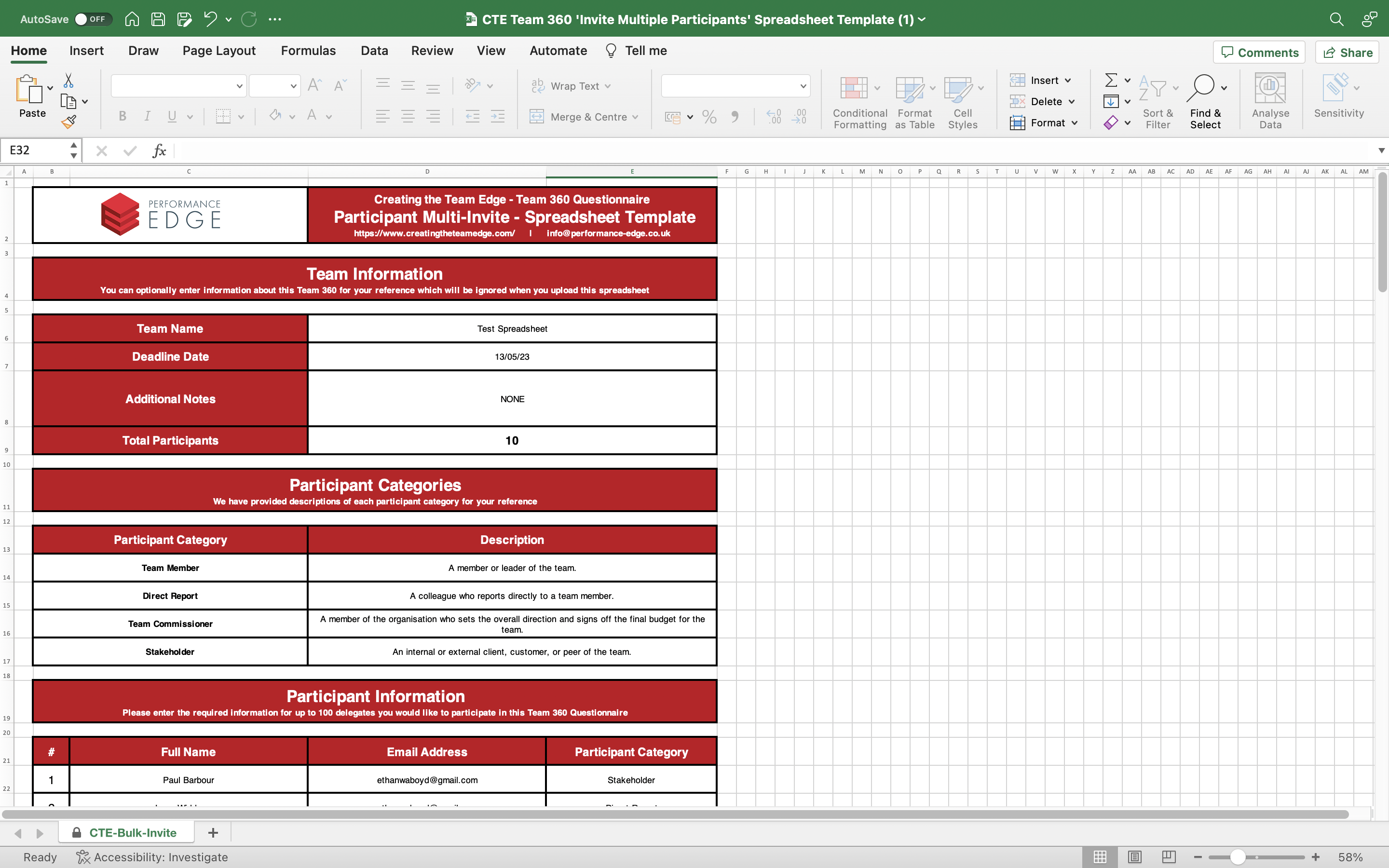
The Team Leader must specify delegates to participate in the Team 360 Questionnaire by filling out the spreadsheet template from https://tinyurl.com/CTE-Spreadsheet-Template, as specified in the email to the Team Leader
Make sure to attach a copy of 'A draft communication from Team Leaders to participants' for the Team Leader to fill out and send to participants
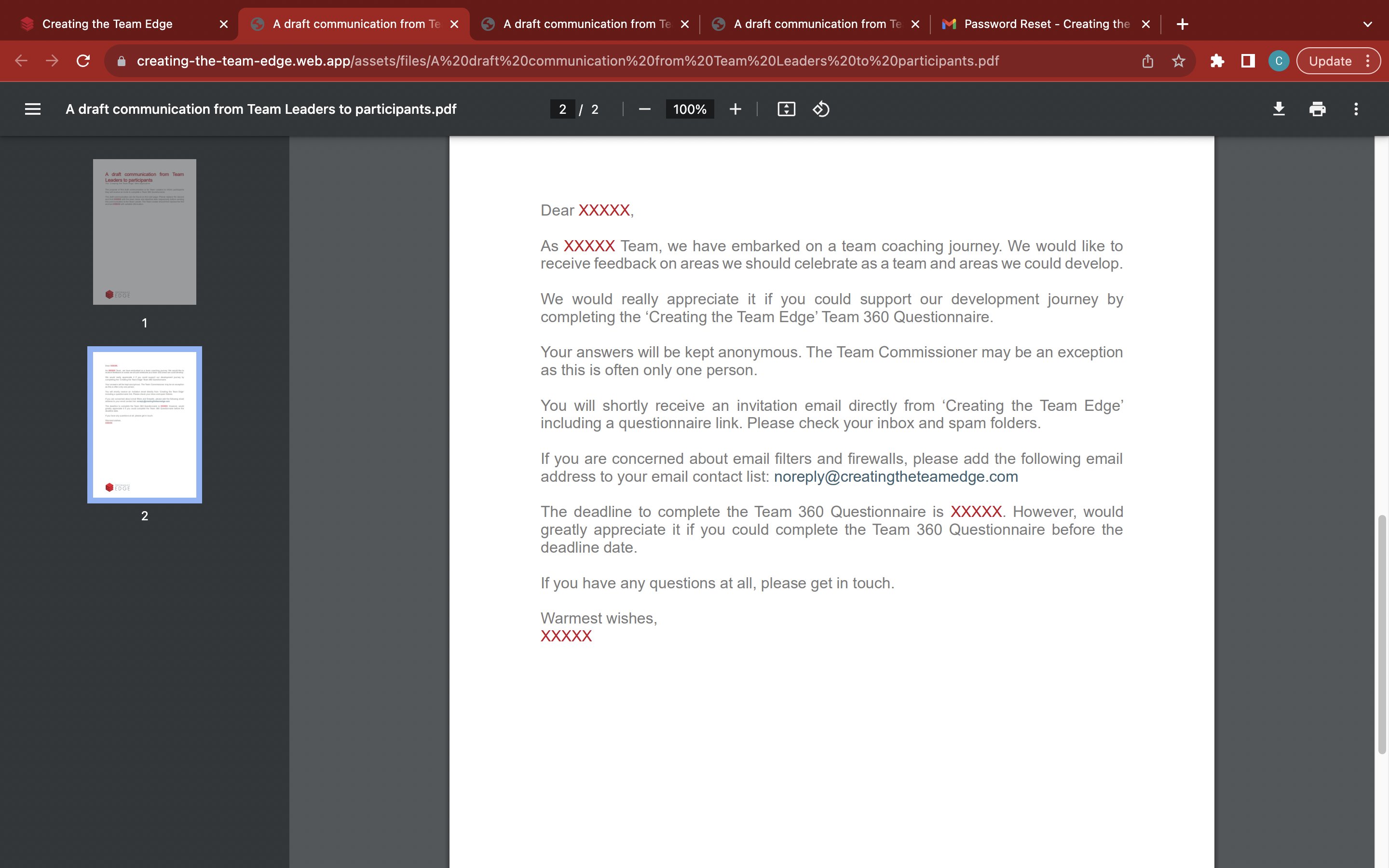
Save the completed spreadsheet to your device once it is completed, checked, and returned by the Team Leader
Open the red 'Invite Multiple Participants tab'
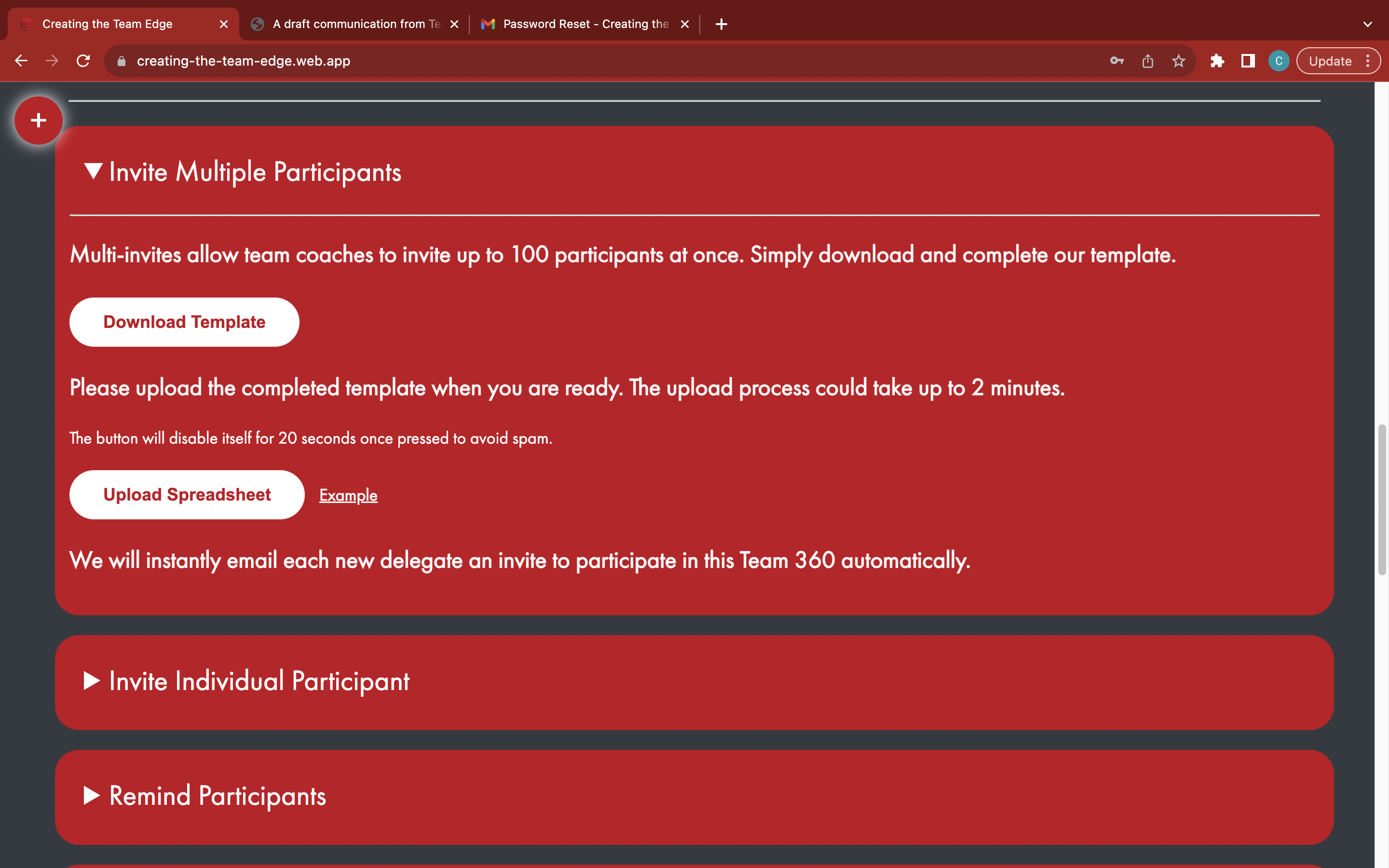
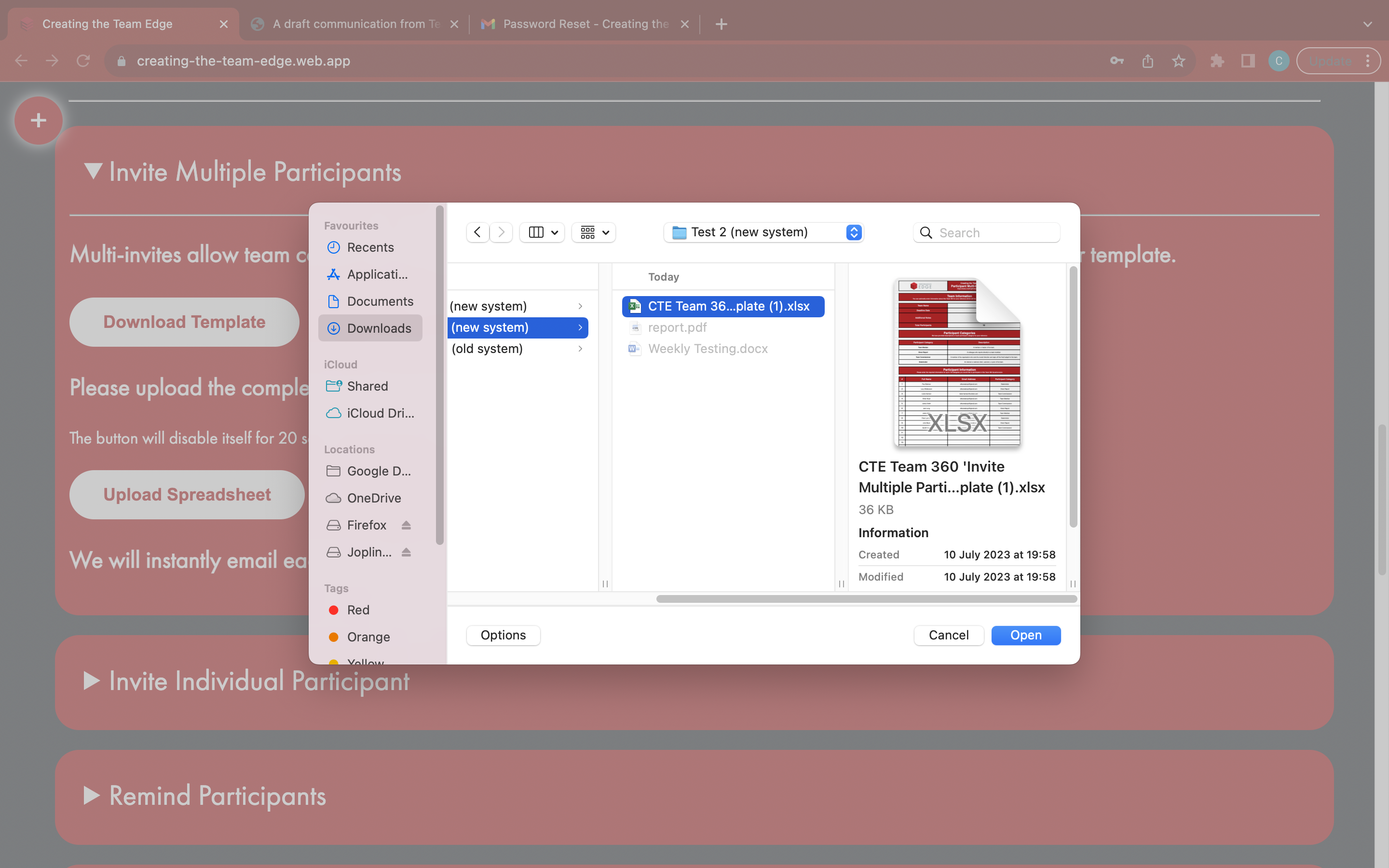
Click the white 'Upload Spreadsheet' button to upload the participants in the completed spreadsheet
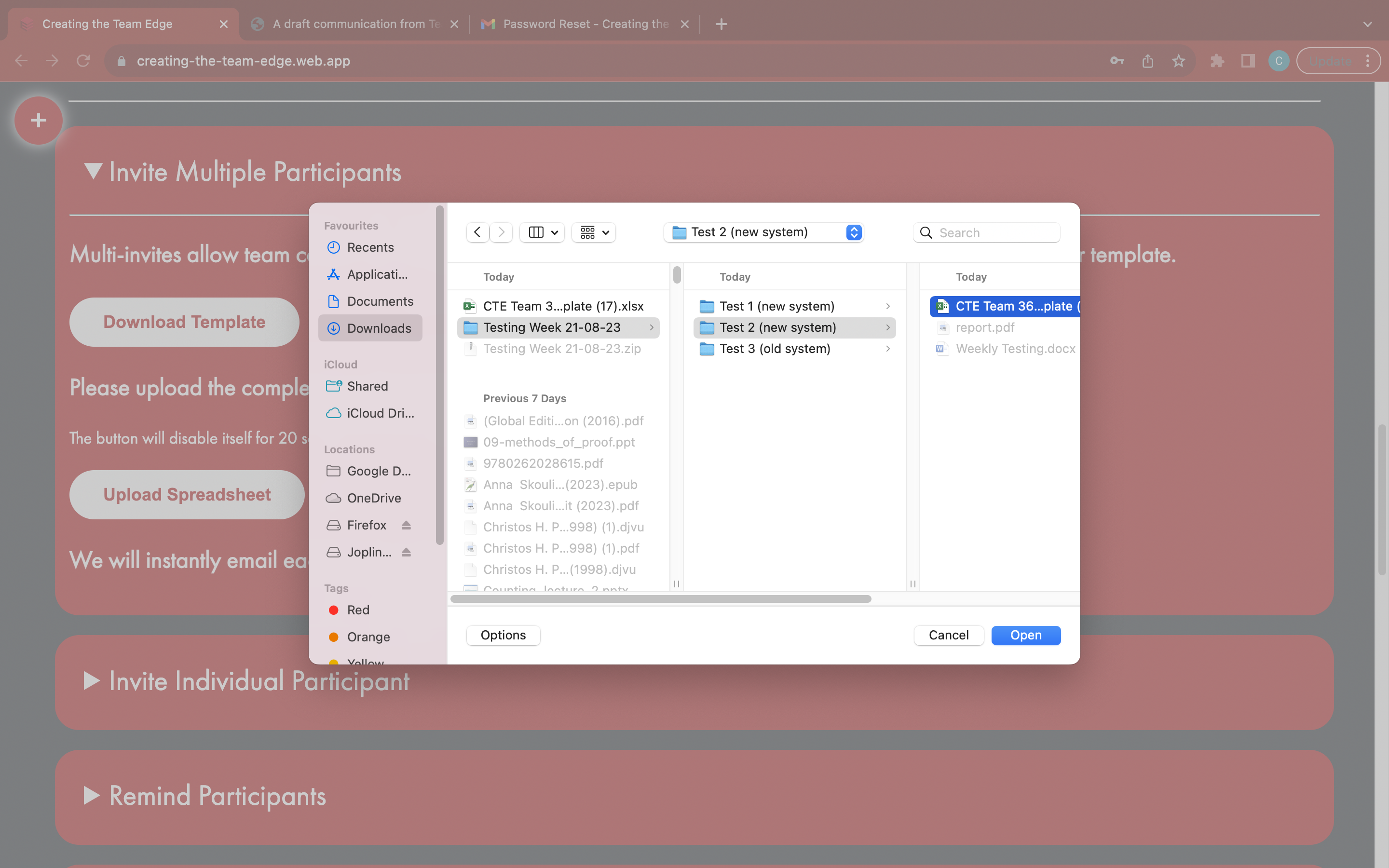
Find and open the completed spreadsheet from the menu
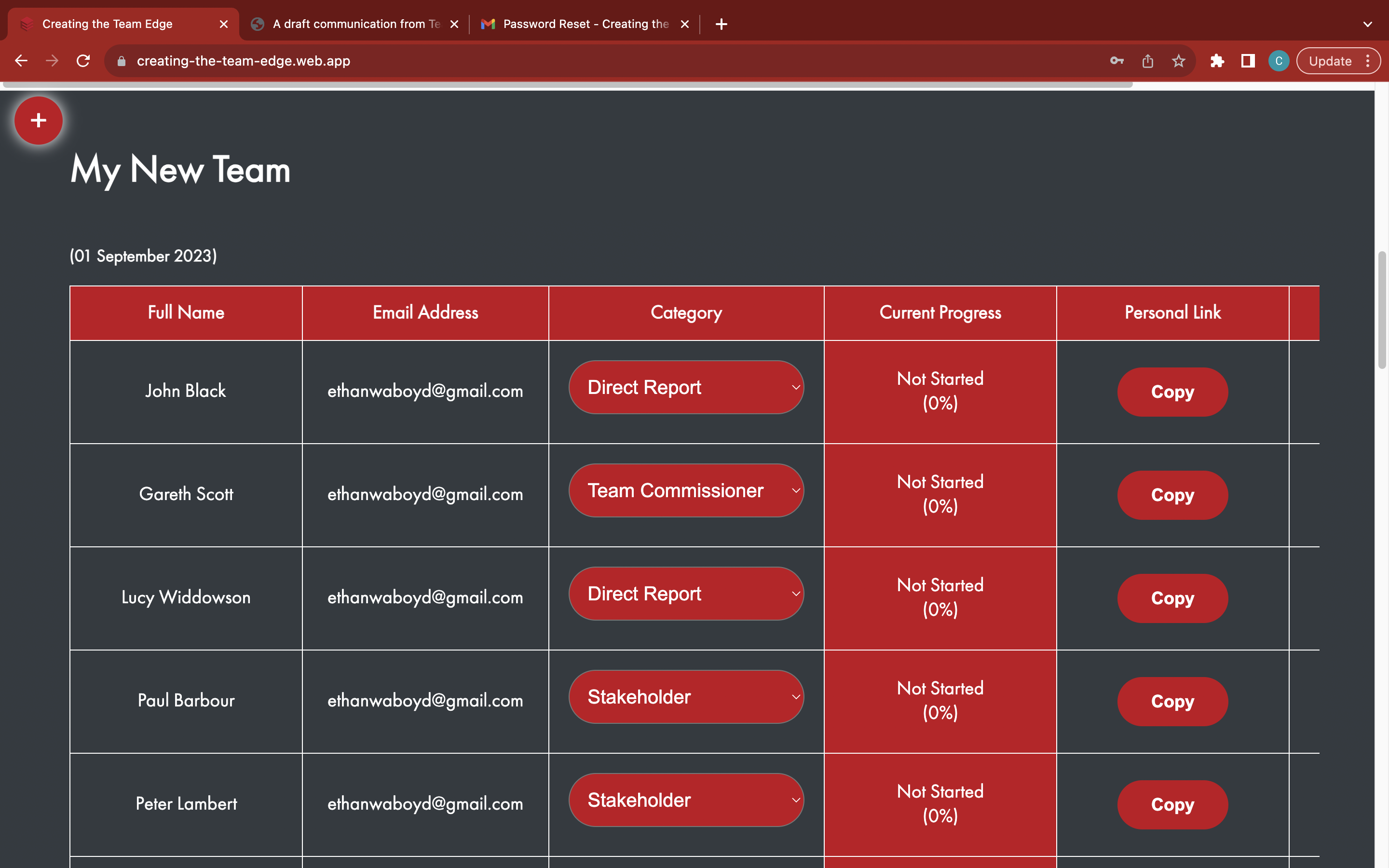
The participants will be automatically added to the Team 360 - some participants may not be included if their email was incorrect
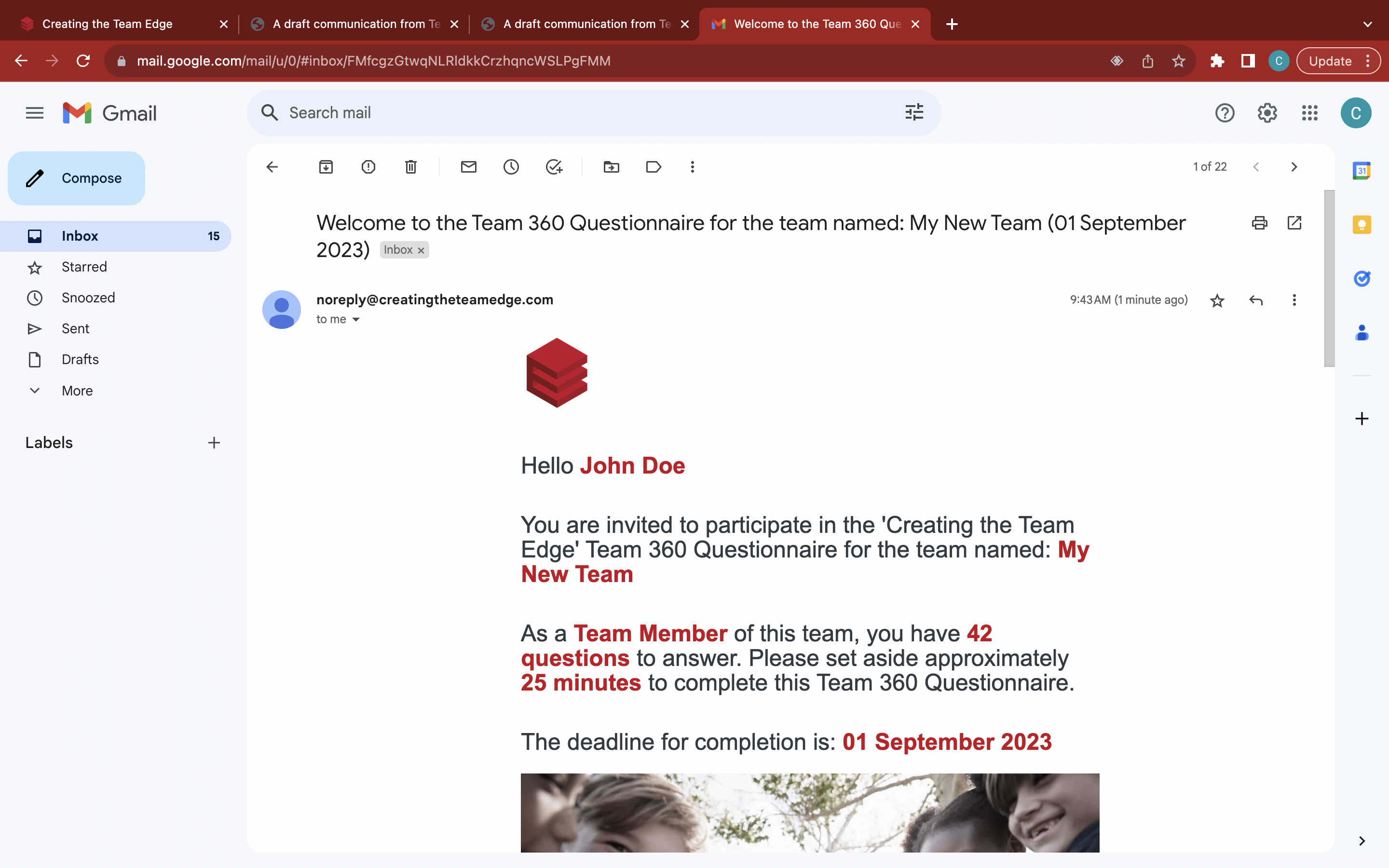
The participants will instantly receive an invitation email - inform the participant to check their email inbox and spam folders
Send a copy of the 'A draft communication from Team Leaders to participants' email for the Team Leader to fill out and send to all new participants from https://tinyurl.com/tl2tp