Move a deadline
Go to the 'Coach Portal' page
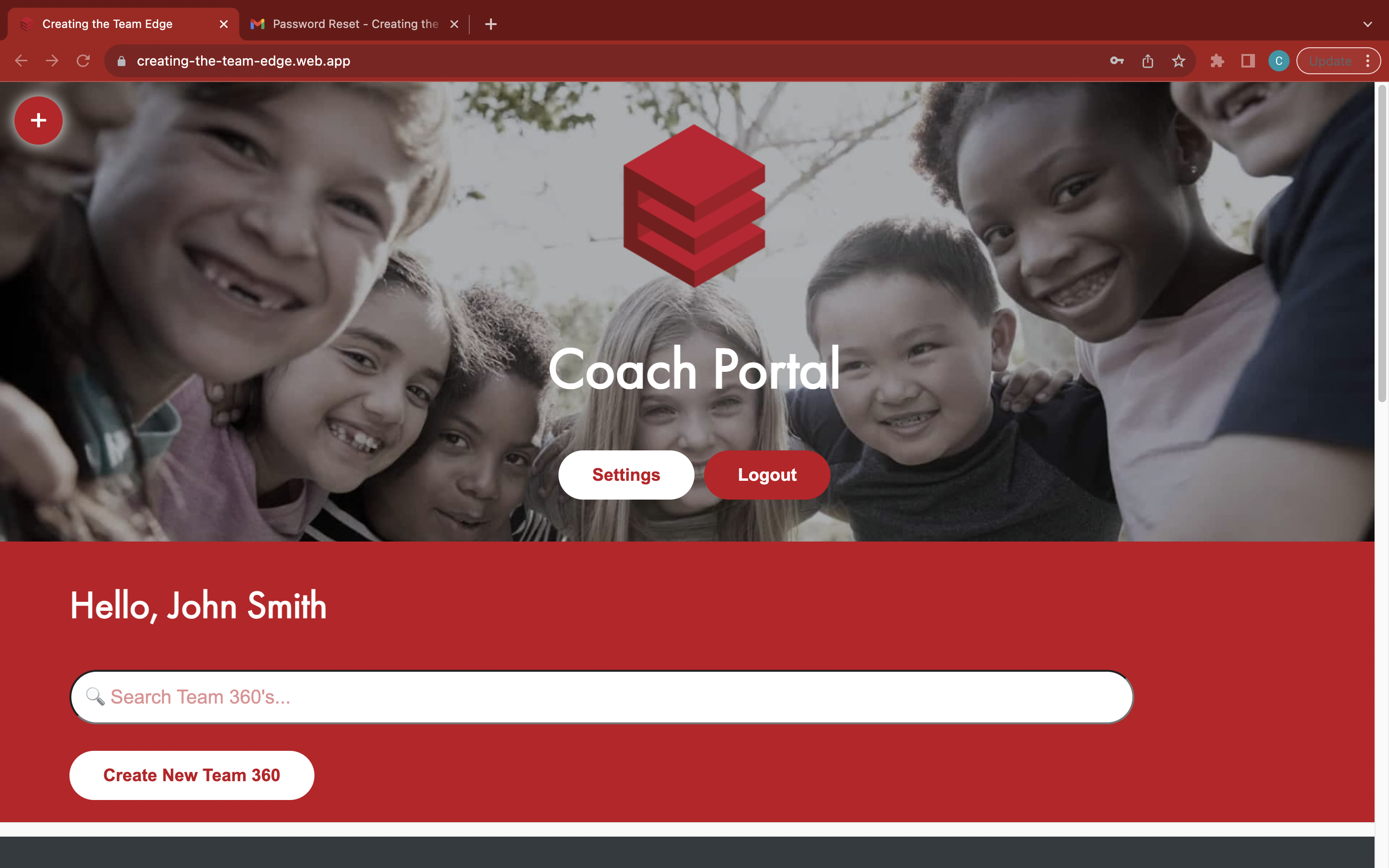
Find your Team 360
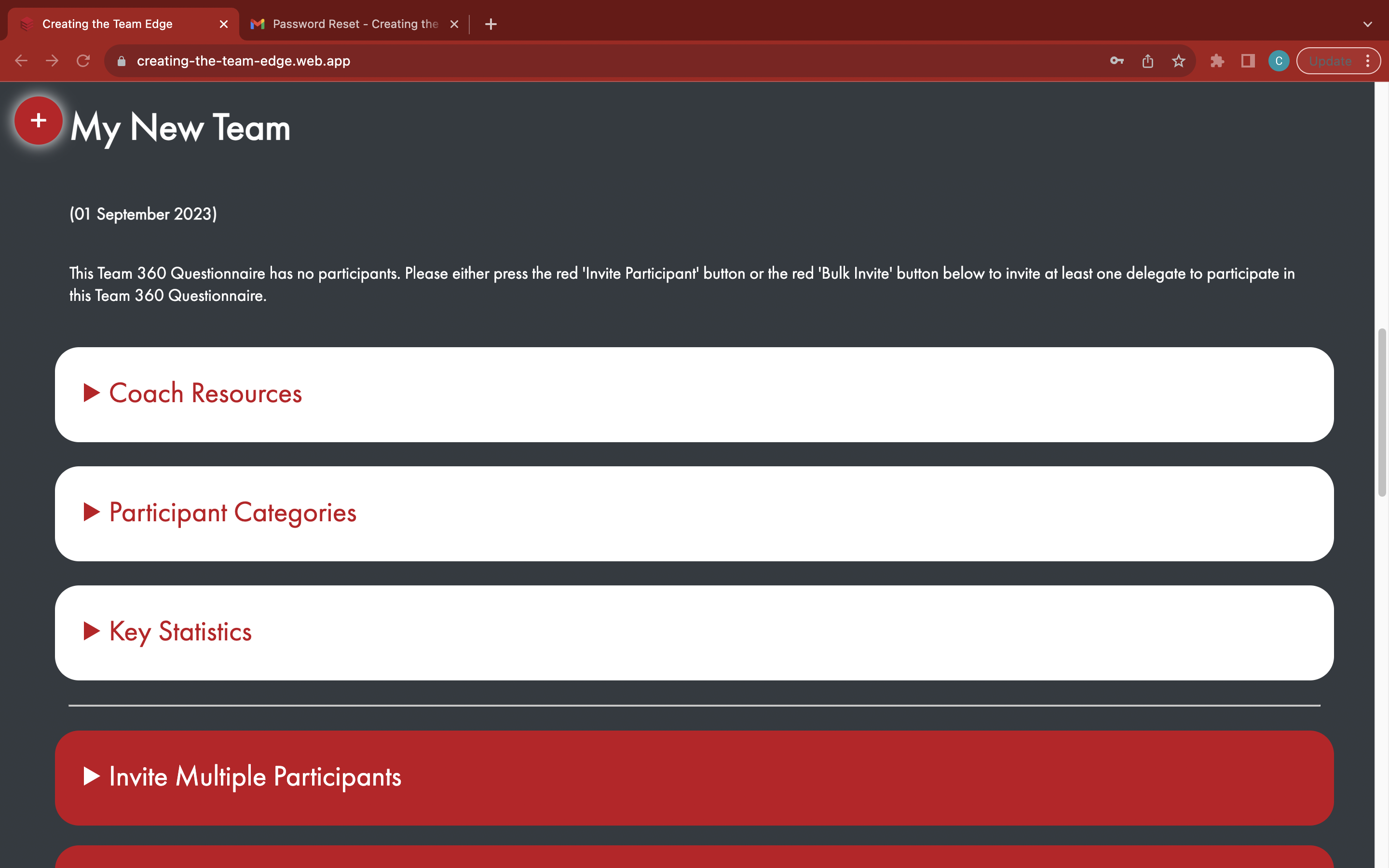
Open the red 'Move Deadline' box
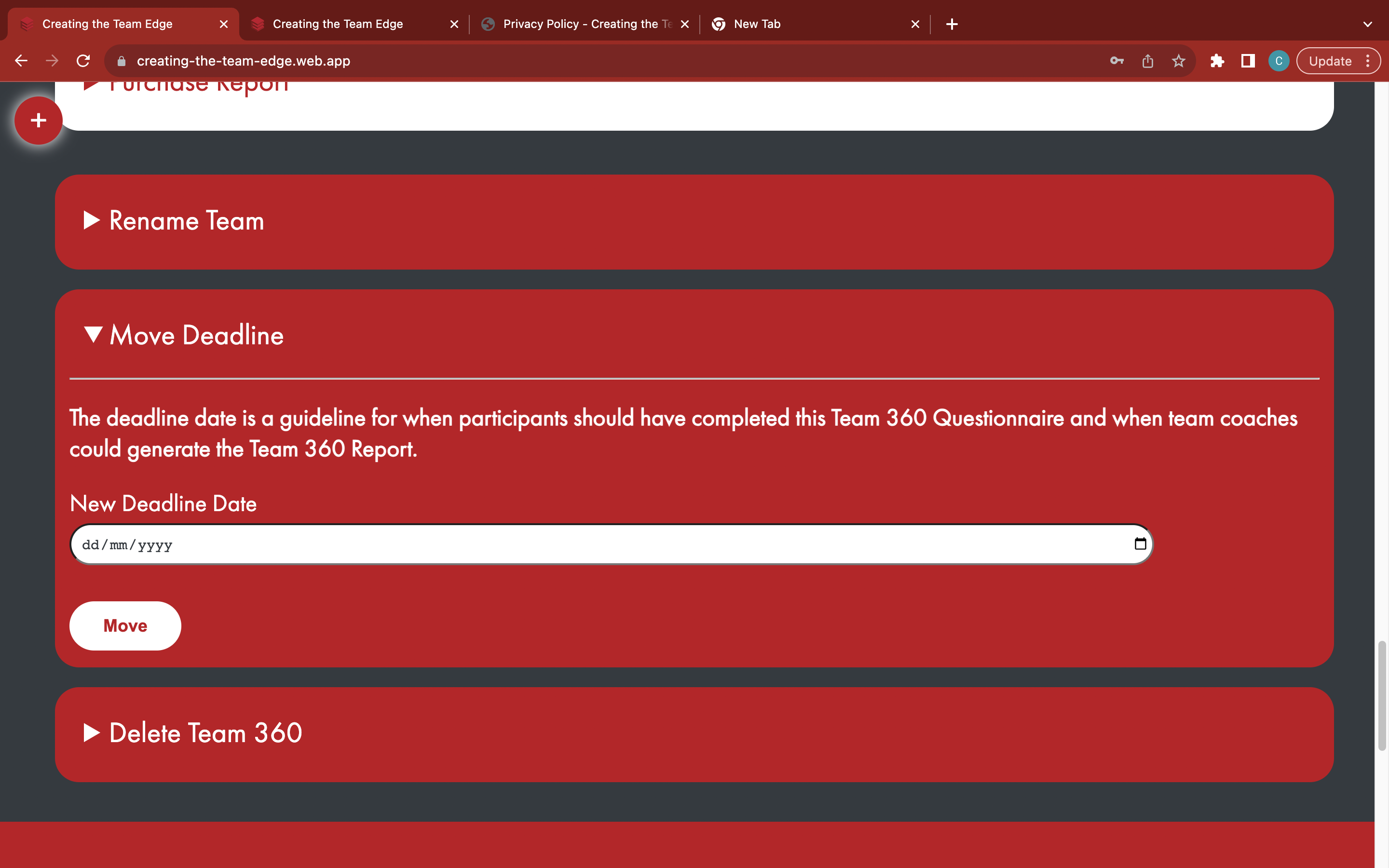
Enter a new deadline date
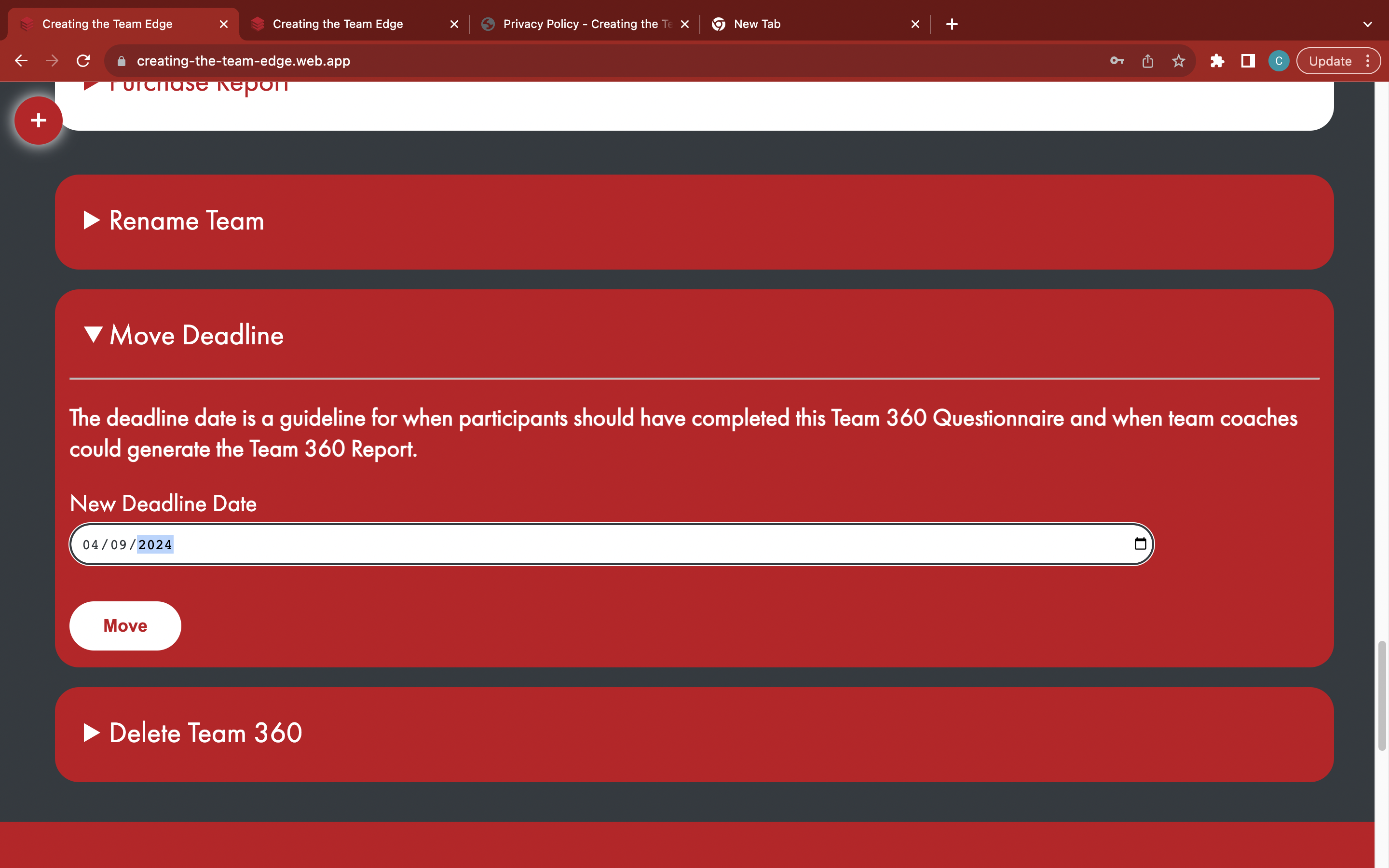
Click the white 'Move' button to change the deadline date - previously sent emails will not be affected by this change
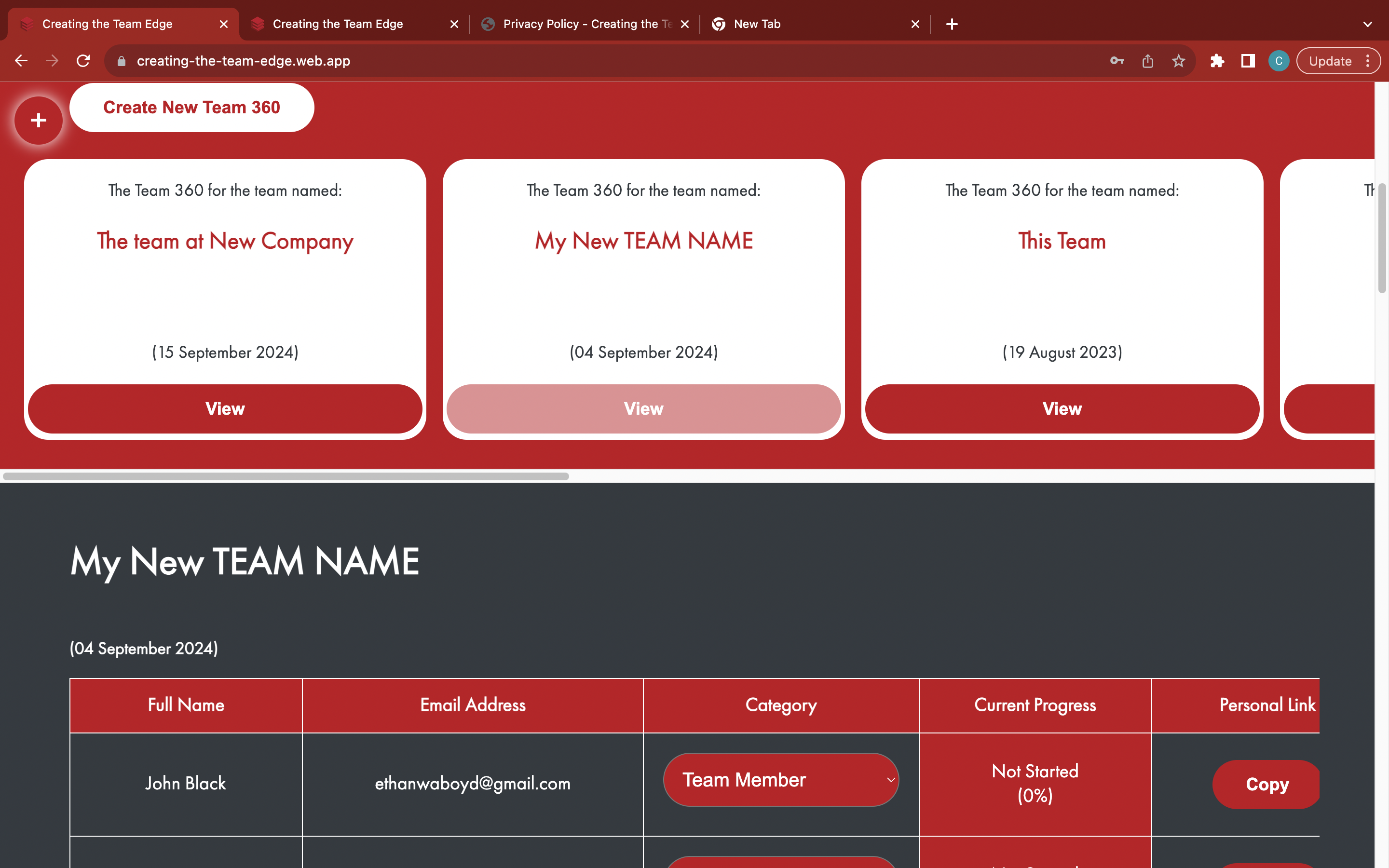
Go to the 'Coach Portal' page
Find your Team 360
Open the red 'Move Deadline' box
Enter a new deadline date
Click the white 'Move' button to change the deadline date - previously sent emails will not be affected by this change