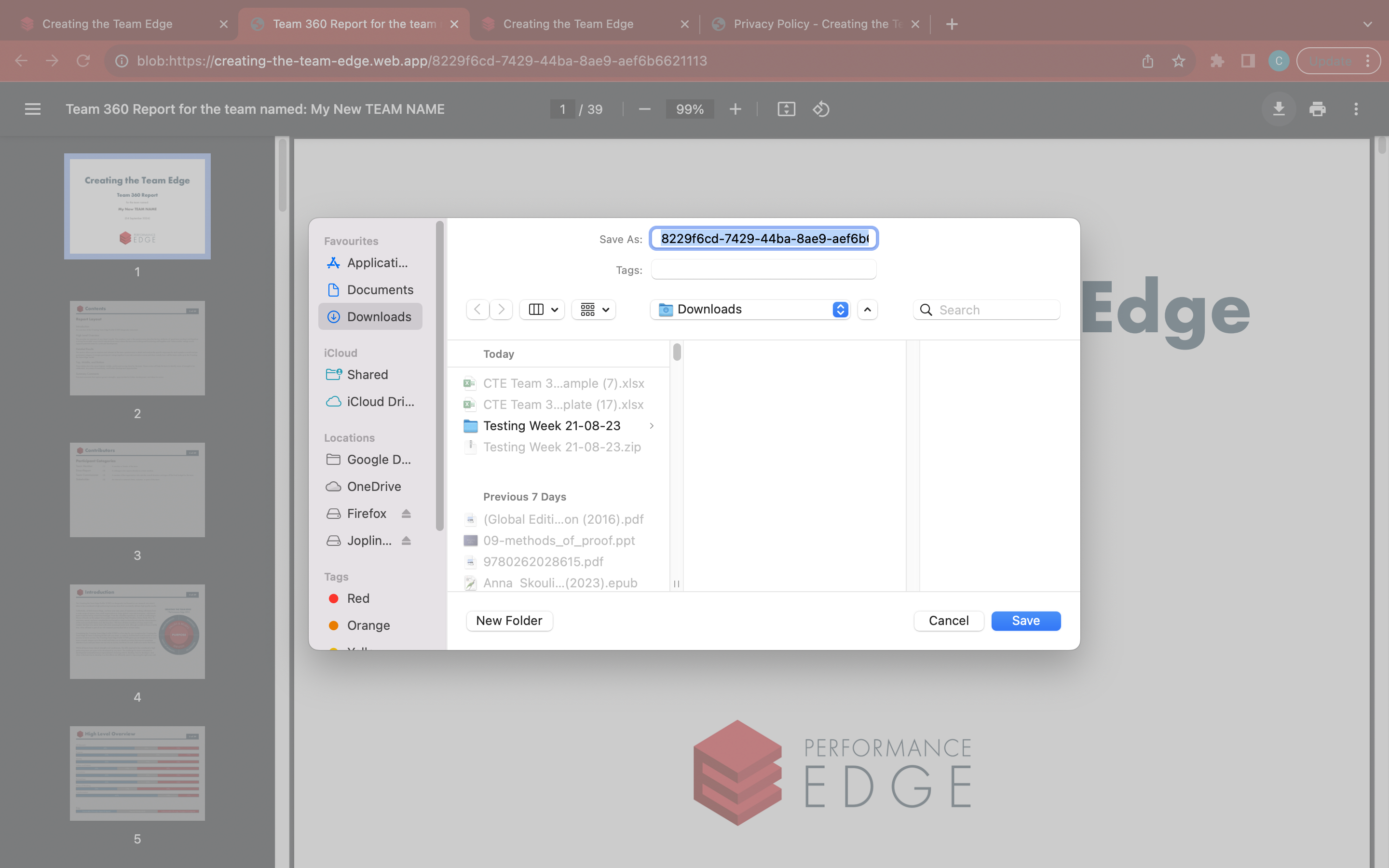
Generate a report
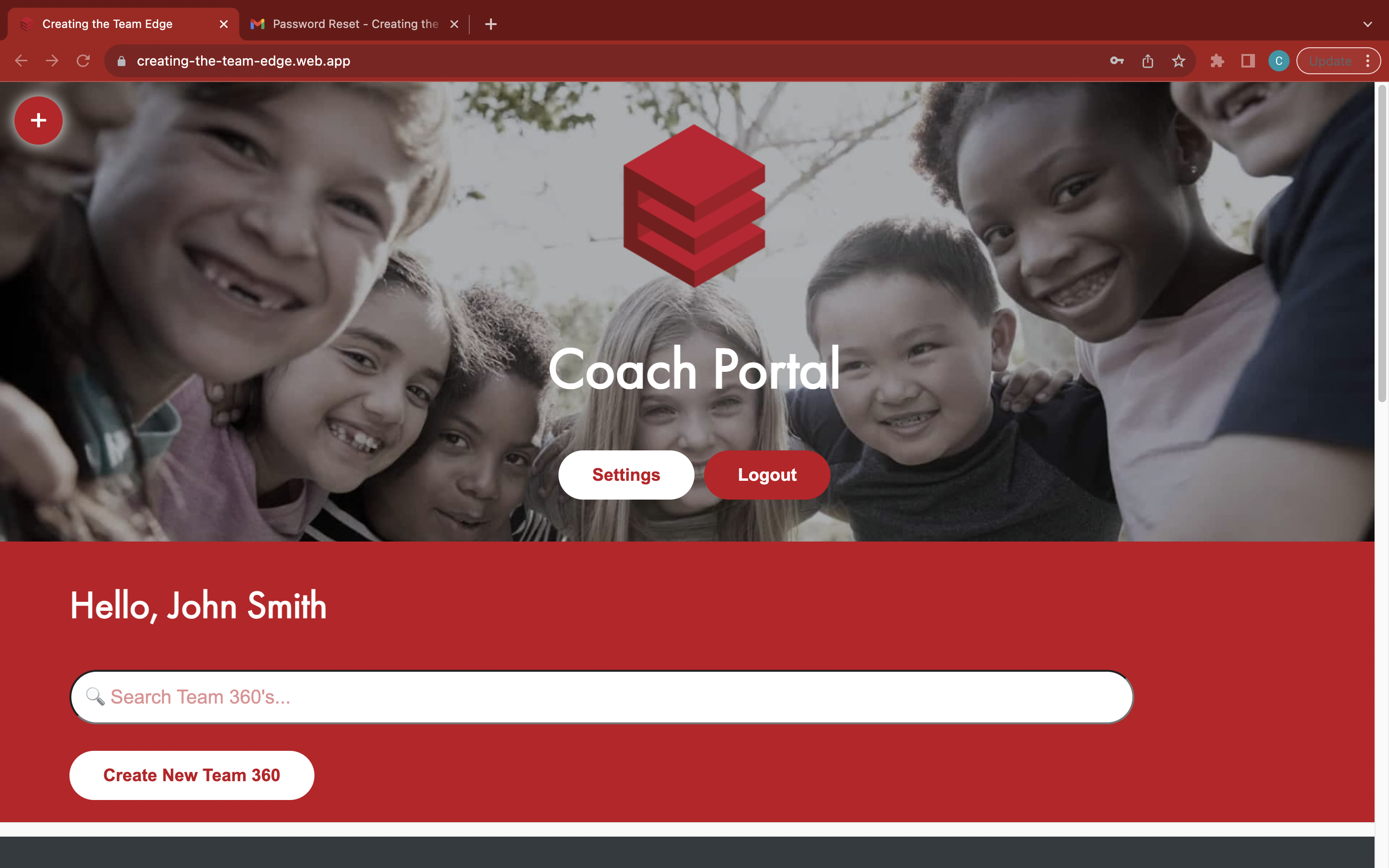
Go to the 'Coach Portal' page
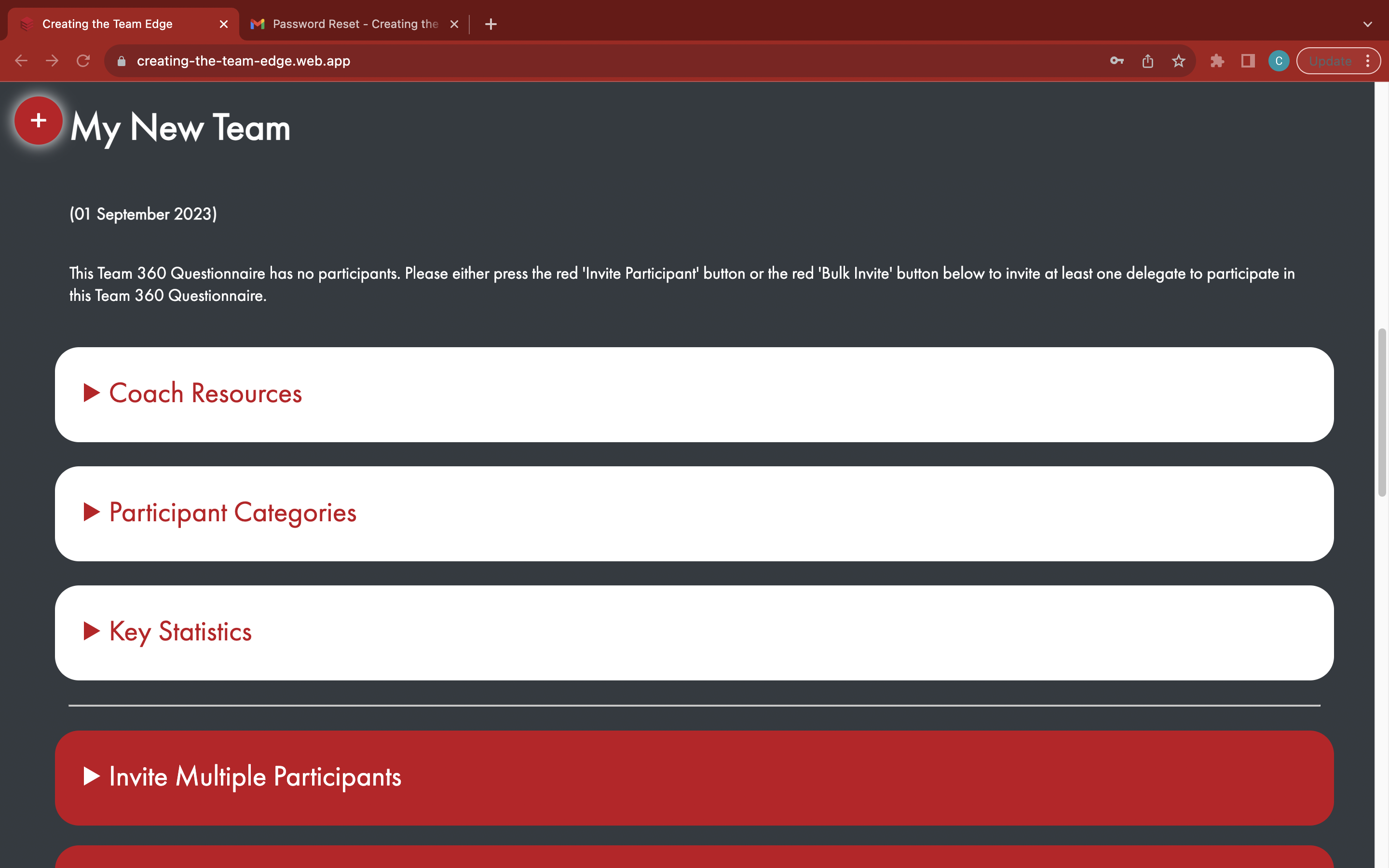
Find your Team 360
Open the red 'Generate Report' tab - you must purchase a Team 360 Report or apply a voucher before you can generate it
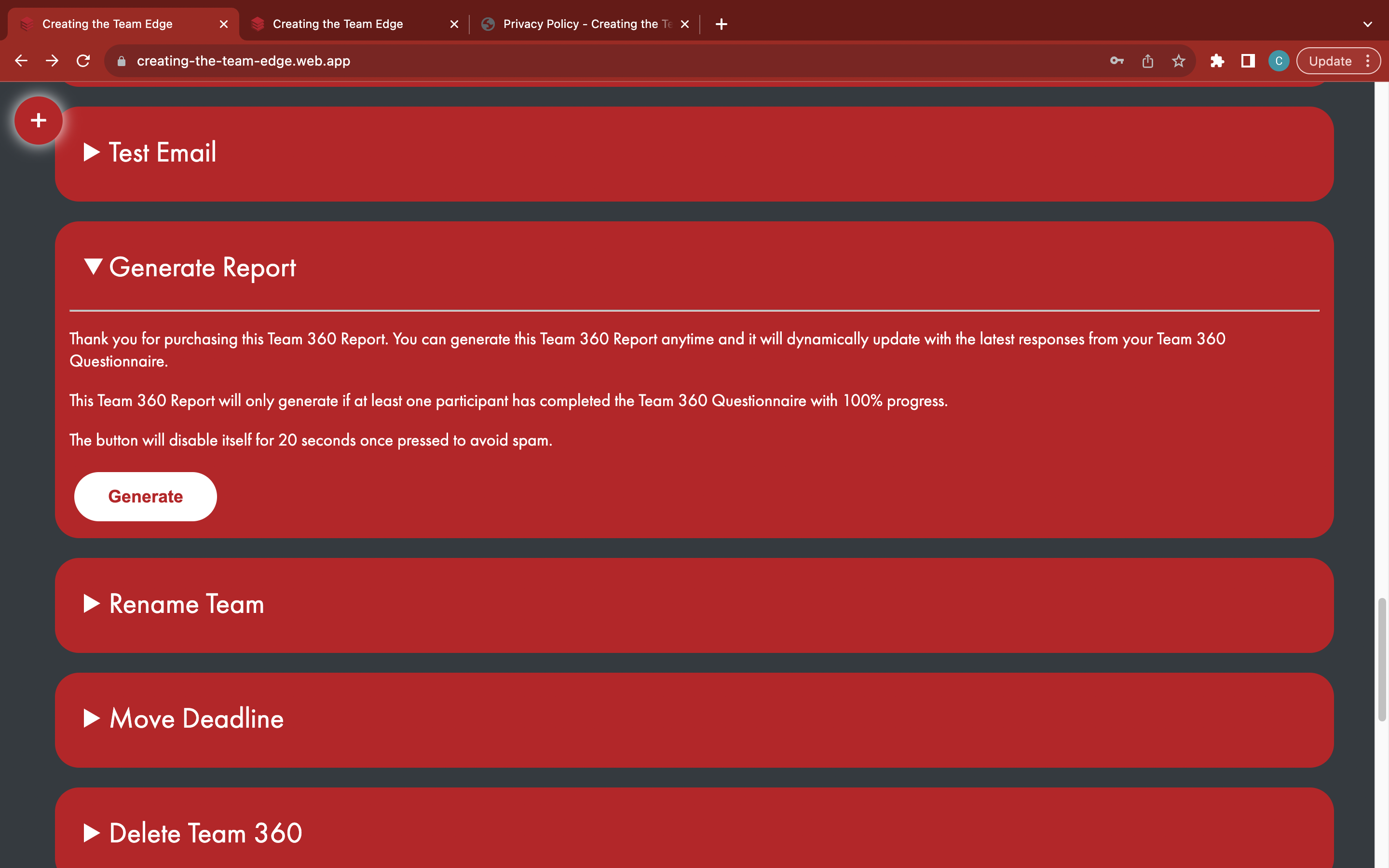
Click the white 'Generate' button - each time it is generated, it will dynamically create a new version of the Team 360 Report with the latest responses
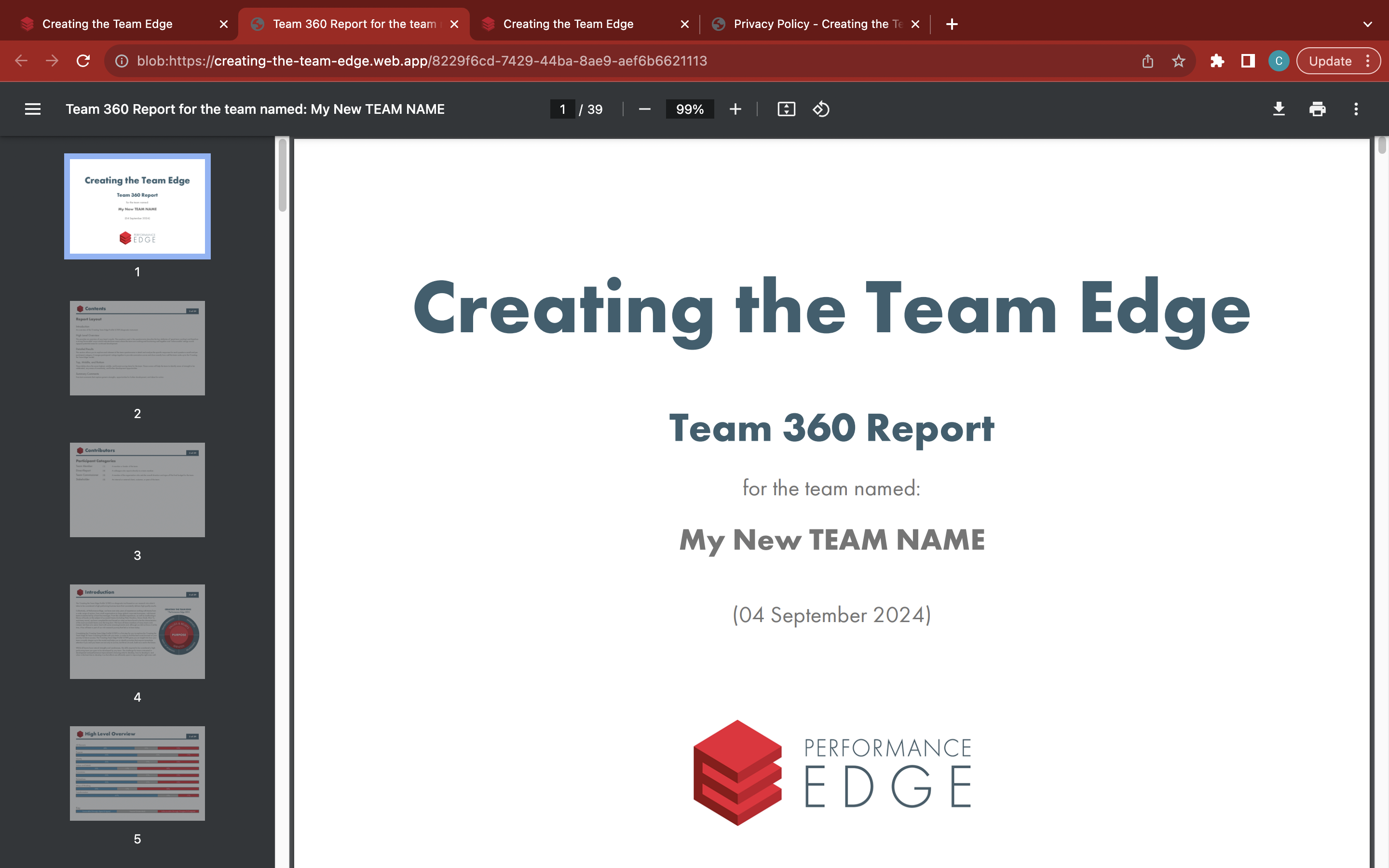
Use the download and print options to save and store the Team 360 Report for later