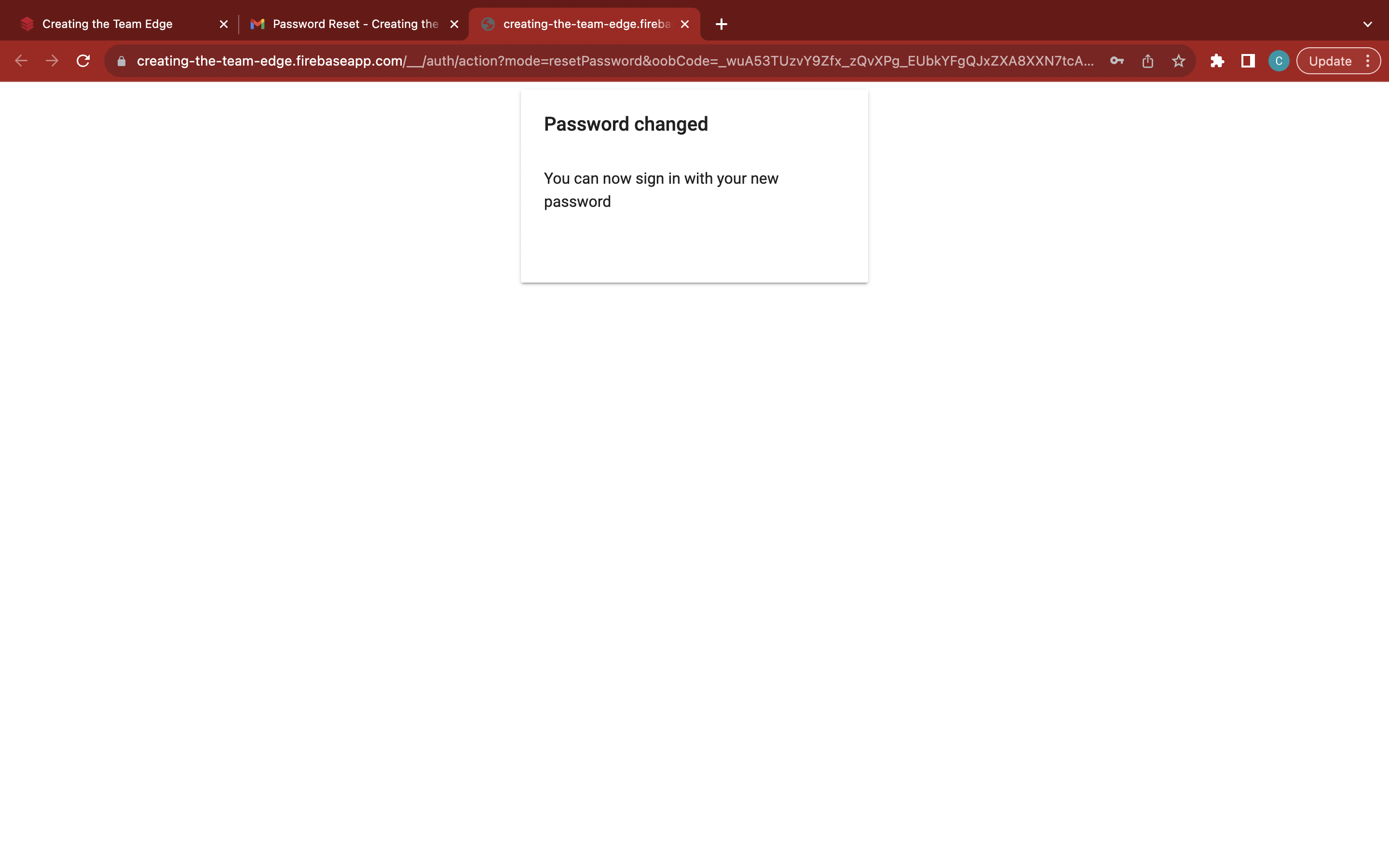
Reset your password
Go to the 'Home' page
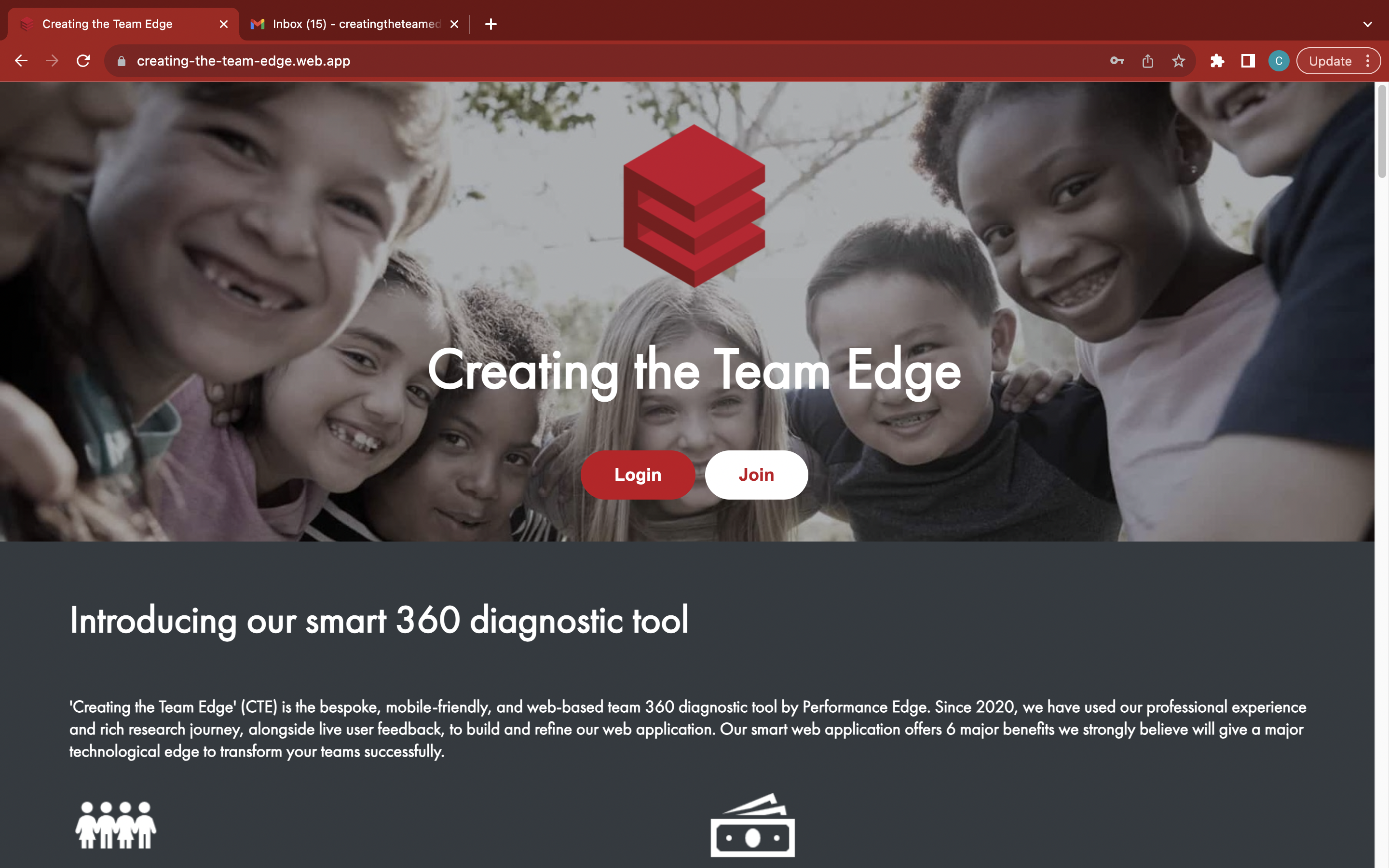
Click the red 'Login' button to open the 'Coach Login' sidebar
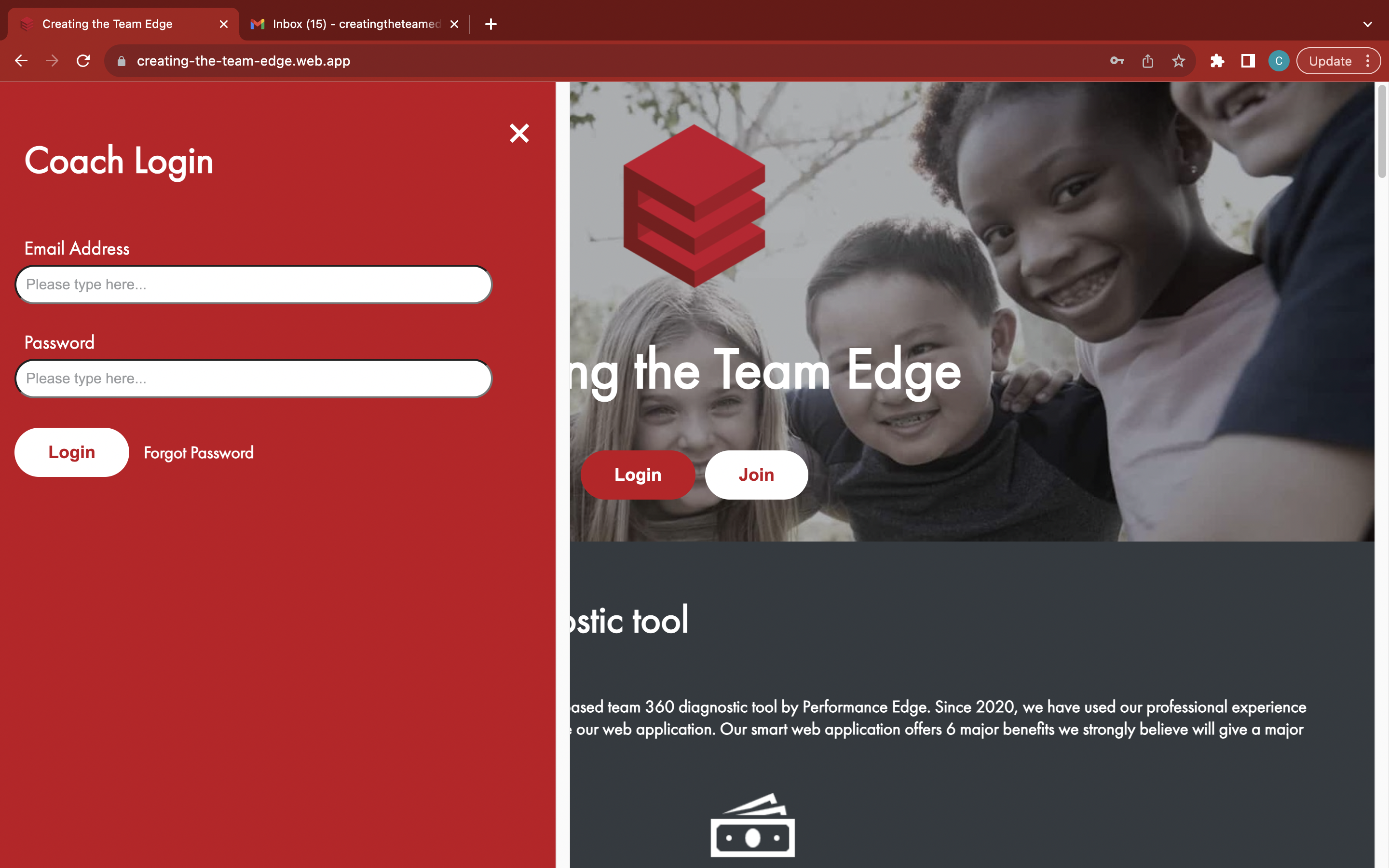
Click the white 'Forgot Password' link to open the 'Reset Password' box
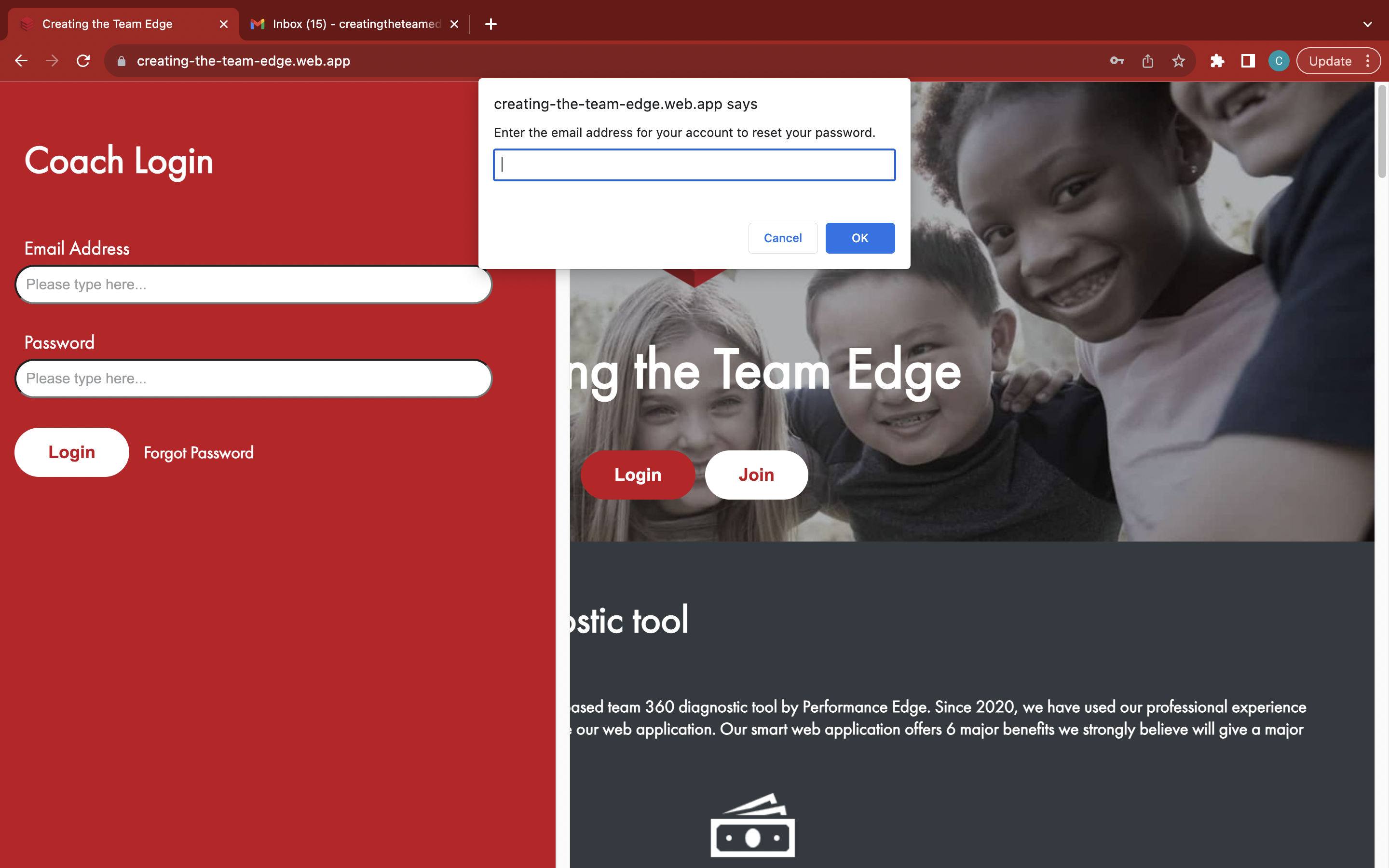
Enter your email address
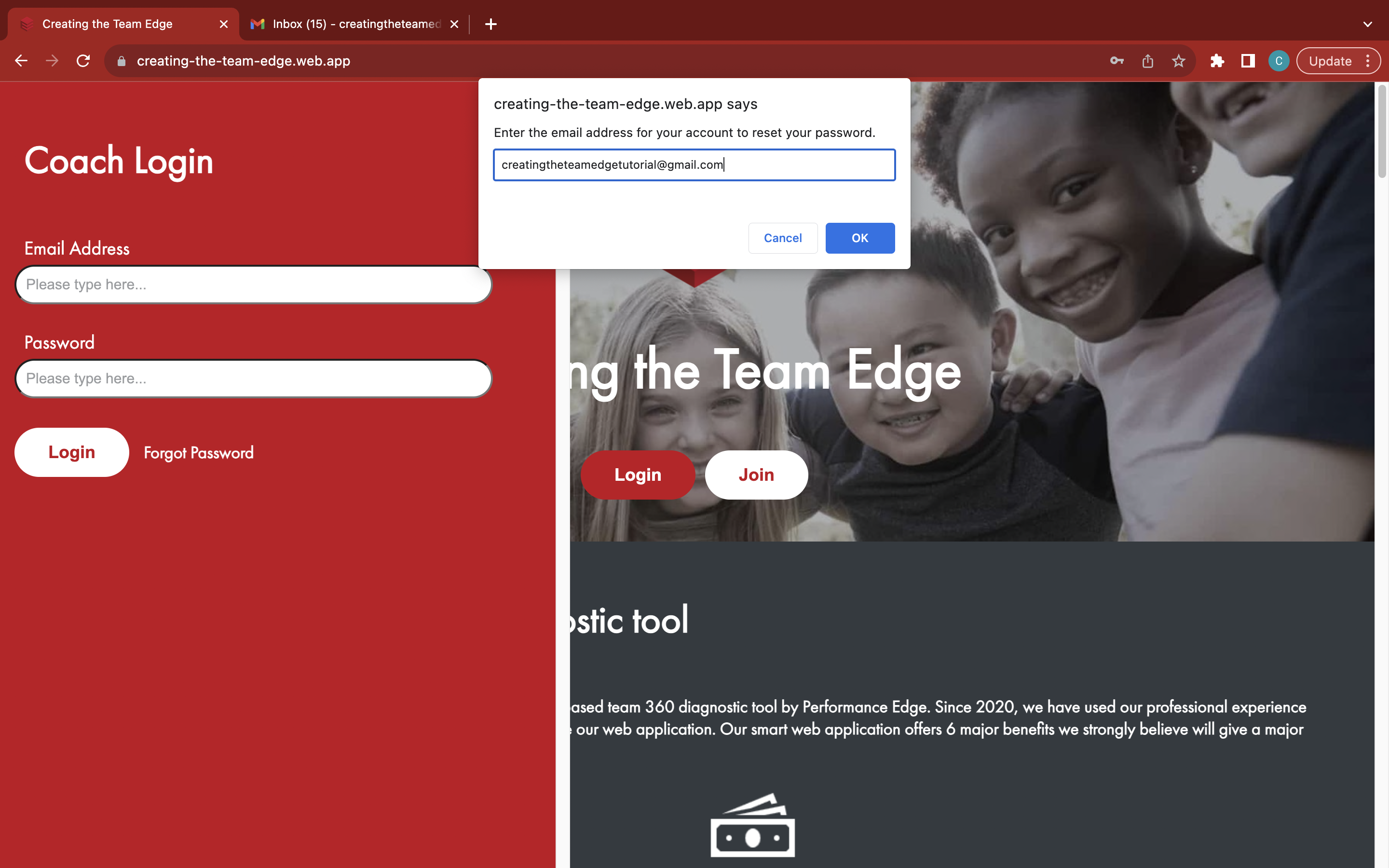
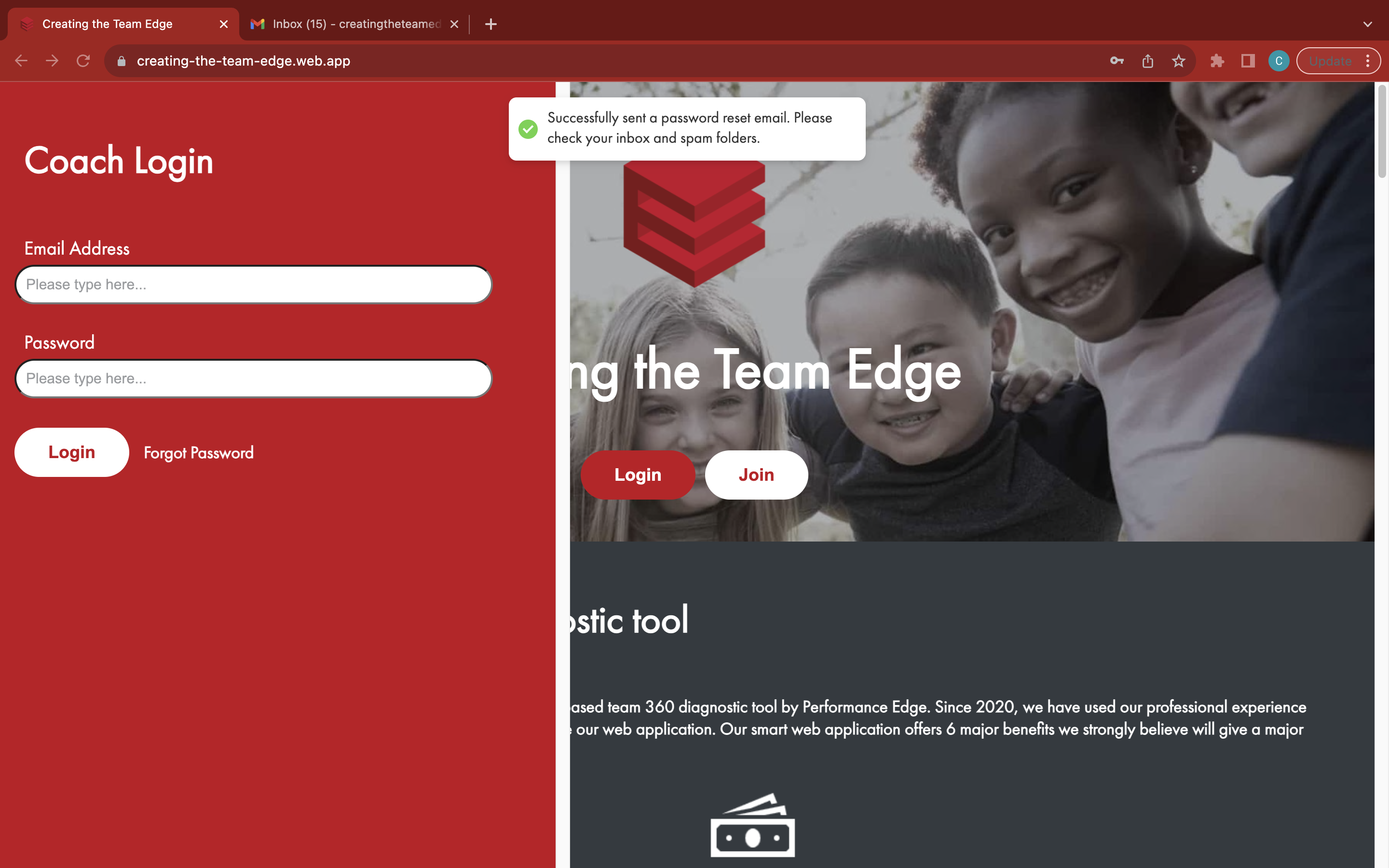
Click the 'OK' button to send a reset password email
Find the latest password reset email from the team at Creating the Team Edge (noreply@creatingtheteamedge.com) in your email inbox and spam folders
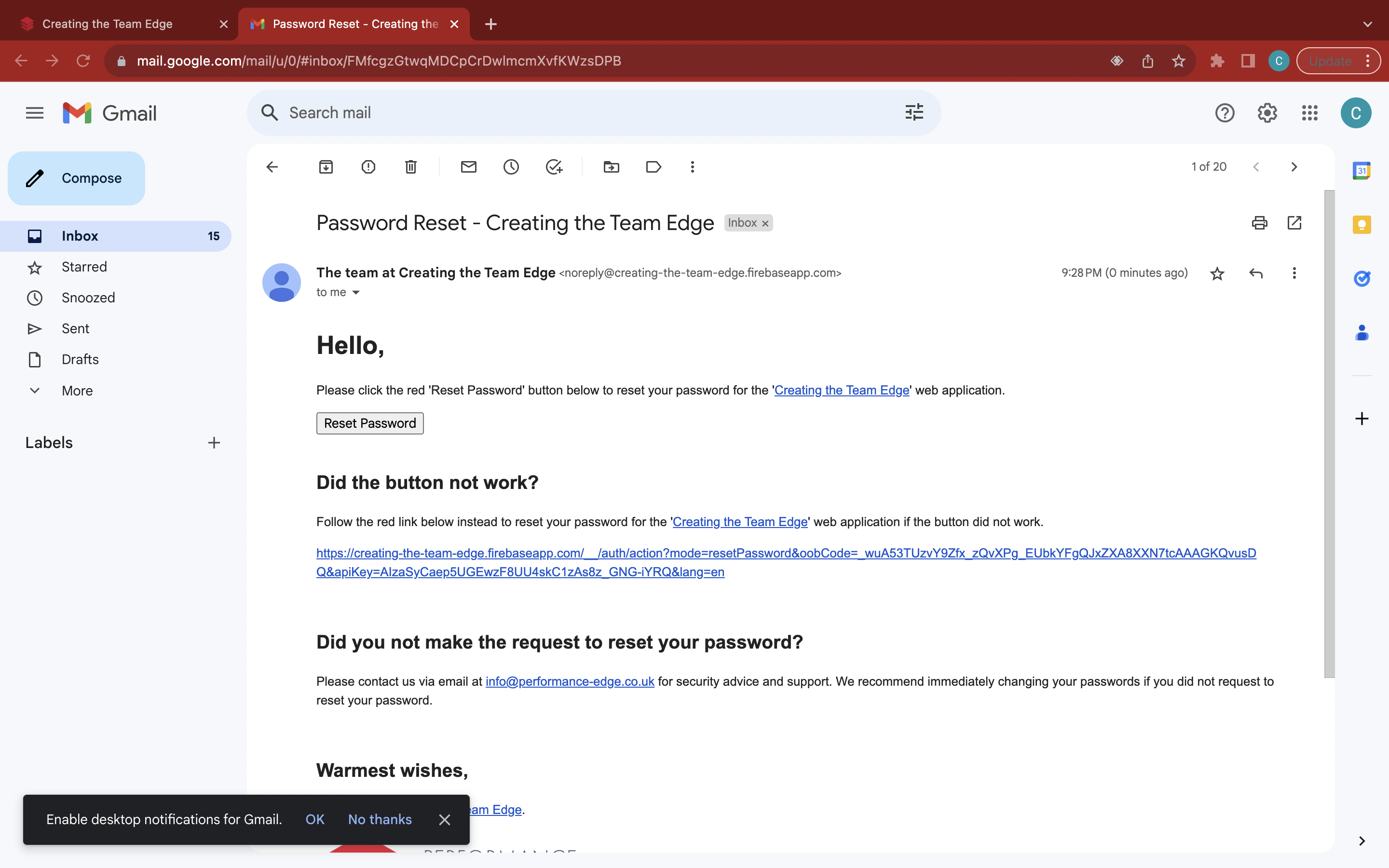
Click the 'Reset Password' button or follow the link to open the 'Reset Your Password' page
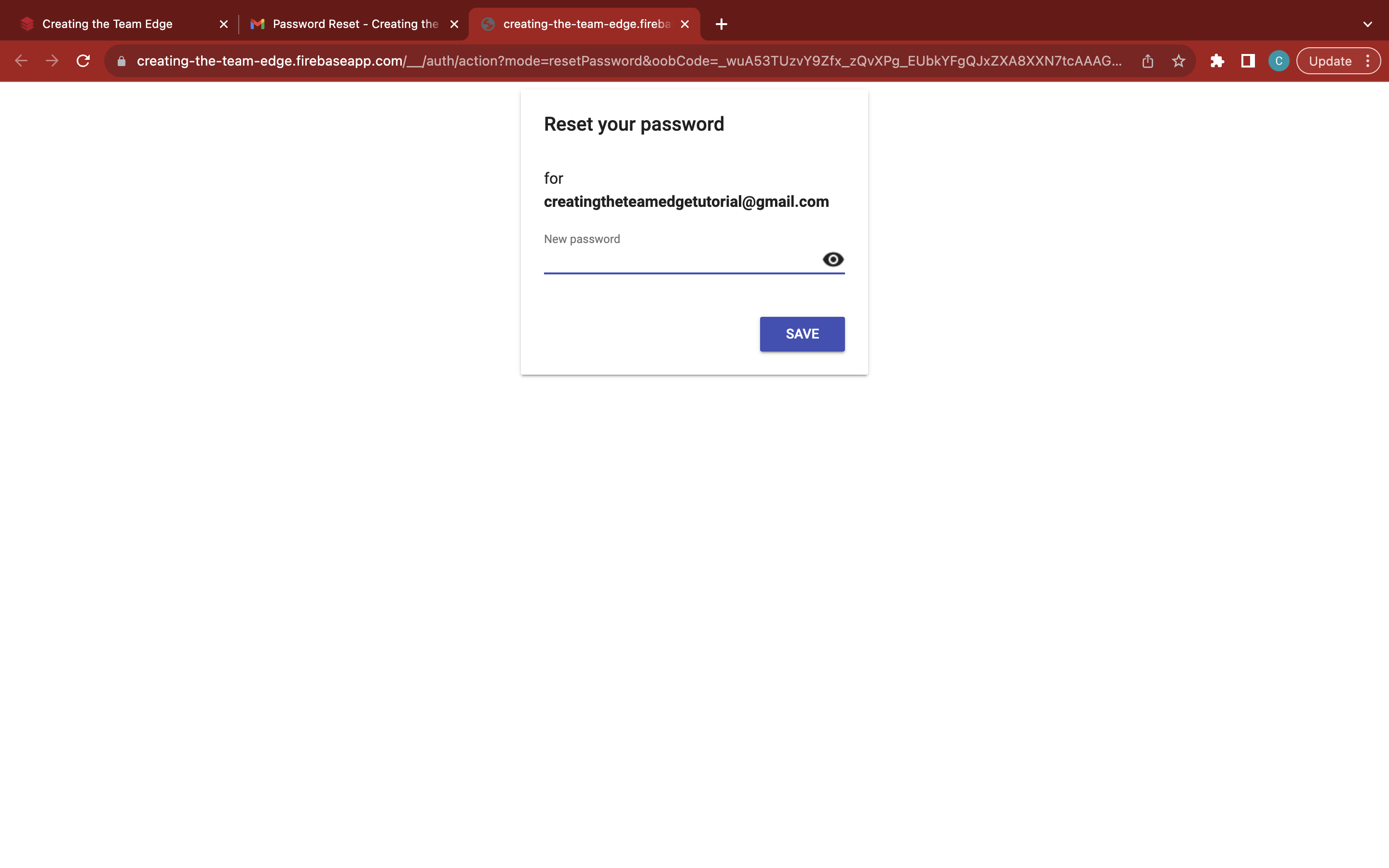
Enter a new strong and memorable password
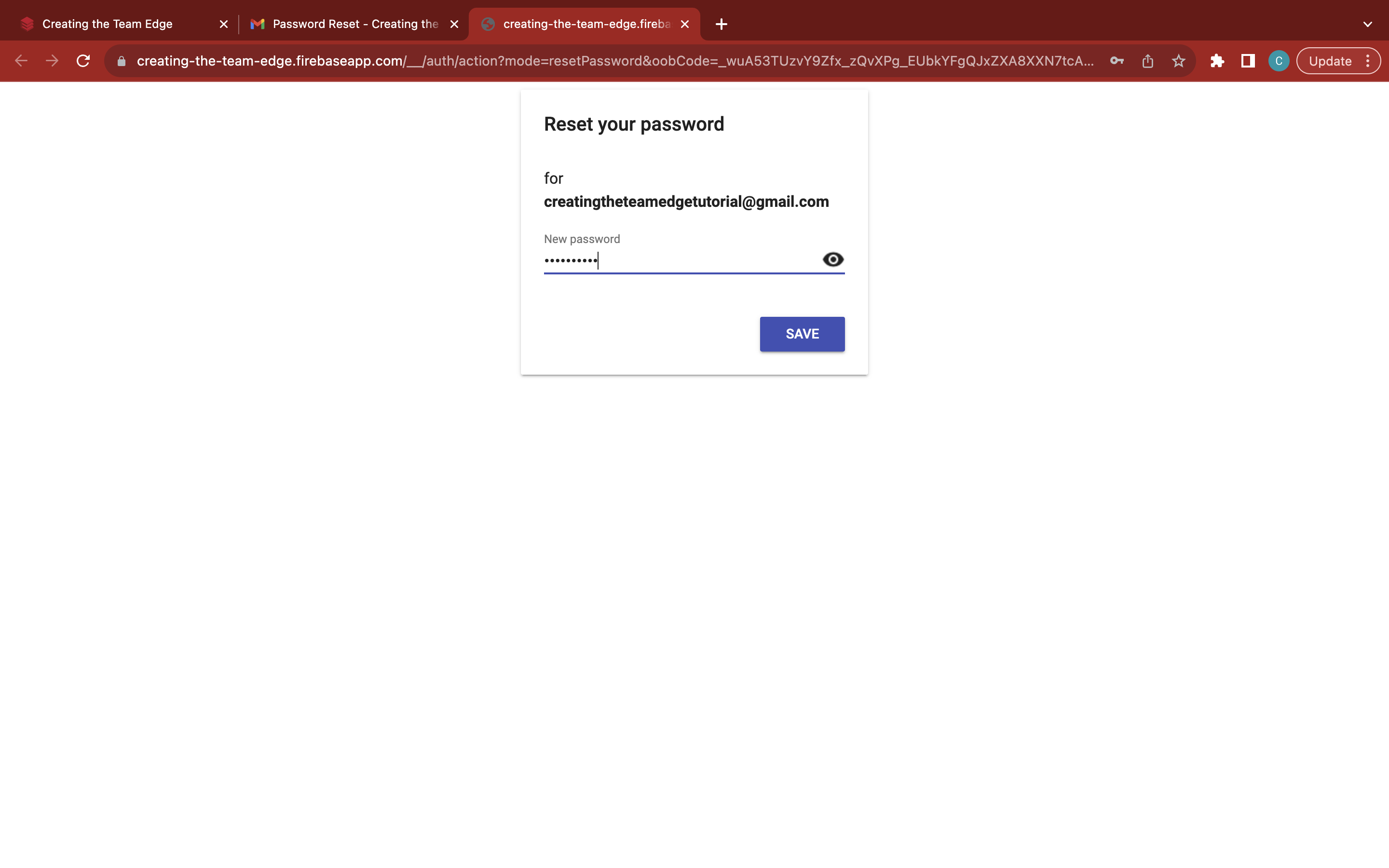
Click the blue 'Save' button to finish resetting your password