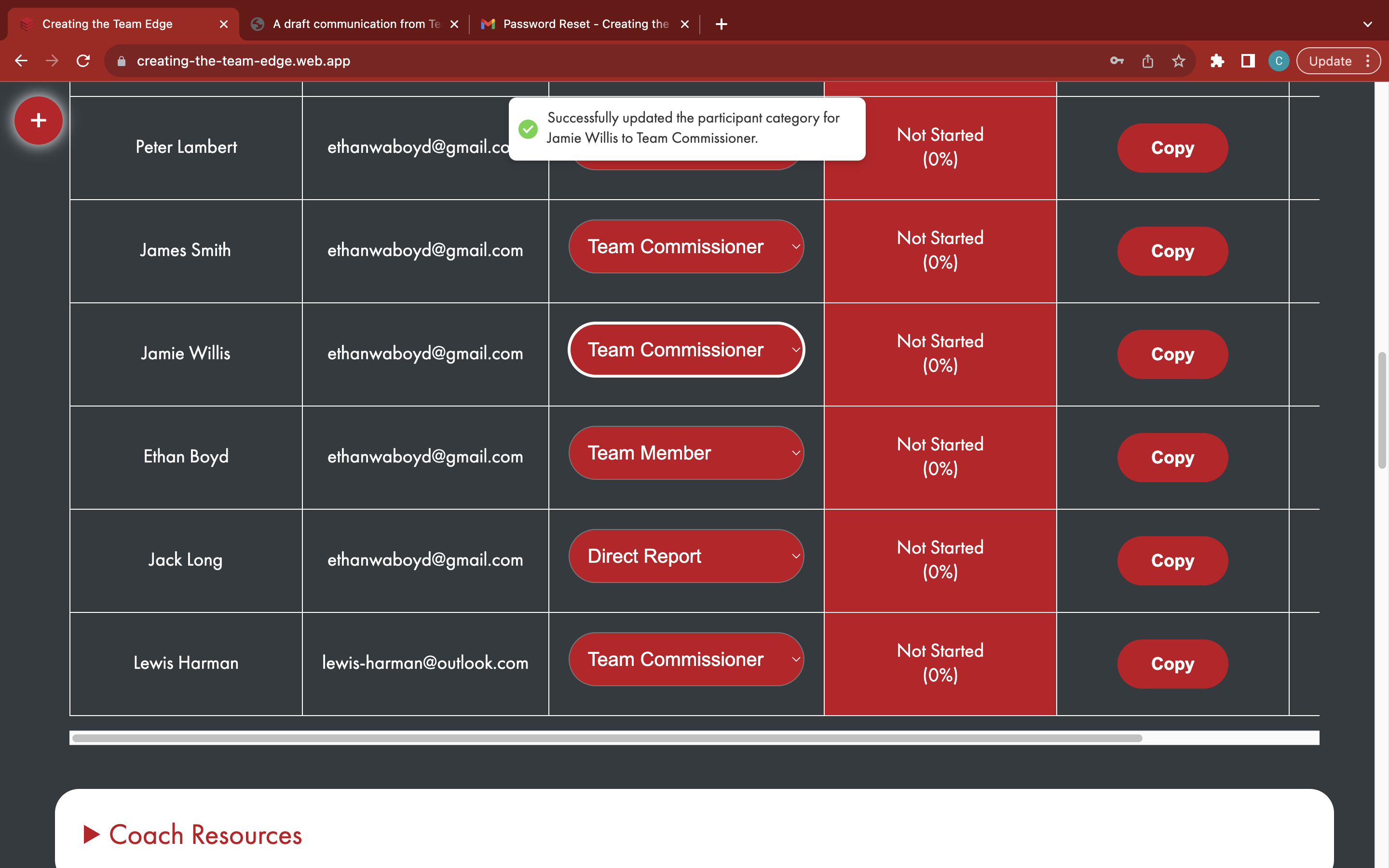
Update a participant's category
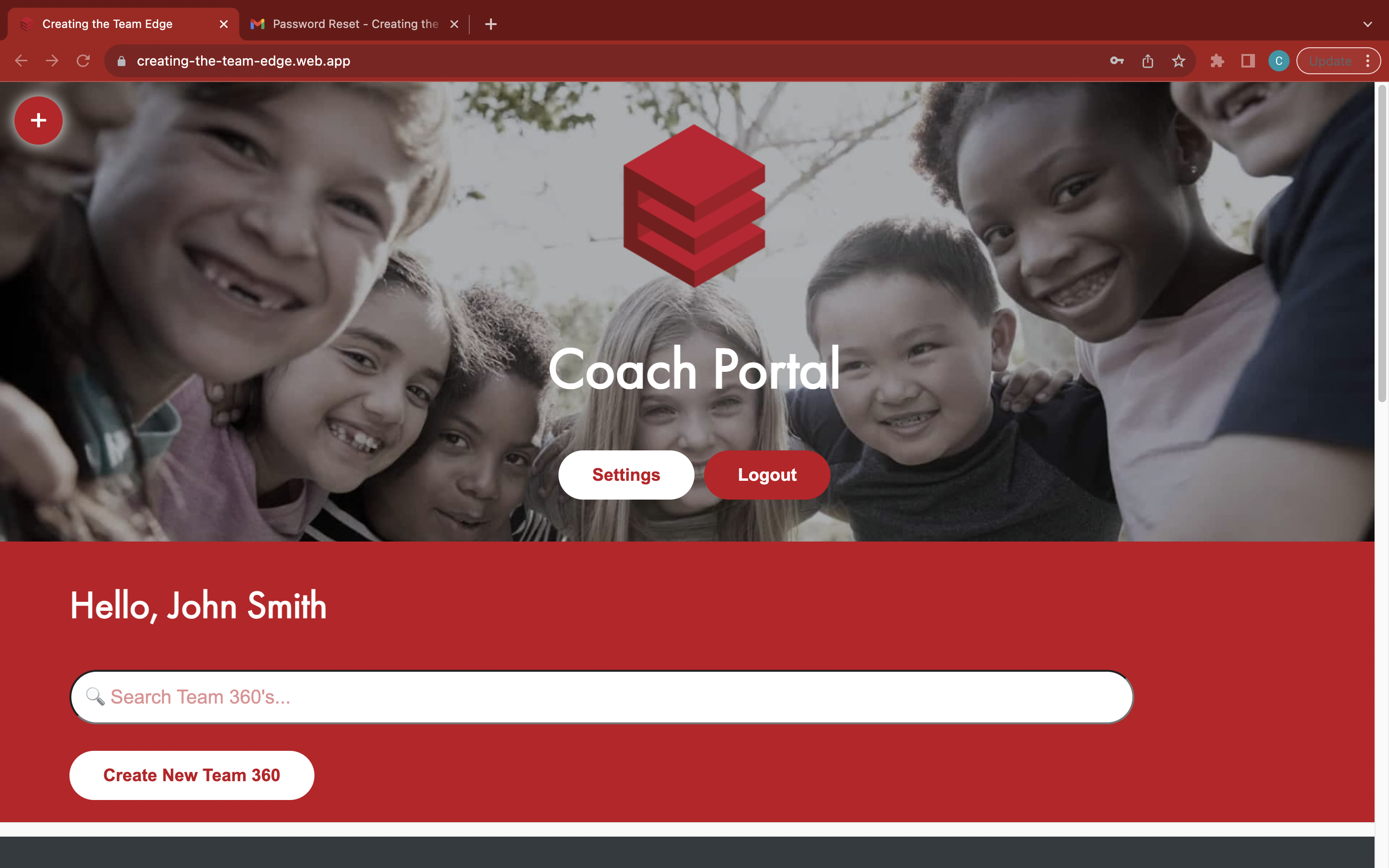
Go to the 'Coach Portal' page
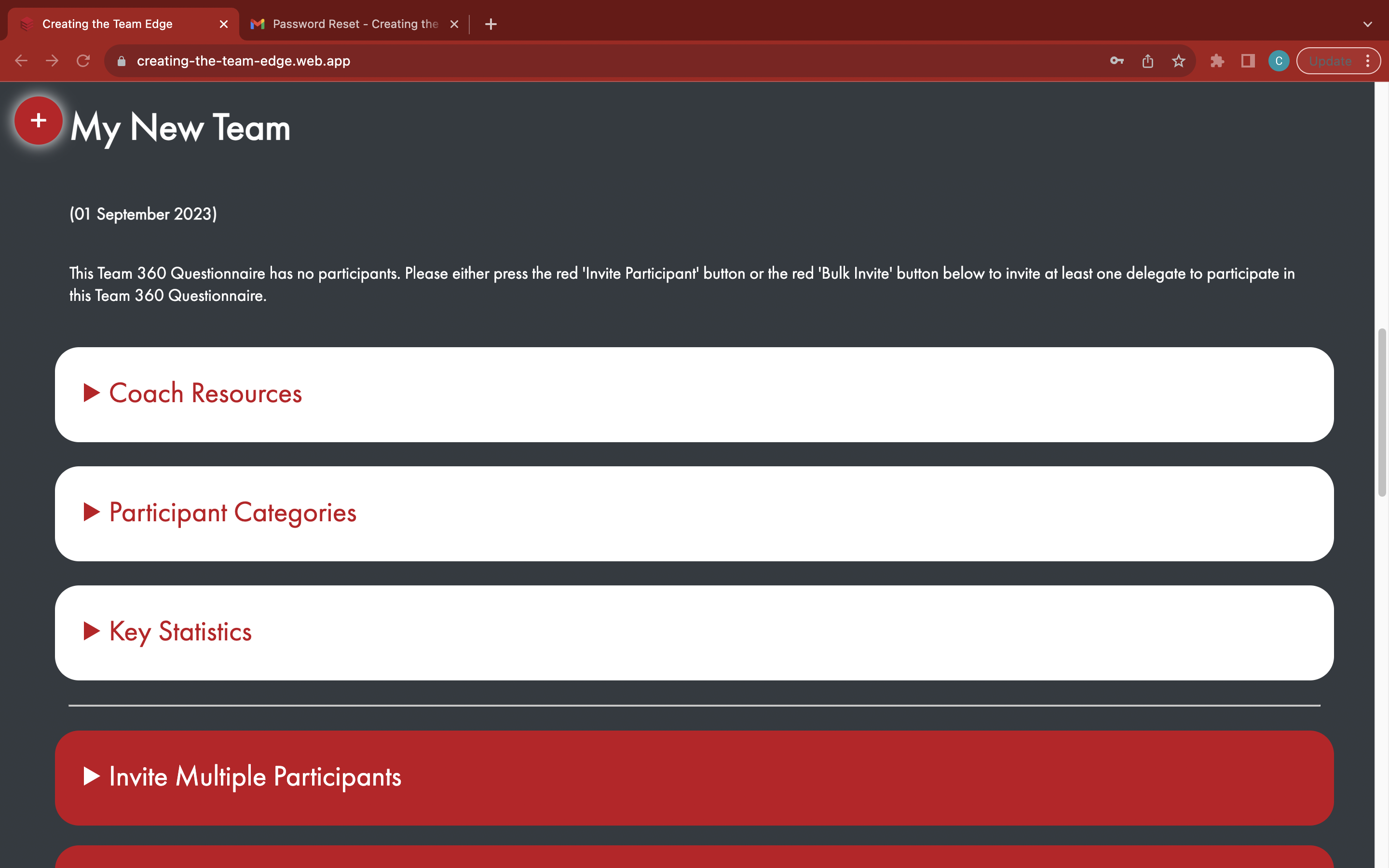
Find your Team 360
Find the participant in the table
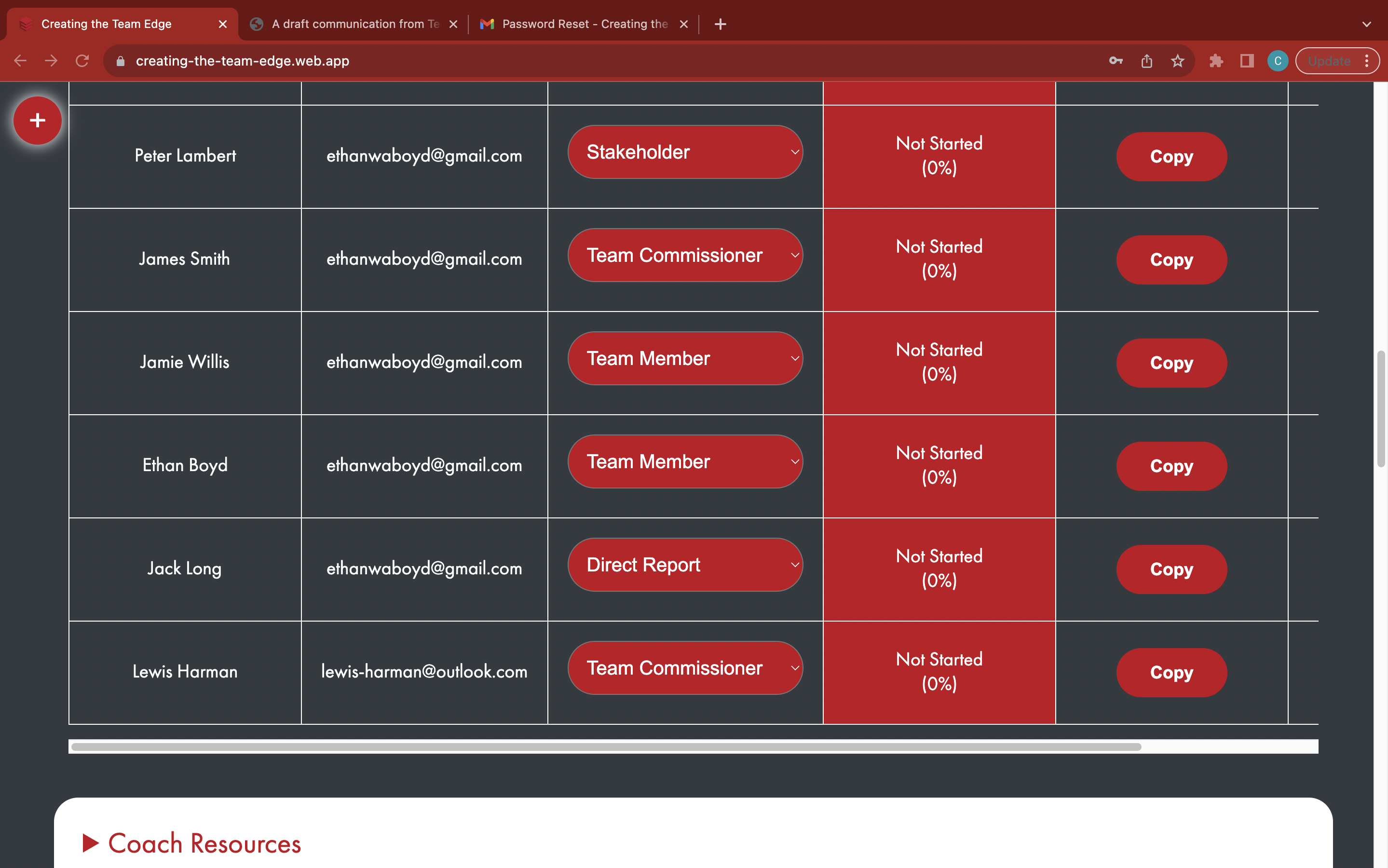
Choose a new participant category from the red dropdown in the 'Category' column
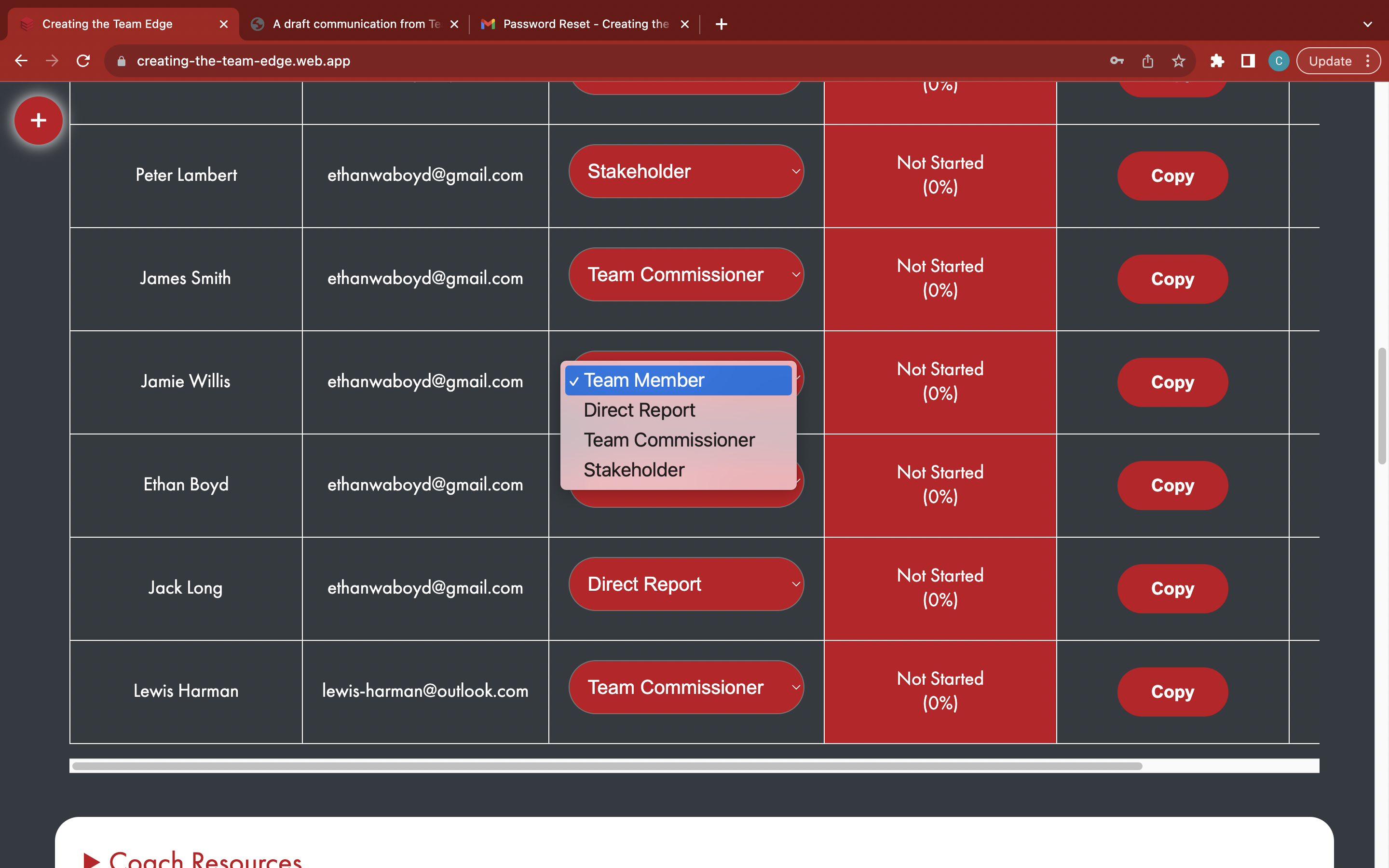
Wait for the participant's category to be successfully updated - previously sent emails will not be affected by this change