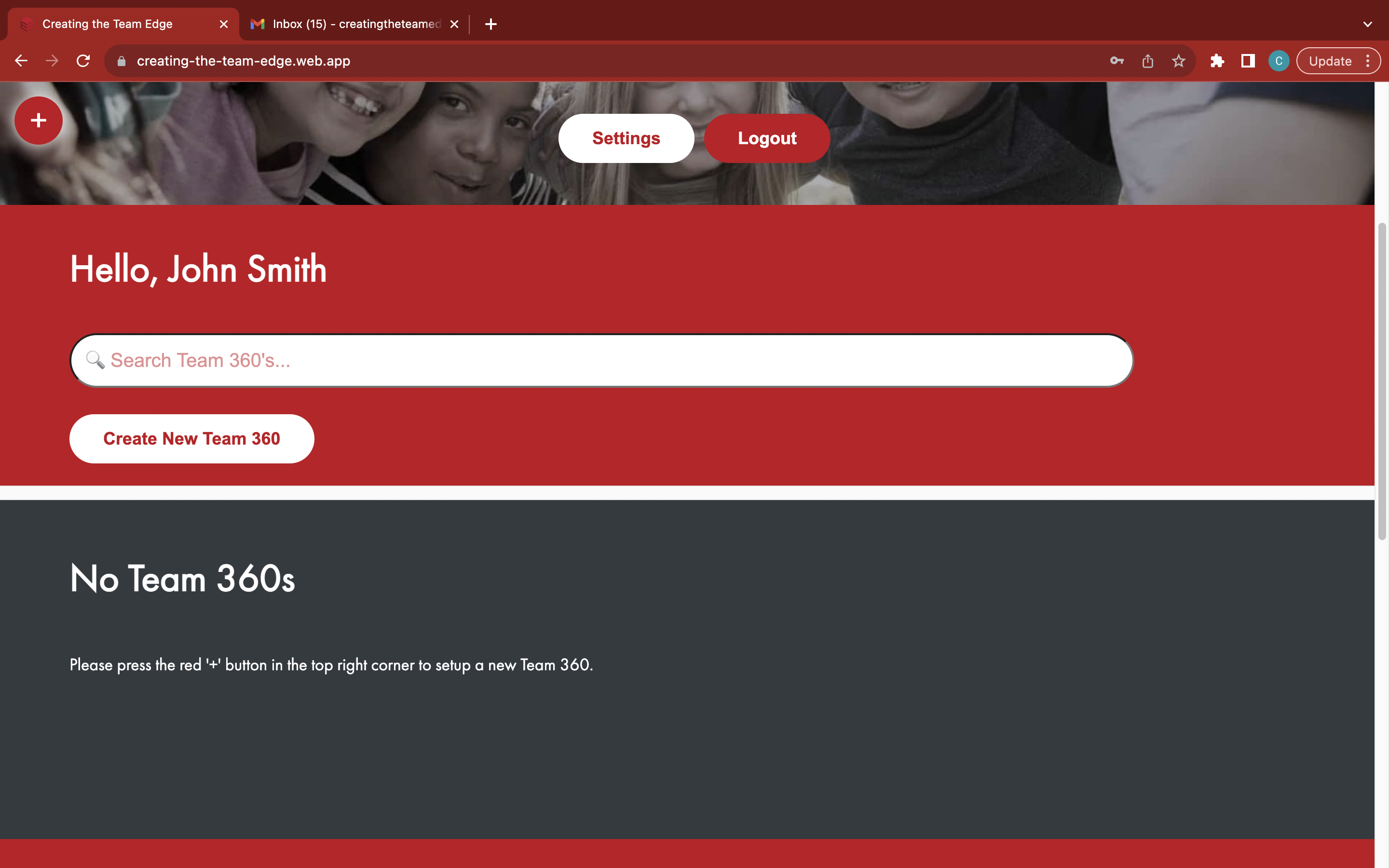
Create a new account
Go to the 'Home' page

Click the white 'Join' button to open the 'Part 1' section
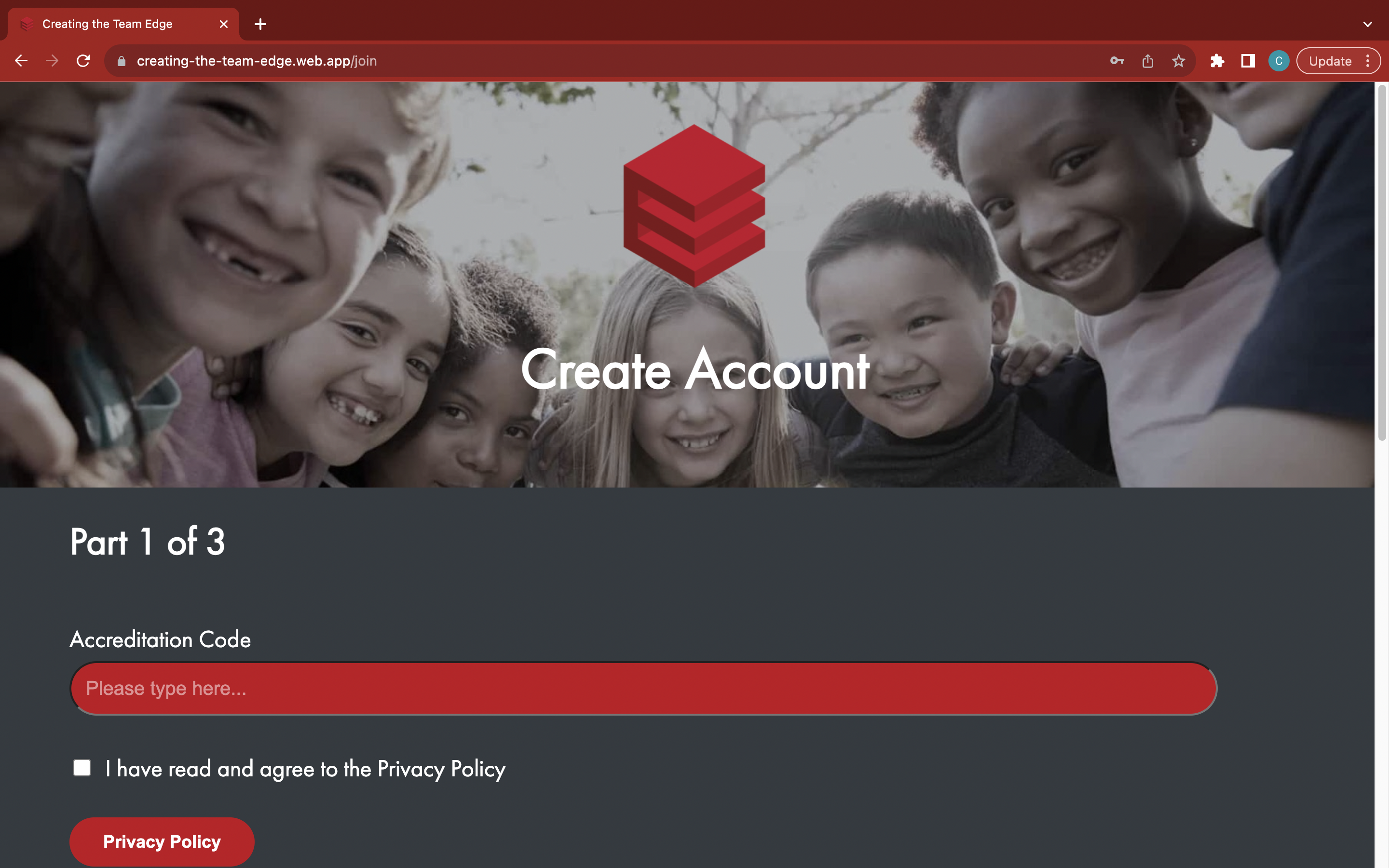
Paste your accreditation code
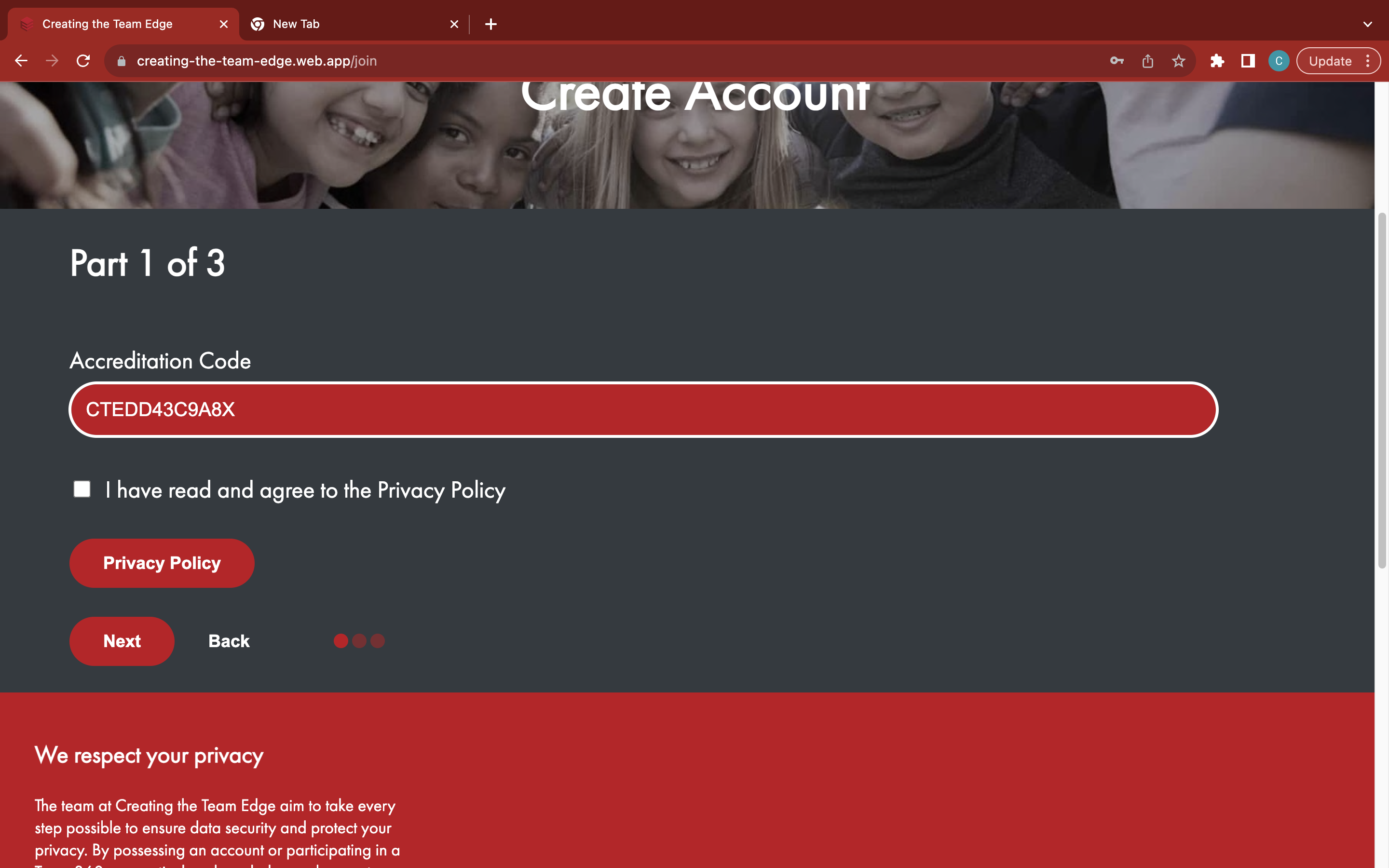
Read and agree to the Privacy Policy
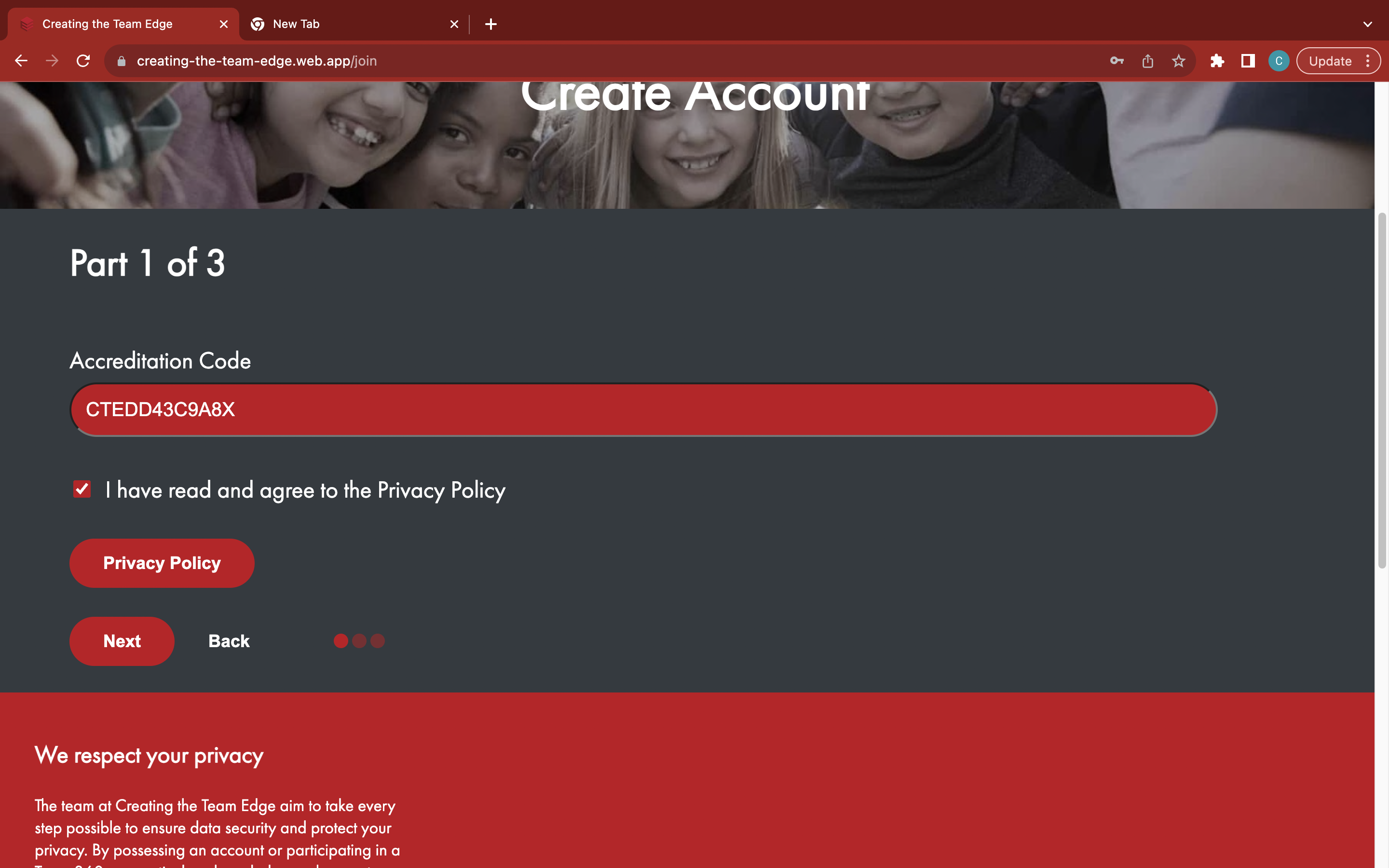
Click the red 'Next' button to open the 'Part 2' section
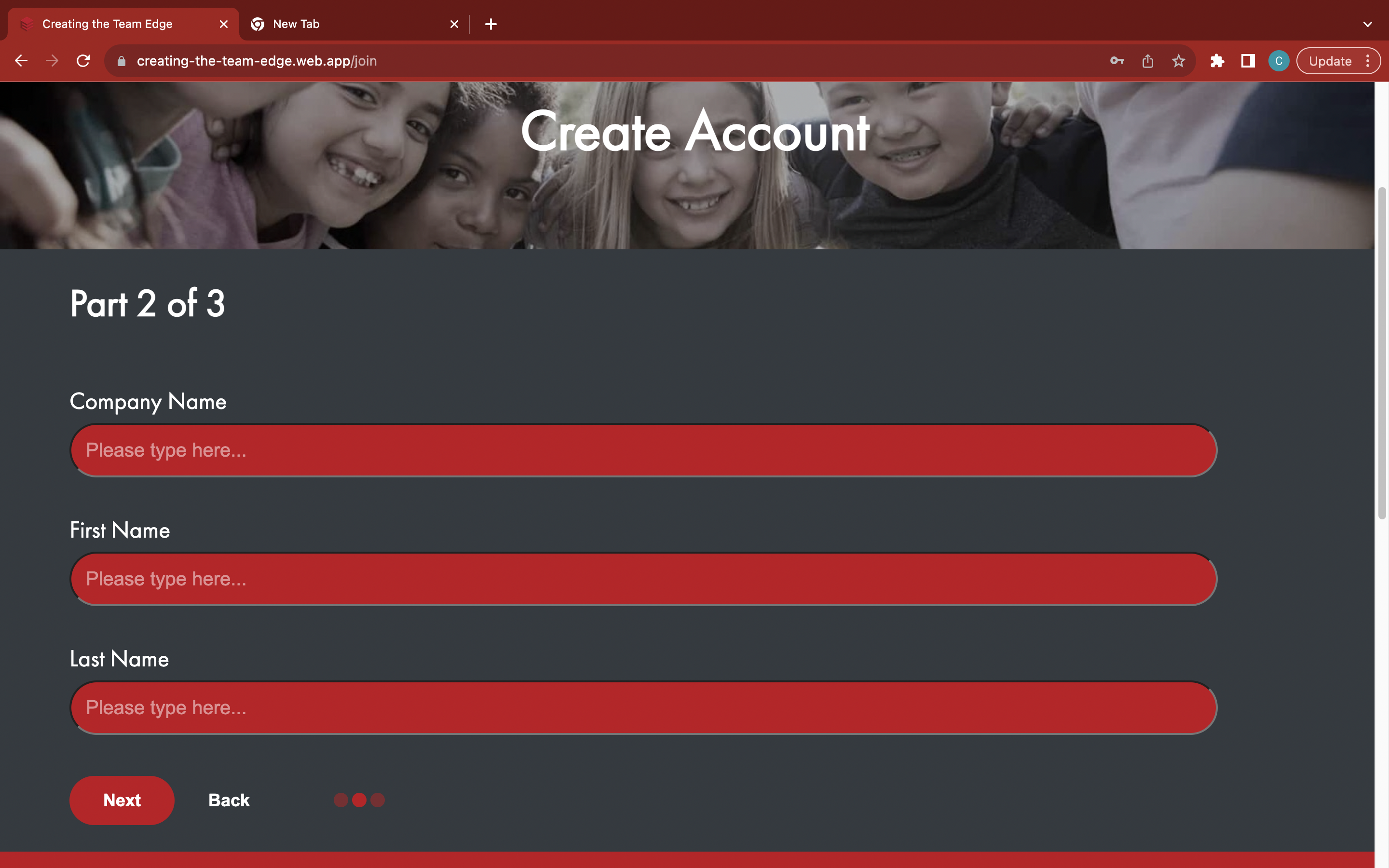
Enter your company name, first name, and last name separately

Click the red 'Next' button to open the 'Part 3' section
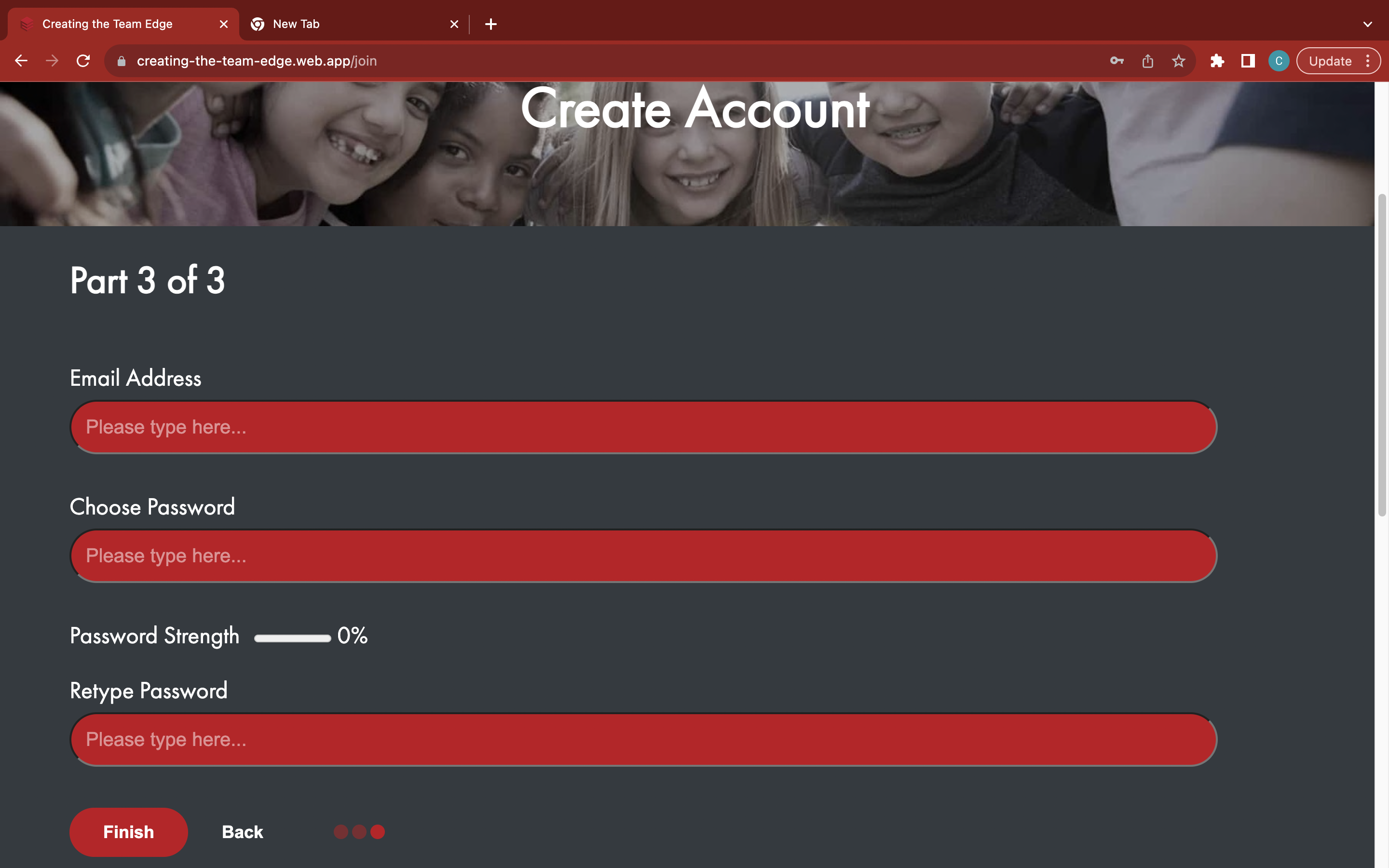
Enter your email address
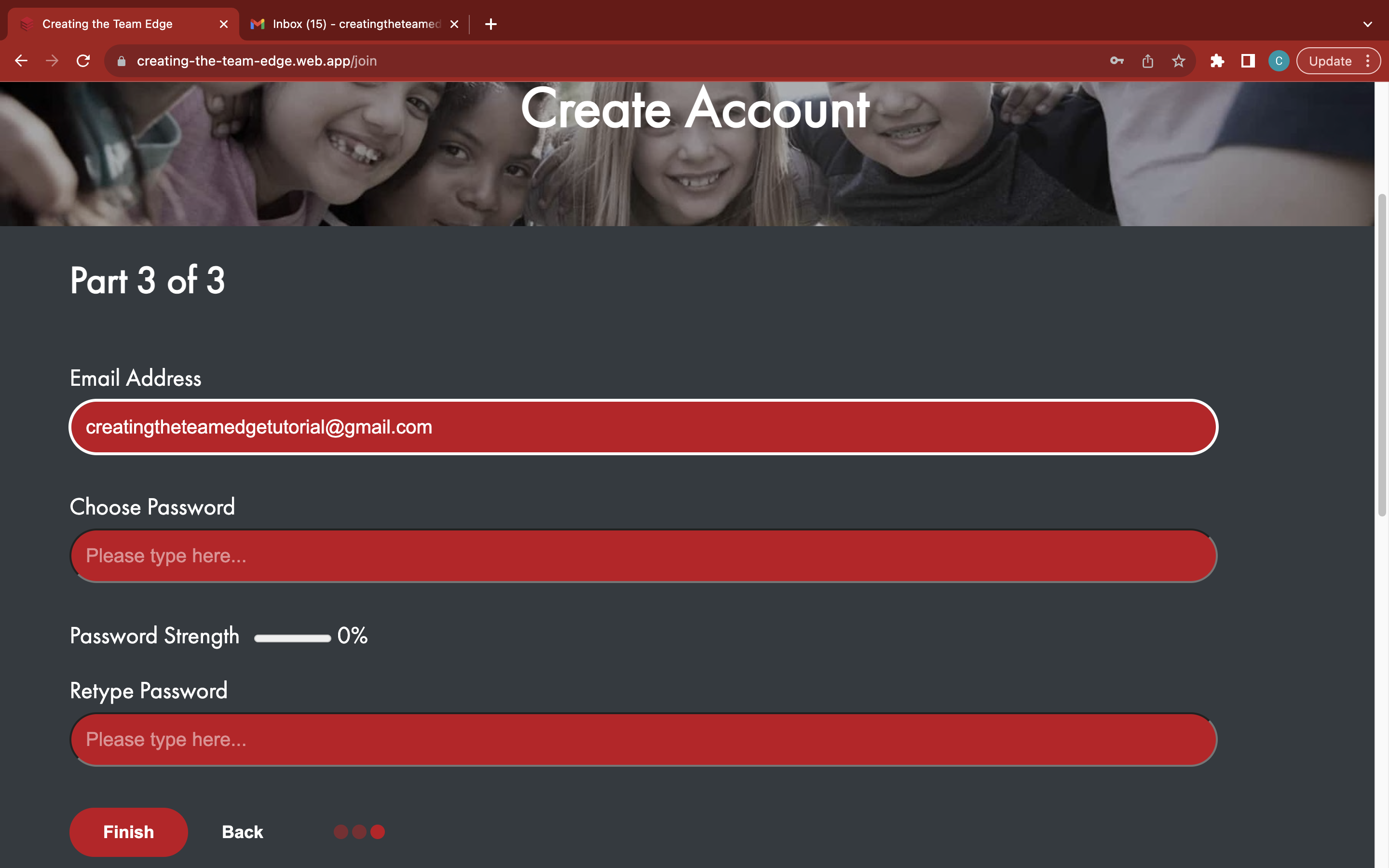
Choose a strong and memorable password
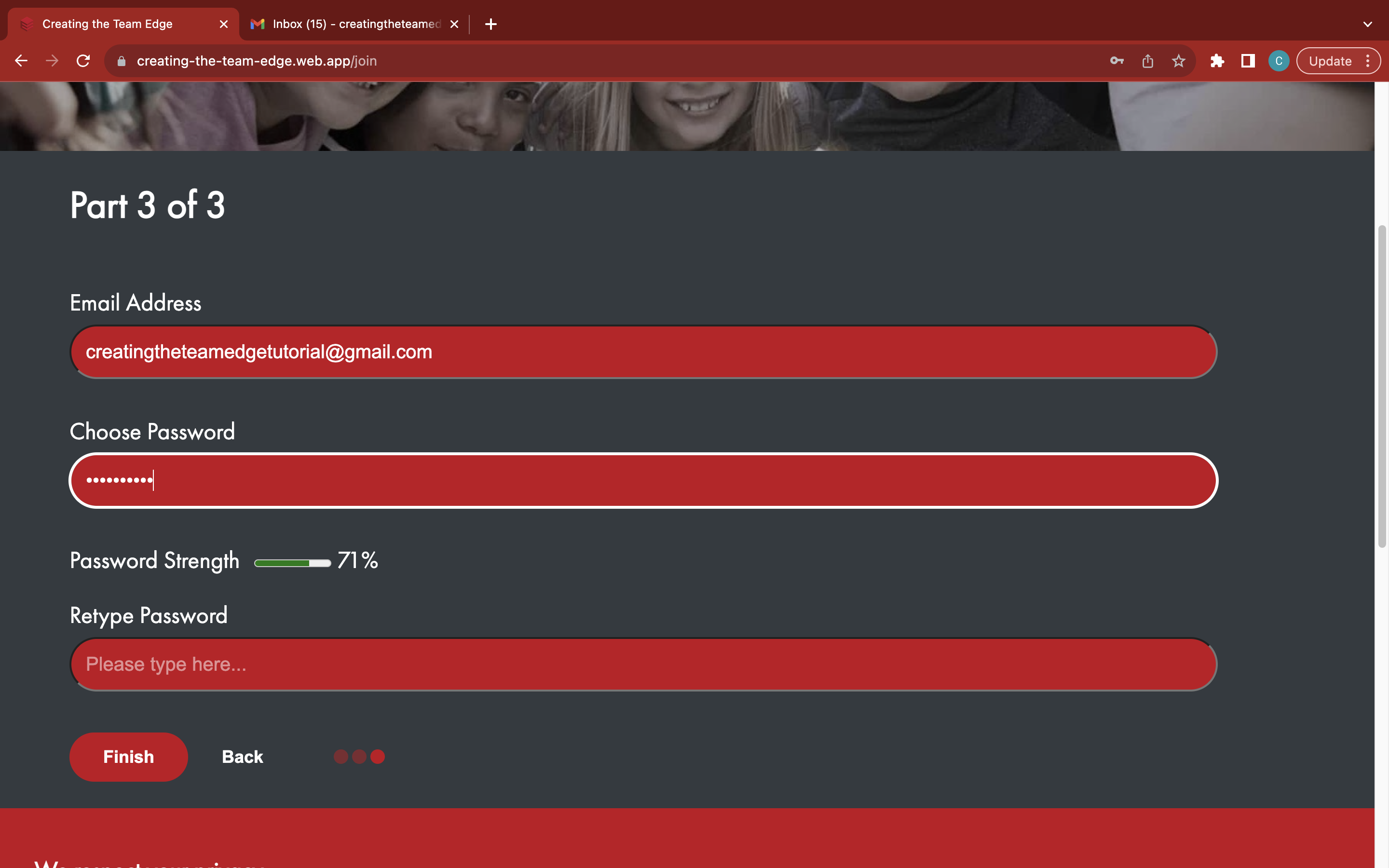
Re-enter your password to confirm
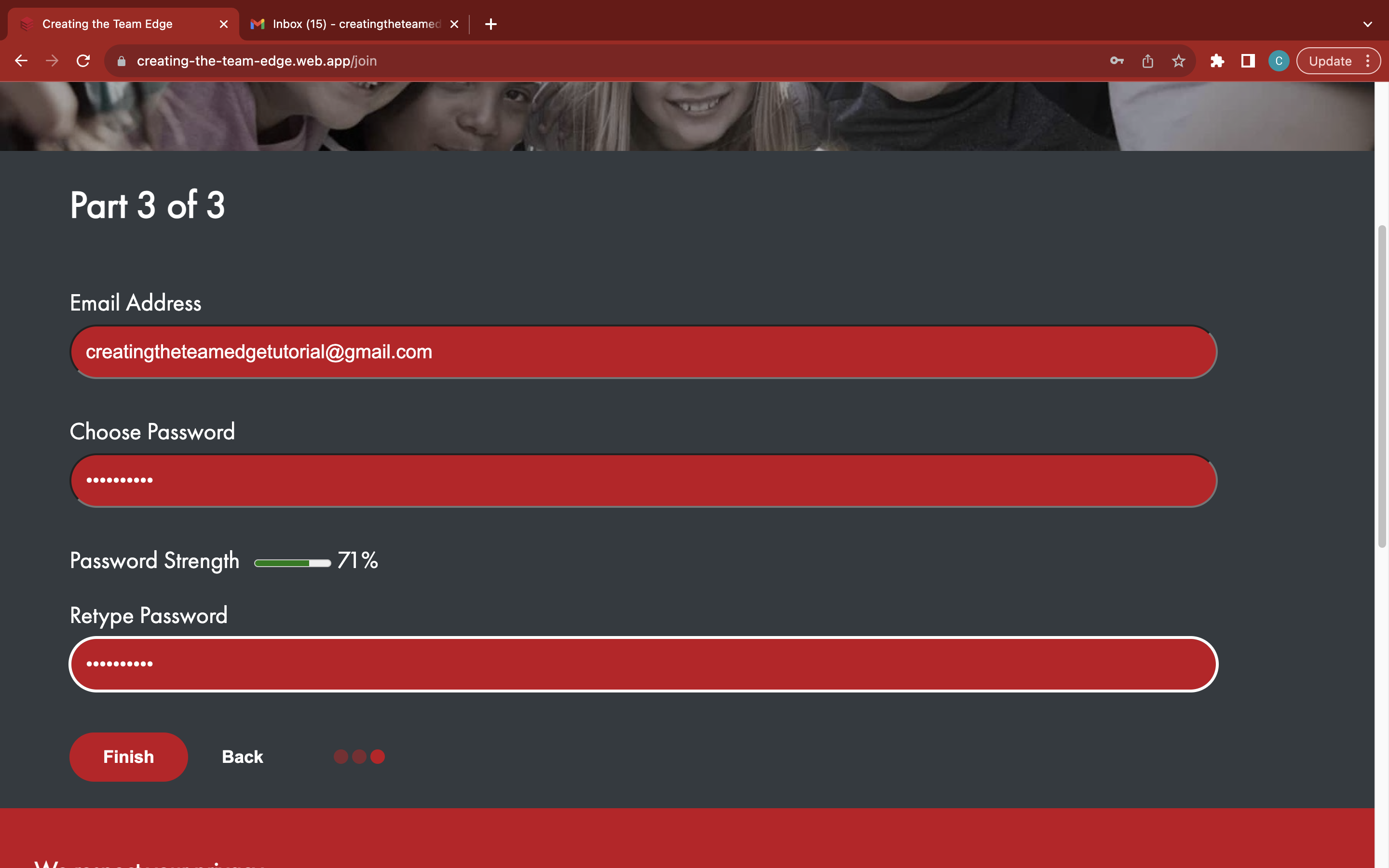
Click the red 'Finish' button to finish creating a new account