Invite an individual participant
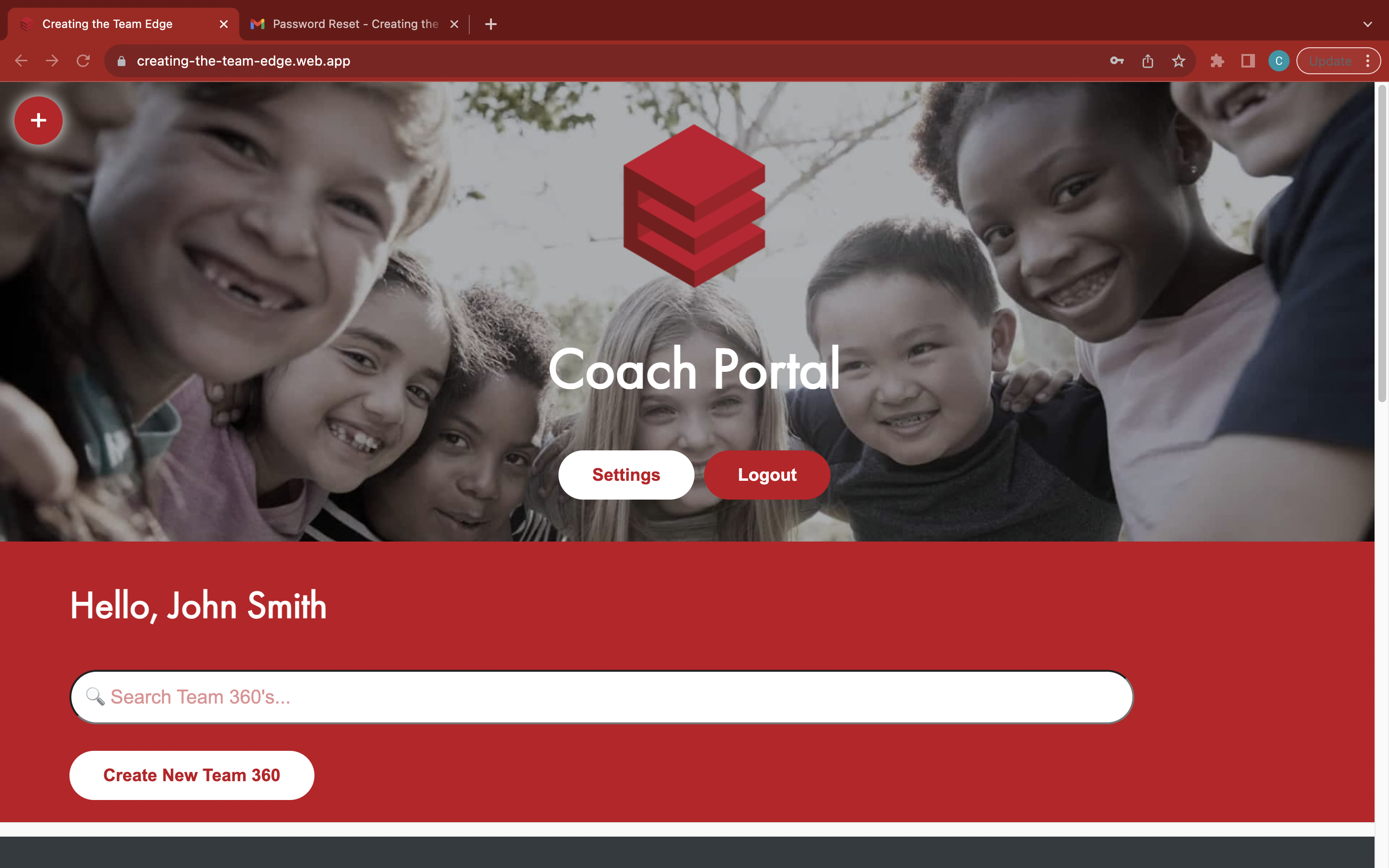
Go to the 'Coach Portal' page
Find your Team 360
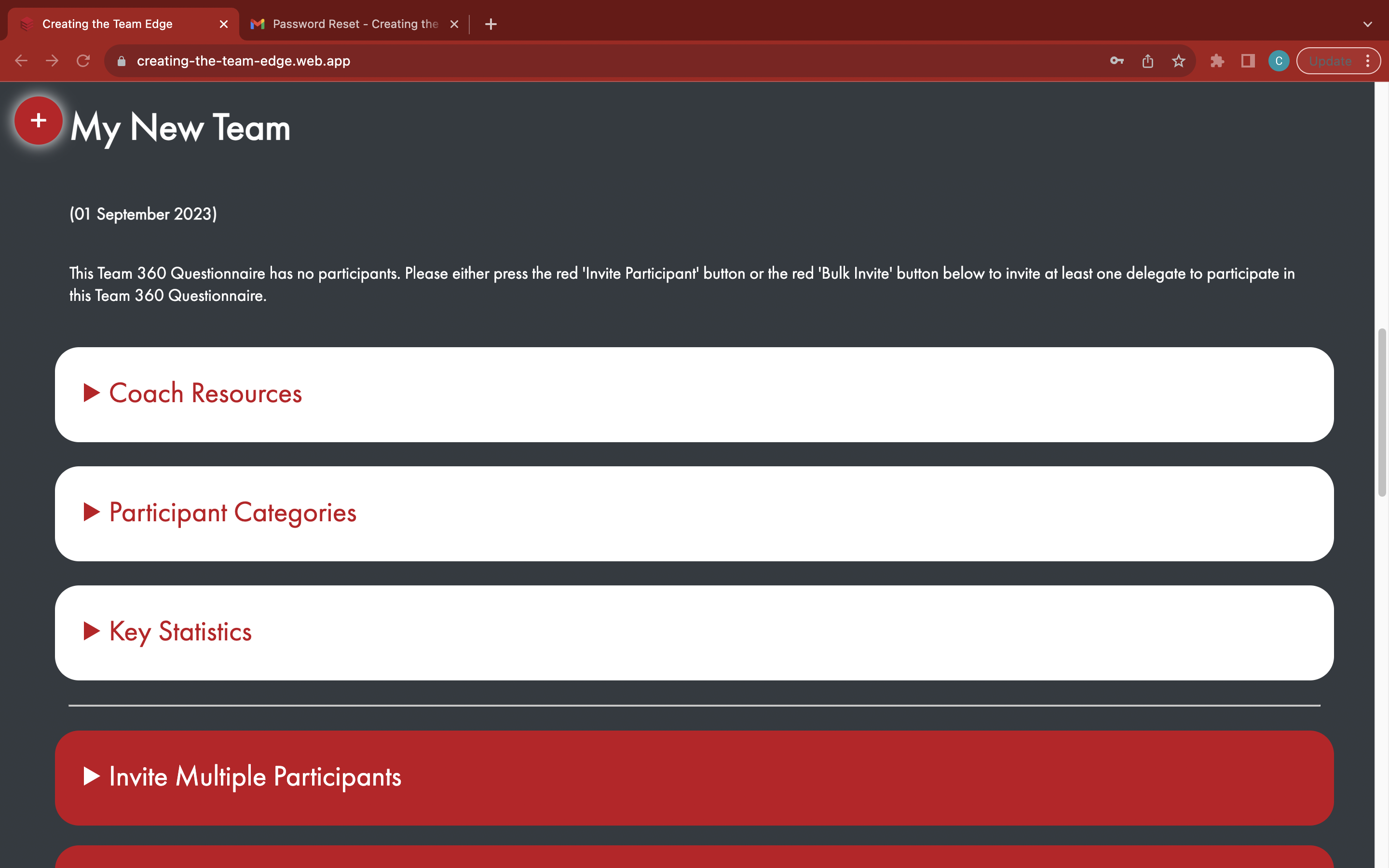
Open the red 'Invite Individual Participant' tab
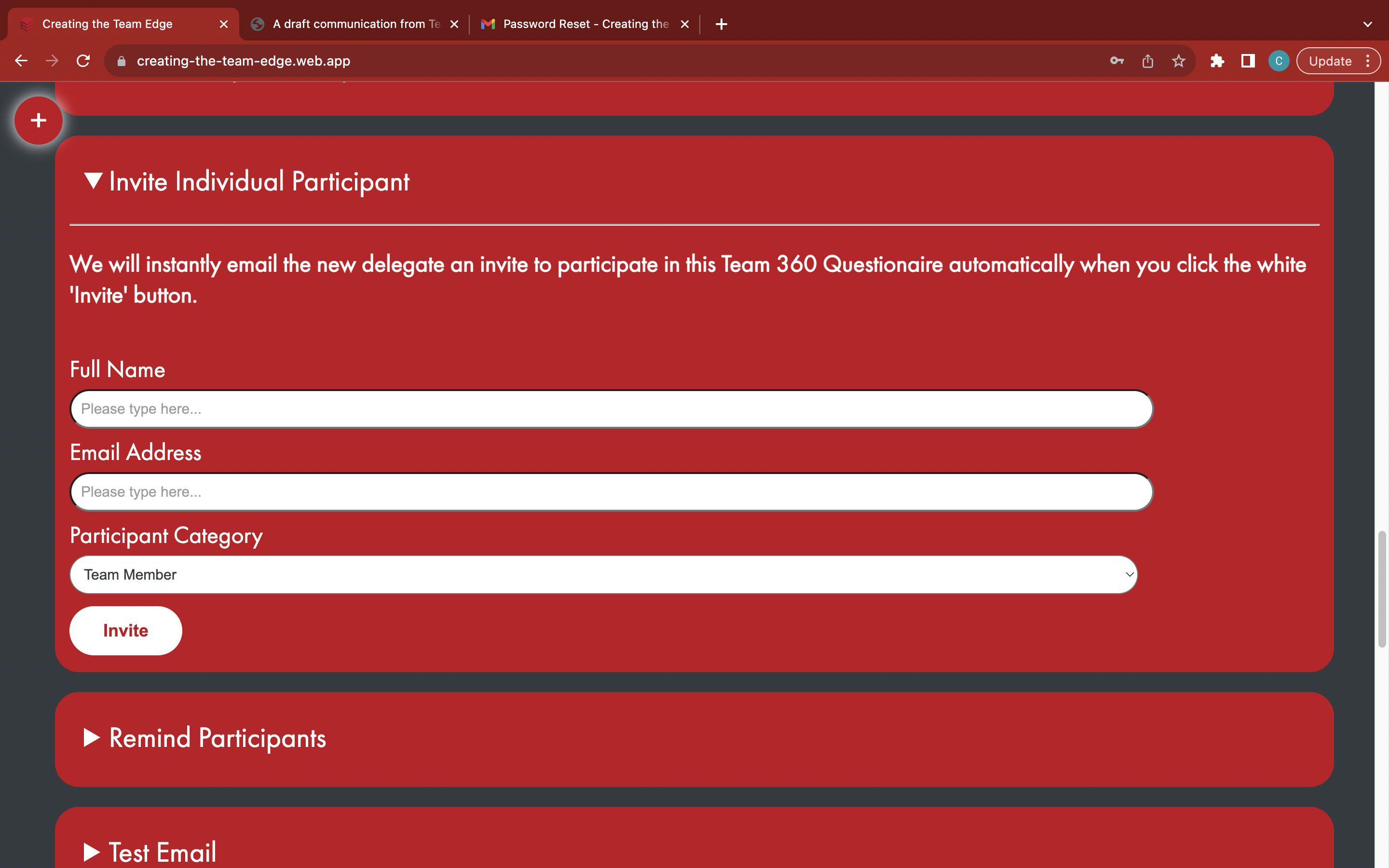
Enter the full name and email address of the participant
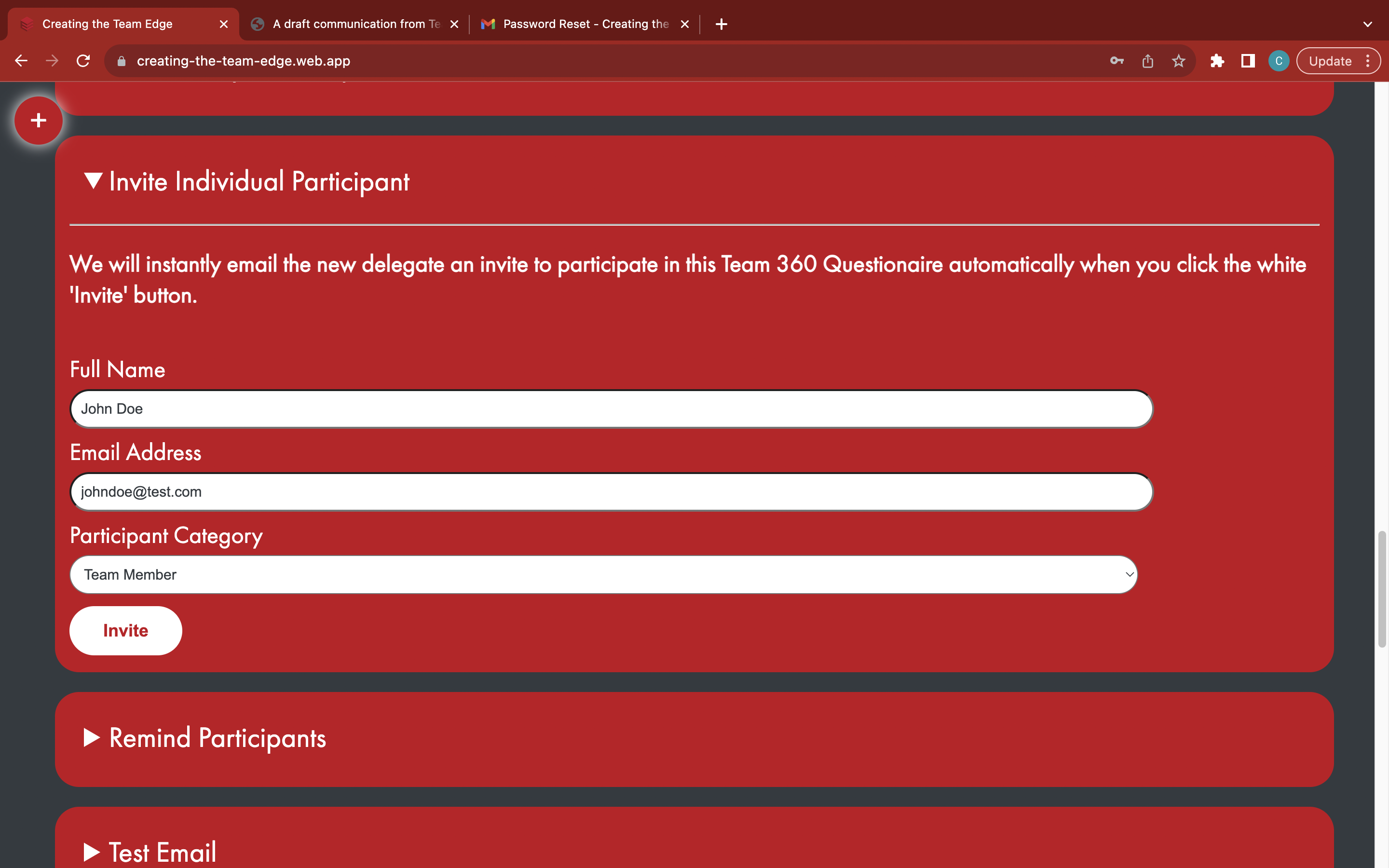
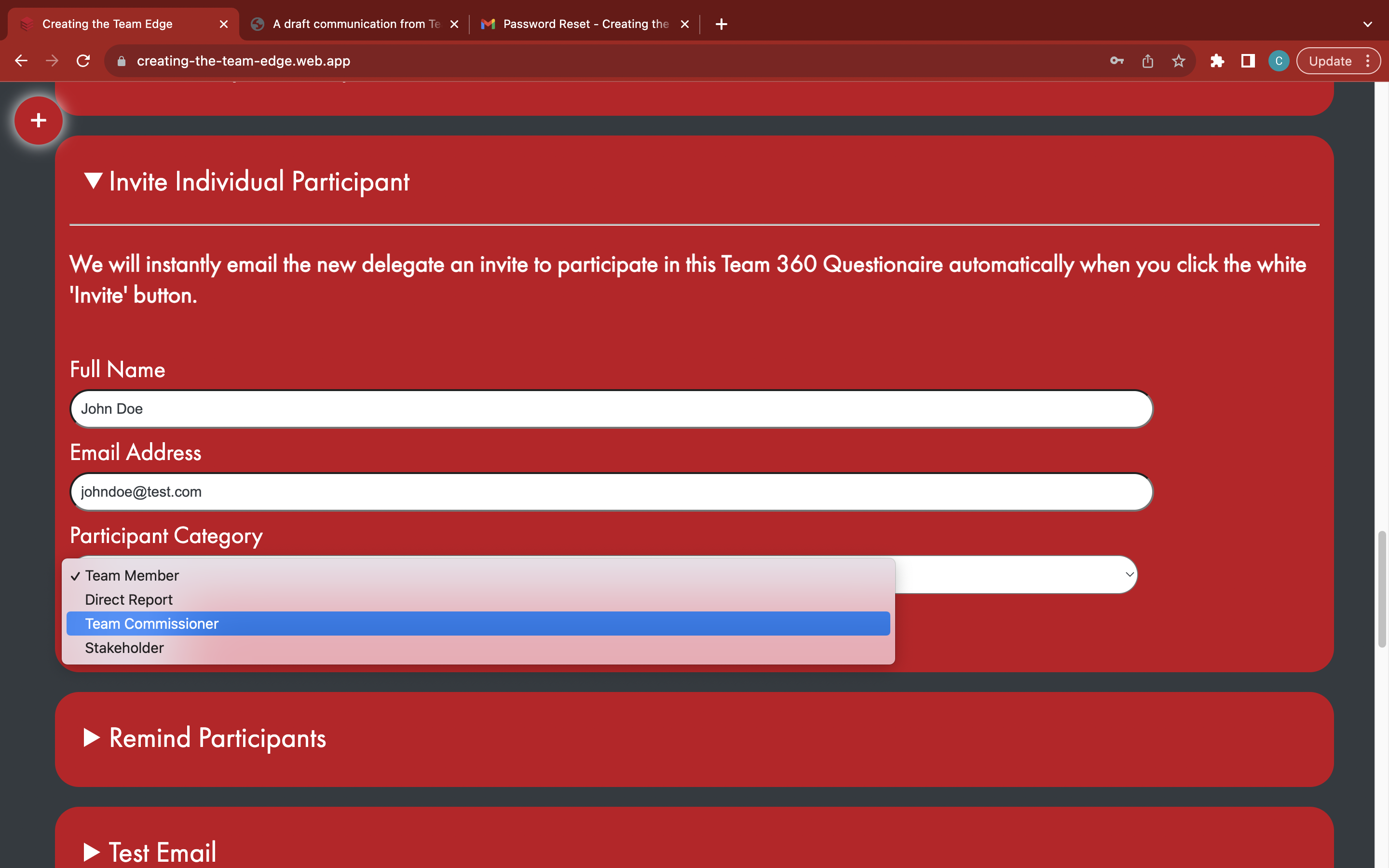
Choose a participant category
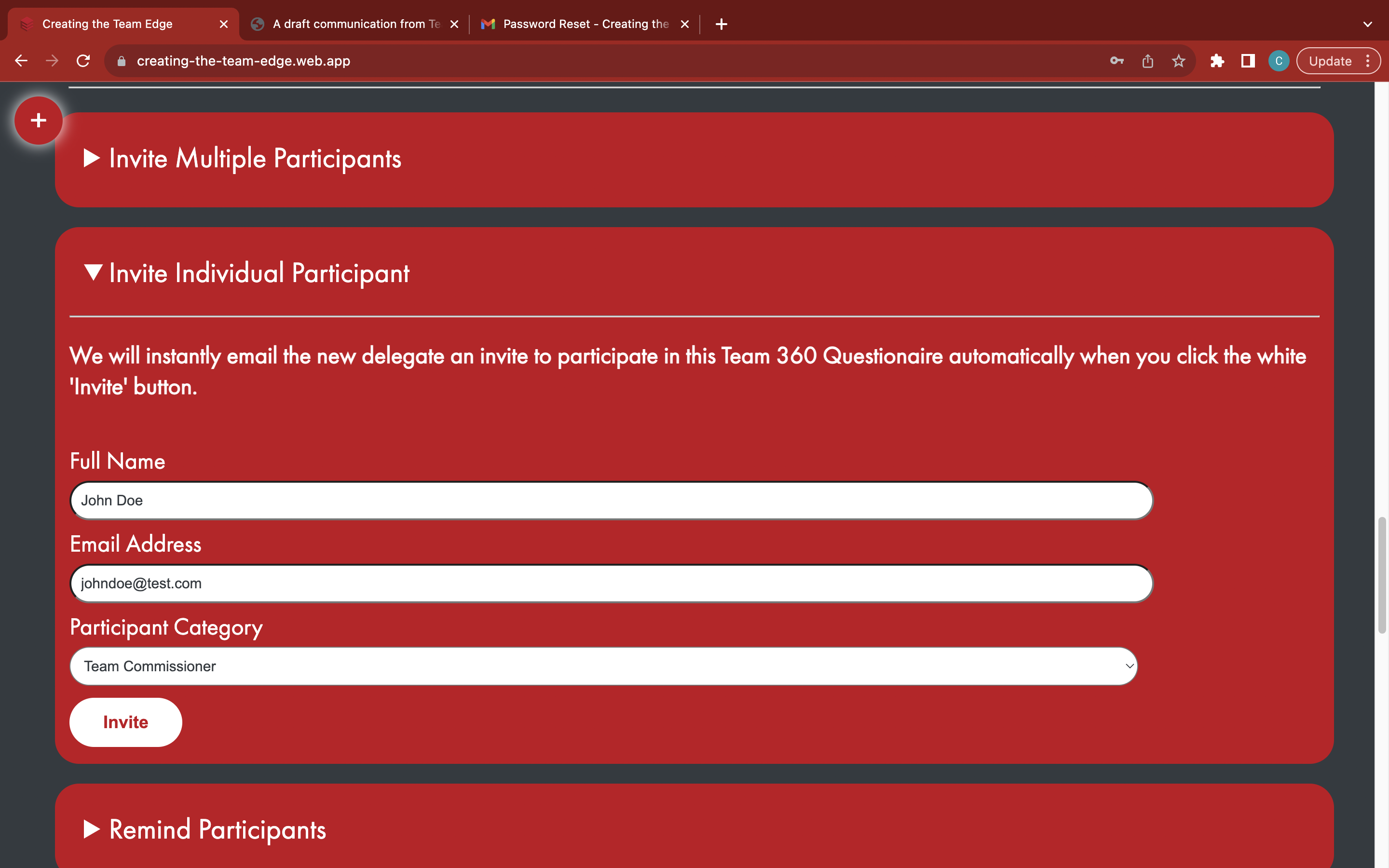
Click the white 'Invite' button to invite the new participant
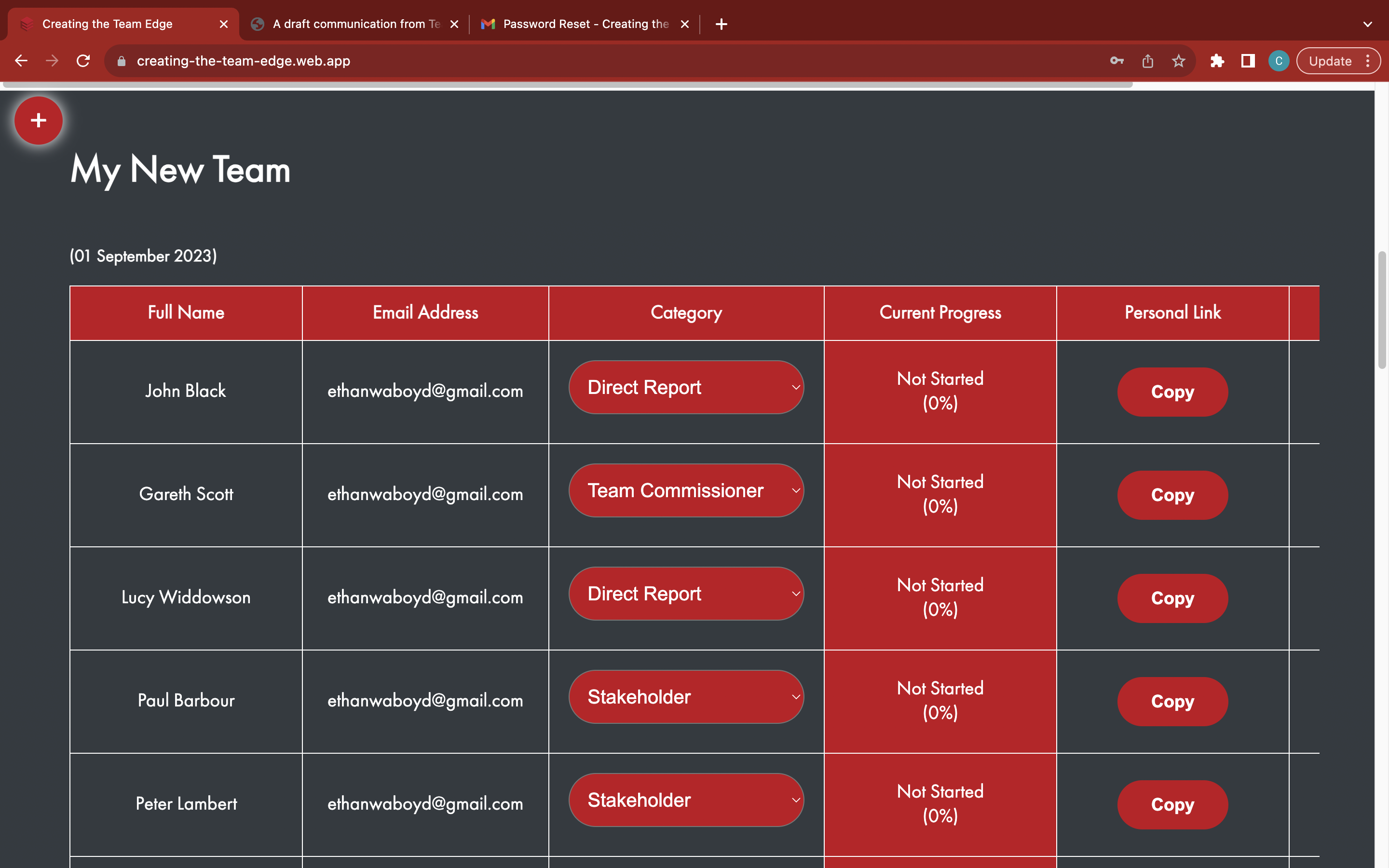
The participant will be automatically added to the Team 360
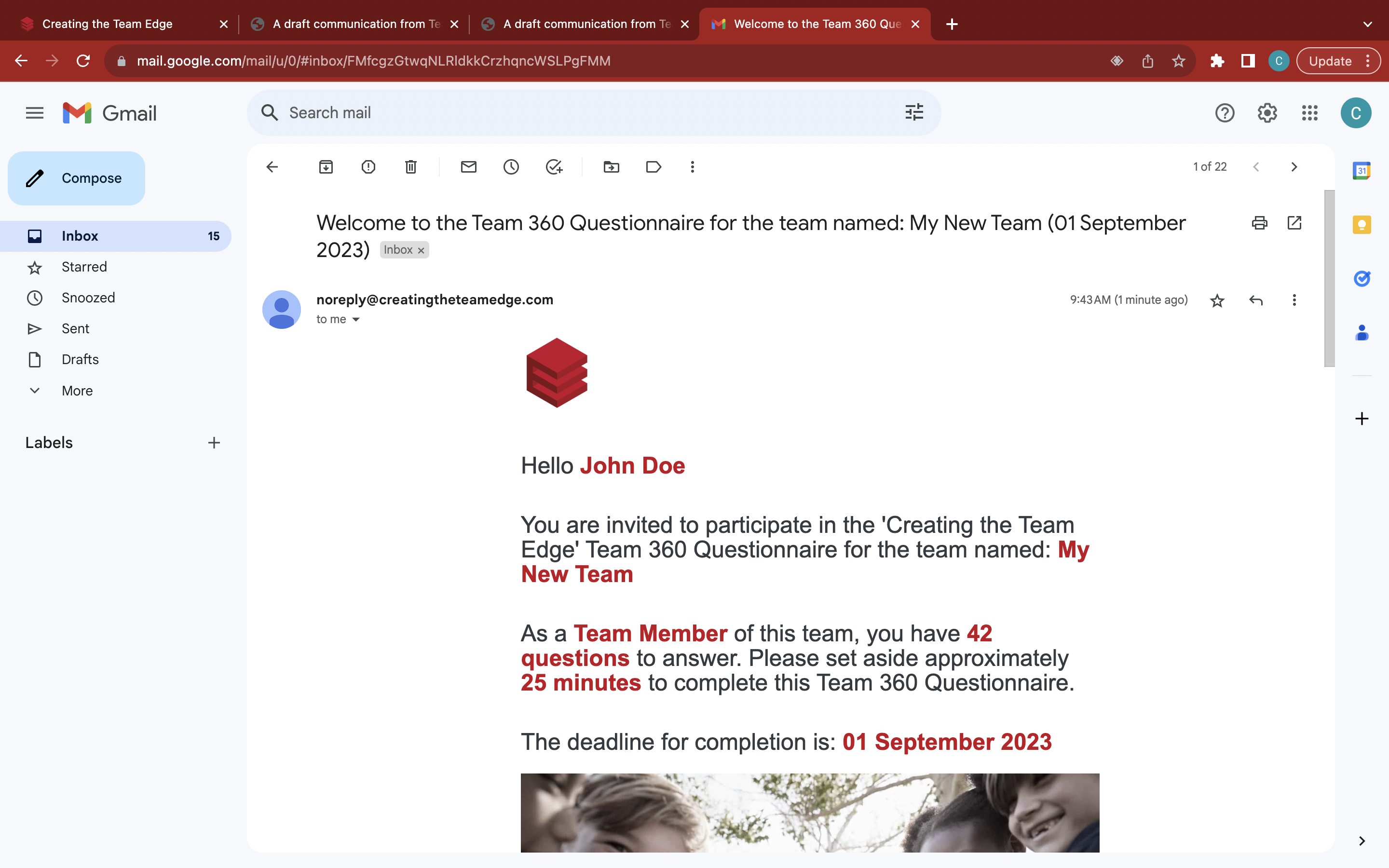
The participant will instantly receive an invitation email
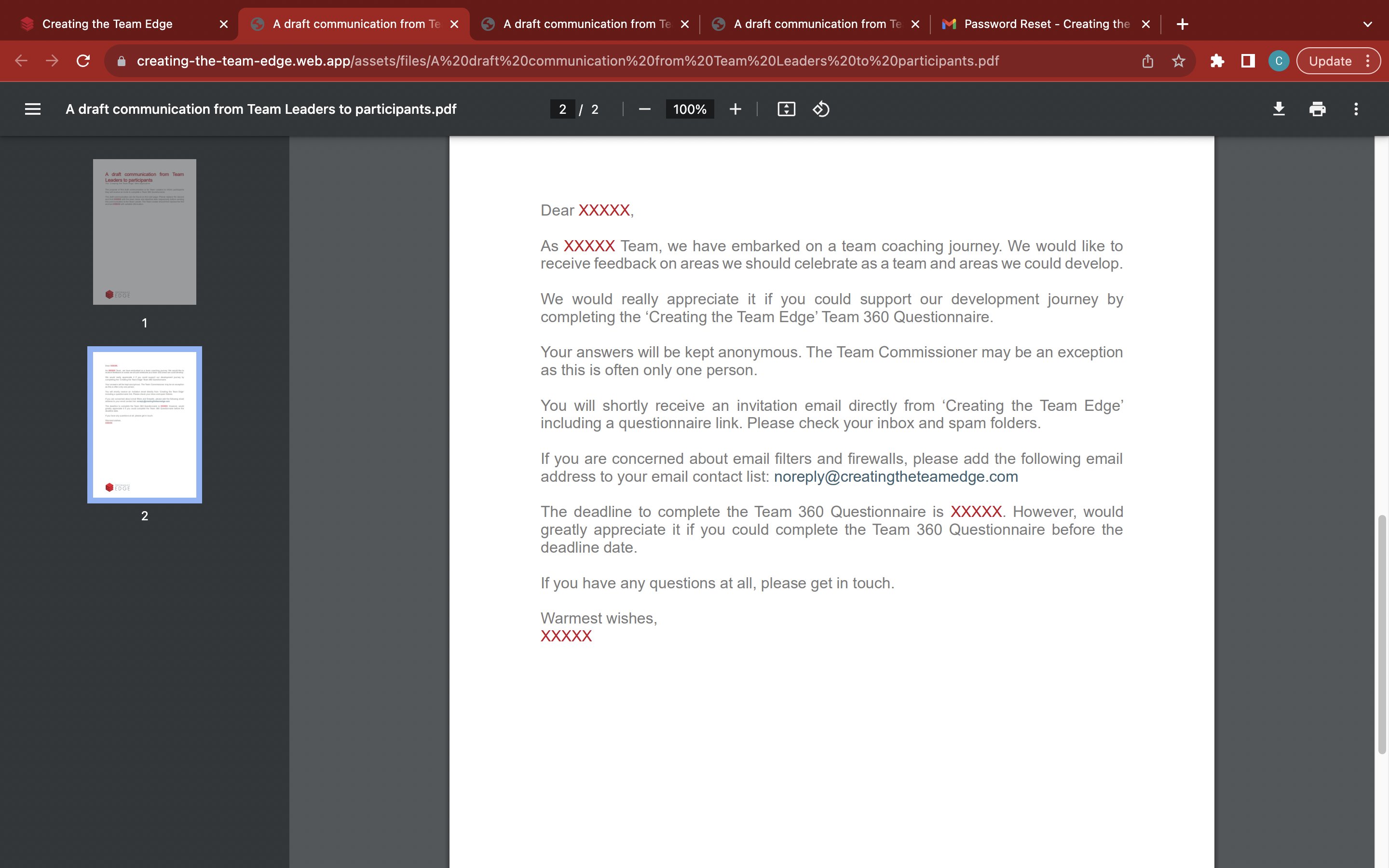
Send a copy of the 'A draft communication from Team Leaders to participants' email for the Team Leader to fill out and send to the new participant from https://tinyurl.com/tl2tp