Find coach resources
Please note: you must have at least one Team 360 to find the coach resources.
Go to the 'Coach Portal' page
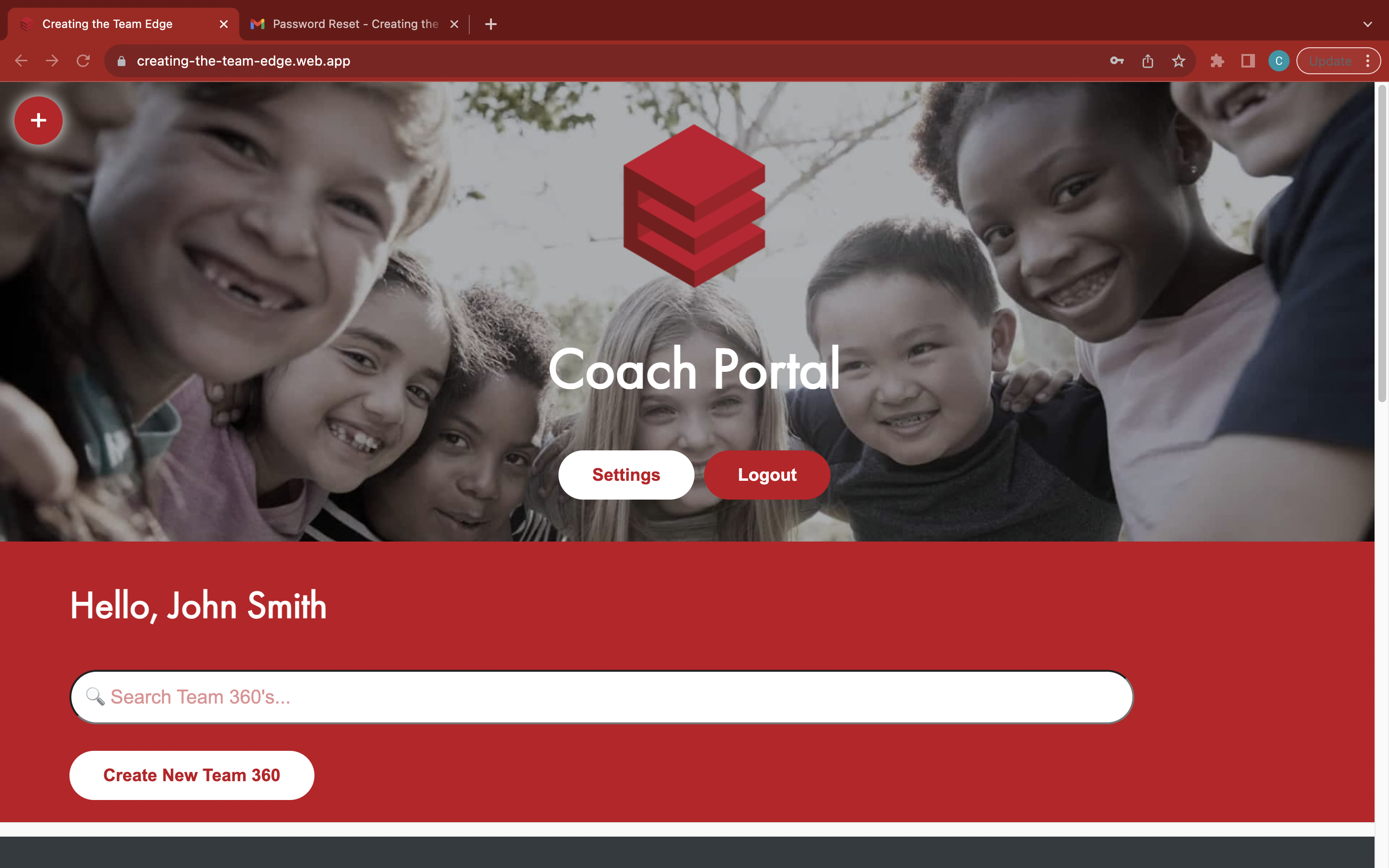
Find your Team 360
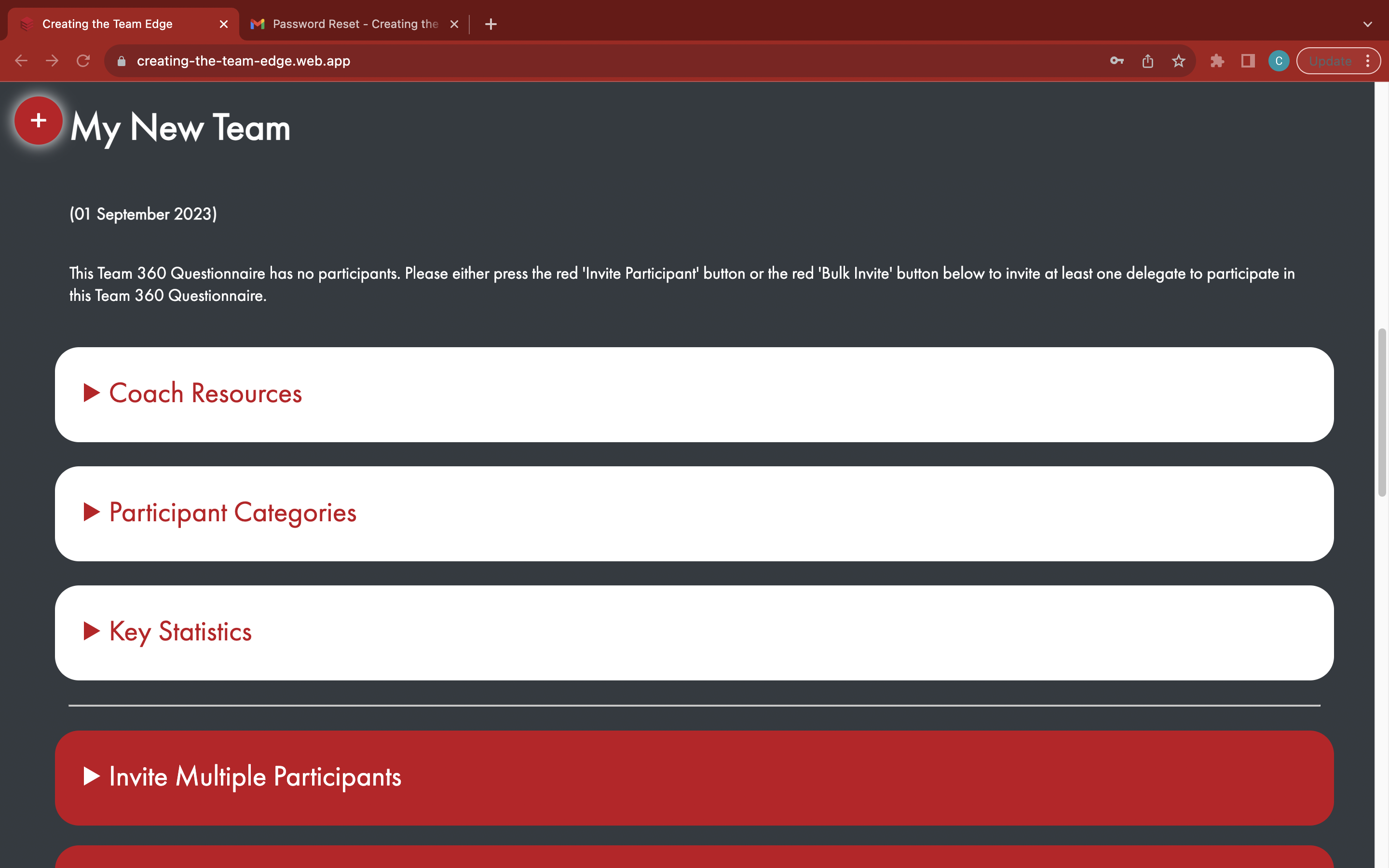
Open the white 'Coach Resources' tab
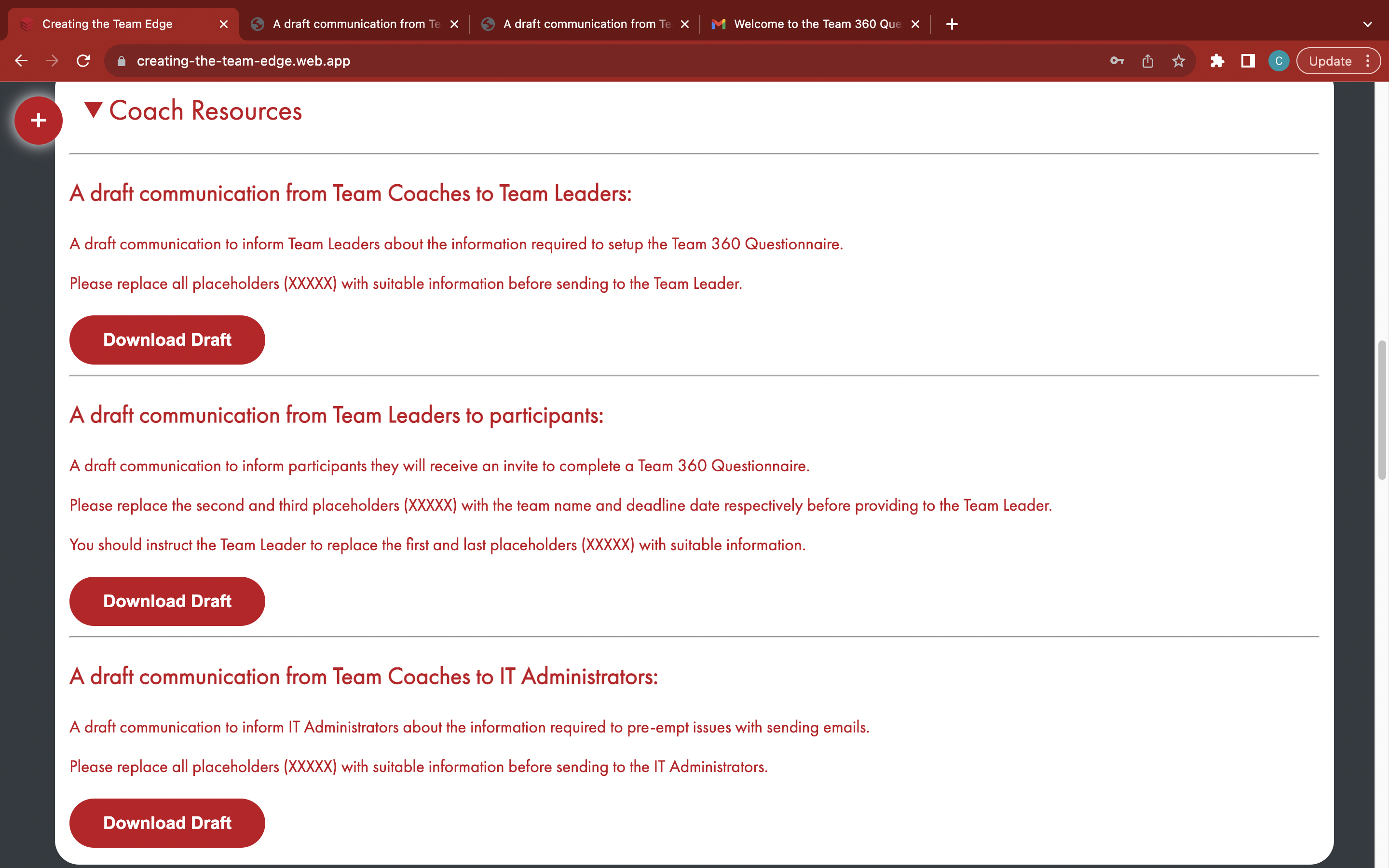
Select which draft email to download
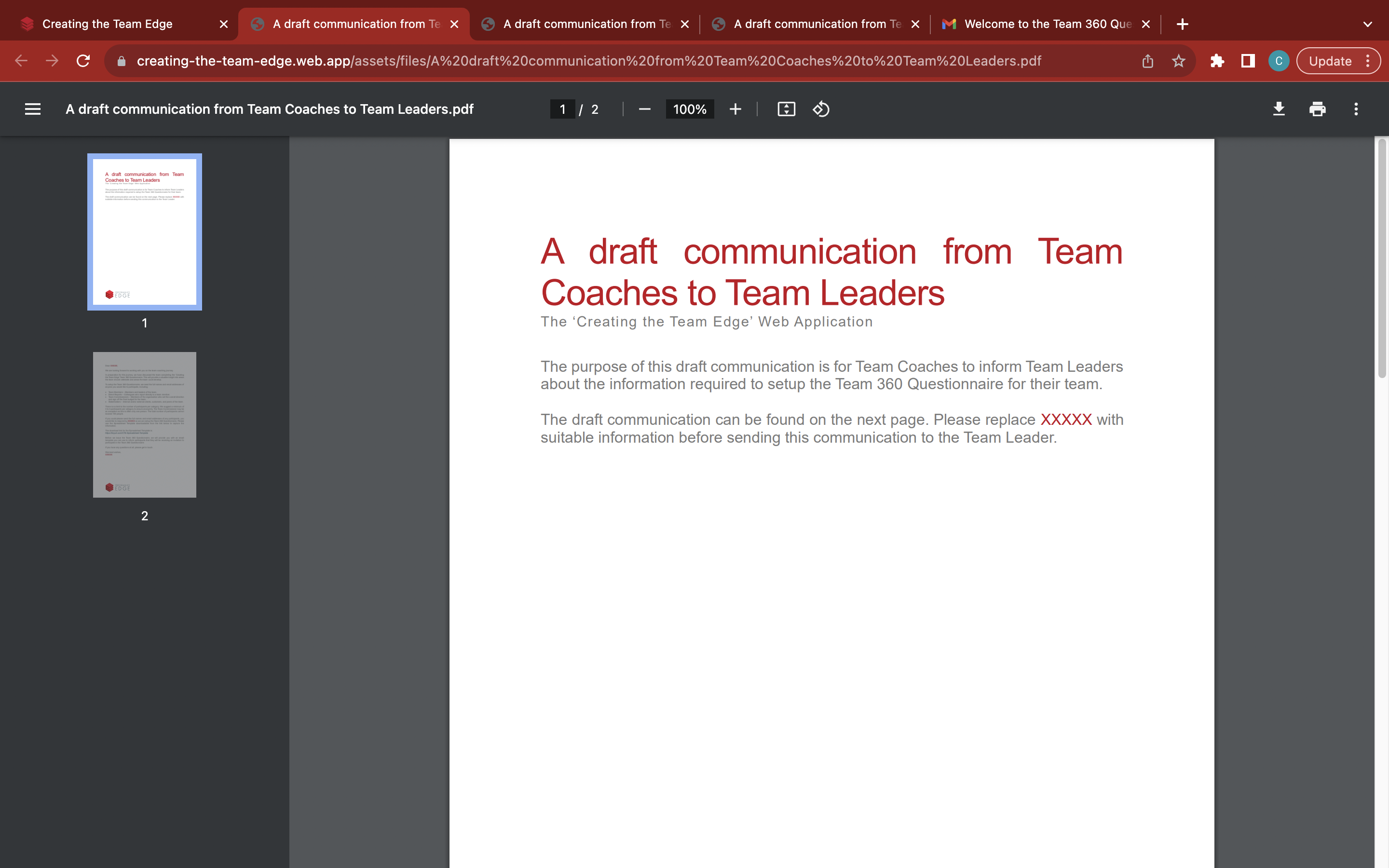
Alternatively, there are 4 coach resources which can be accessed below:
The 'A draft communication from Team Coaches to Team Leaders' email template lets team coaches inform team leaders about the information required to setup the Team 360 Questionnaire for their team. It can be found at: https://tinyurl.com/tc2tl
The 'A draft communication from Team Leaders to participants' email template lets team leaders inform participants that they will receive an invite to complete a Team 360 Questionnaire. It can be found at: https://tinyurl.com/tl2tp
The 'A draft communication from Team Coaches to IT Administrators' email template lets team coaches and team leaders inform IT Administrators about the information required to pre-empt issues with sending emails. It can be found at: https://tinyurl.com/tc2it
The 'Participant Multi-Invite - Spreadsheet Template' spreadsheet template lets team leaders give up to 100 participants at once they wish to invite to the Team 360 Questionnaires for team coaches to upload to the web application and invite. It can be found at: https://tinyurl.com/CTE-Spreadsheet-Template